Sales
Sales: quote, invoice, and get paid in the same place you market
Send quotes your customers accept and sign online, turn them into invoices they can pay by card, and watch every job move from request to paid on one board. It runs on the same contacts as your email, forms, and reports.
Quotes with e-signature
Invoices paid online
Request-to-paid board
The job is done. The invoice is still in your truck.
Quotes get typed in a word processor, invoices go out late, and nobody knows which jobs are still waiting on a payment. Every day between the work and the invoice is a day the money sits with someone else.
Quotes sit unanswered because the customer has to print, sign, and scan them back.
Invoices go out days after the job, and chasing unpaid ones means digging through email.
Customer details live in one app, quotes in another, and payments in a third.
See how a job goes from request to paid →
Why service businesses run their sales in Craftify
Sales sits next to your CRM and marketing, so the contact who filled in your form is the one who accepts the quote and pays the invoice.
Quotes customers accept online
Each quote gets its own page where the customer accepts it with a typed or drawn signature, asks for changes, or declines. Take a deposit with the quote, then convert it to an invoice in one click.
Invoices they can pay by card
Connect Stripe and customers pay by card from the invoice page, with the money going to your own Stripe account at processing cost. Record cash and cheque payments, partial payments, and refunds yourself.
A board that moves on its own
Every job sits on a board from request to paid. It moves forward when a quote is sent, accepted, invoiced, or paid, so the board shows what really happened, not what someone remembered to drag.
Part of the platform, not another app
Quotes and invoices go to the contacts in your CRM, requests can come straight from your website forms, and the money shows up in your reports.
Works with
From the first form to the last payment
The contacts you quote, the forms that bring in requests, and the reports that show what was collected.
Import from CSV, QuickBooks, or Shopify, or let your website lead forms add contacts for you. Tag, segment, add notes, and move leads through pipelines that trigger follow-ups.
See the CRM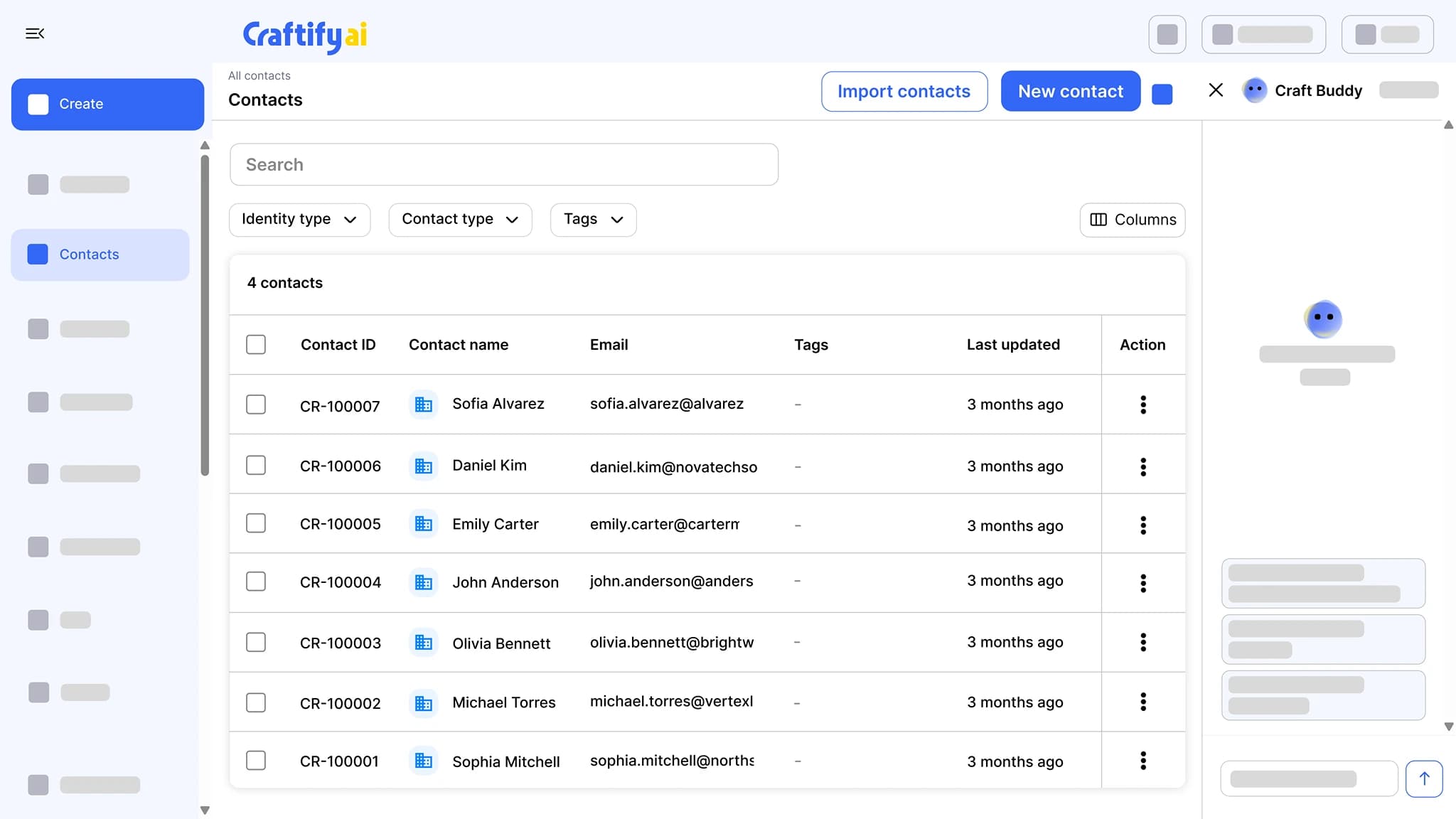
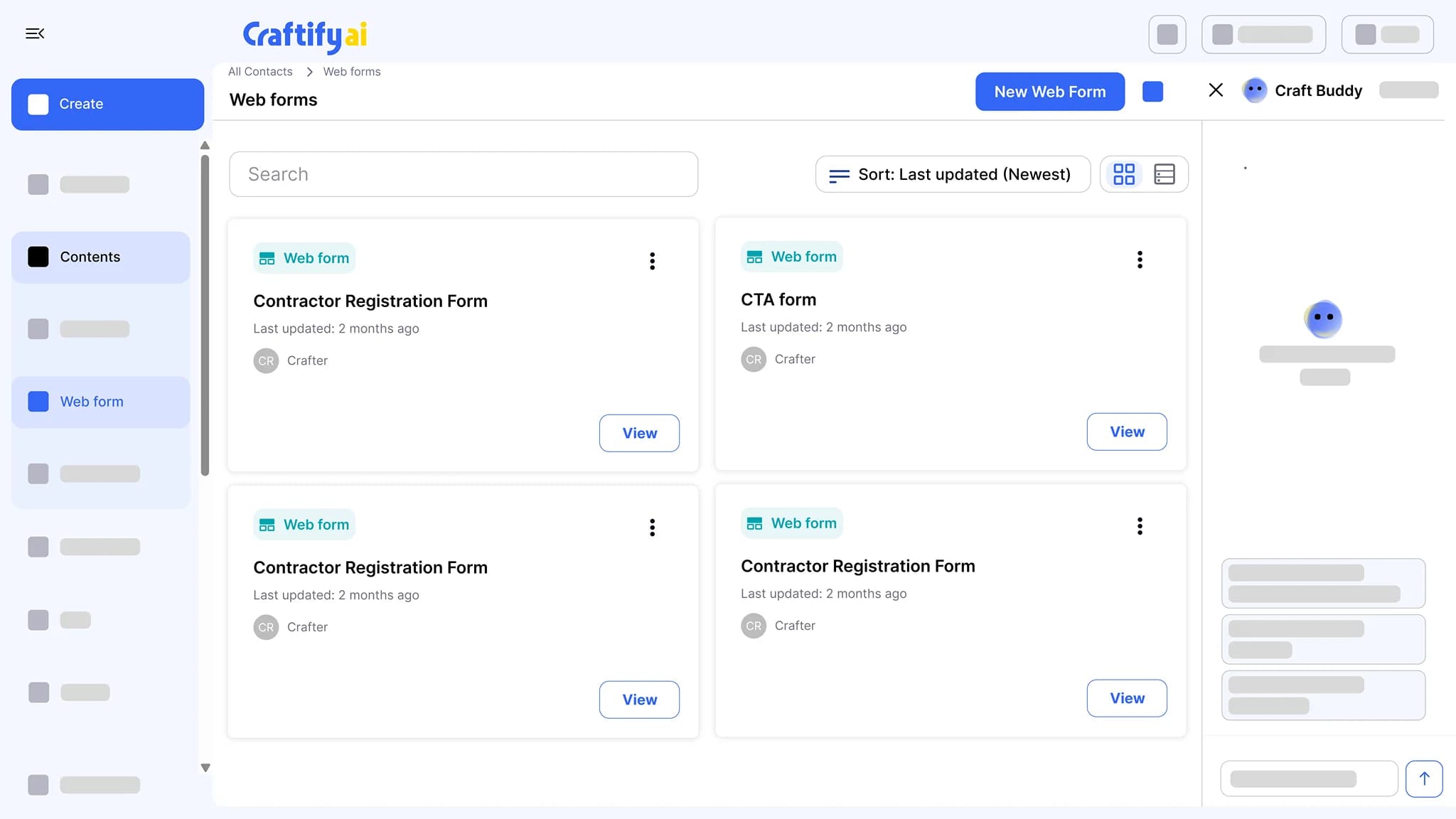
Build a form, embed it on your website, and every submission becomes a contact with the form fields on the record. A welcome automation can start the moment the form is sent.
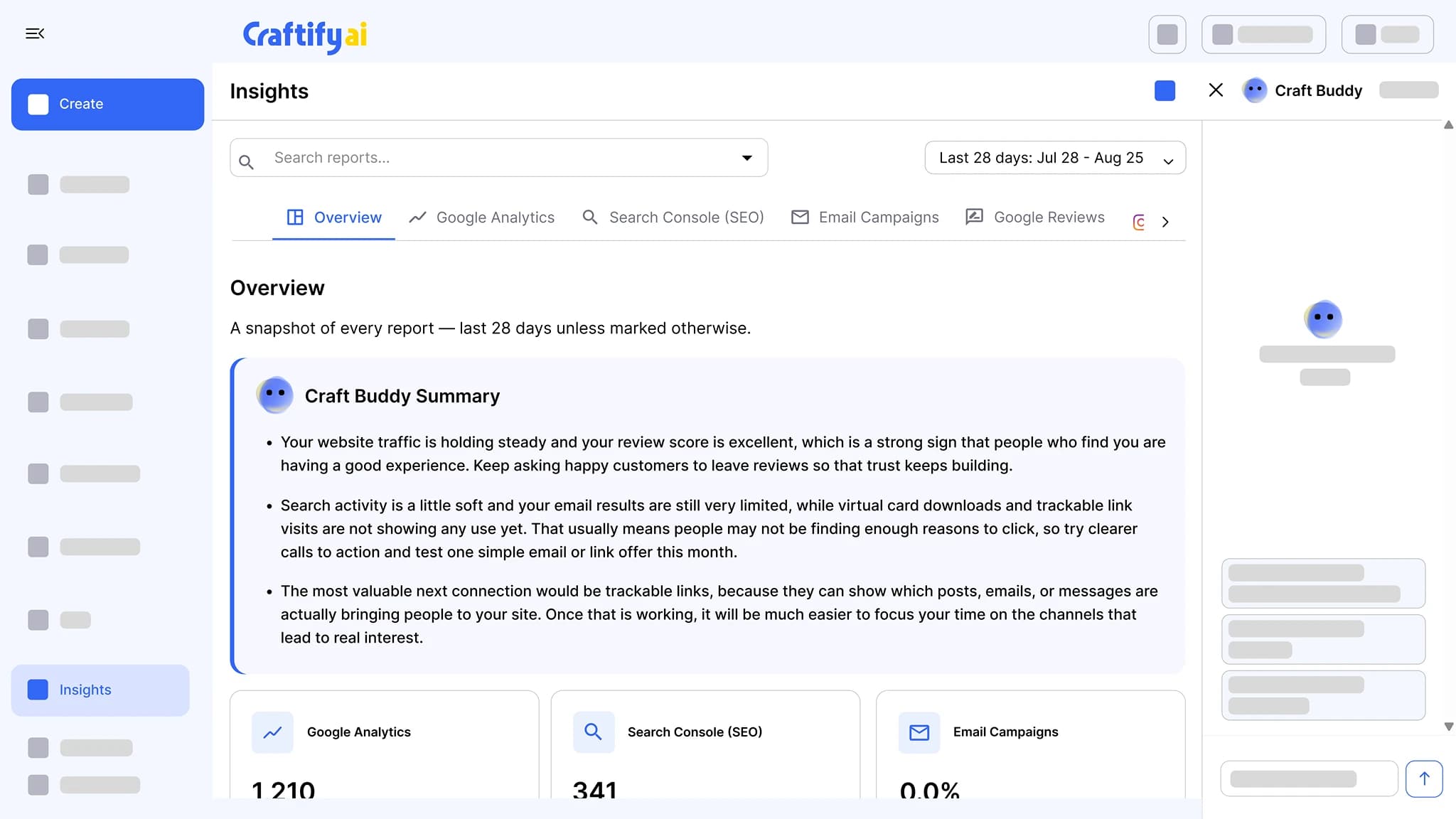
See lead formsGoogle Analytics, Search Console, email results, Instagram, and Google reviews in one place, each with a Craft Buddy summary that says what to do next.
See insights
Want to see it with your own jobs? Book a demo and we will walk through a quote from request to paid.
How it works
Set up your terms once, then every job follows the same path from request to paid.
1
Set it up for your business
Call your work jobs, projects, deals, or cases. Add your tax rates, a catalog of the items you sell, numbering, and the stage names your team uses. Connect Stripe to take payments online.
2
Quote the job
A request comes in from your website form or you add one yourself. Build the quote from your items, add discounts and tax, and email it to the customer with a link to its own page.
3
Invoice and get paid
Once the customer accepts, turn the quote into an invoice. They pay online or you record the payment, then send the receipt from the invoice. Overdue, outstanding, and collected totals sit at the top of the board.
Ready to send your next quote from Craftify?
Frequently asked questions
Sales is the Craftify AI add-on for quotes, invoices, and payments. You track every job on a board from request to paid, send quotes your customers accept and sign online, turn them into invoices, and take payments by card through Stripe or record them yourself. It works with the same contacts as your CRM, email, and lead forms.
Each quote has its own page. The customer reviews it, then accepts with a typed or drawn signature, asks for changes, or declines. If they ask for changes, you revise the quote and send it again. You can also attach a PDF and take a deposit with the quote.
Yes, once you connect Stripe in your payment settings. Customers pay by card from the invoice page, and US businesses can also take bank payments on US dollar invoices. Payments go to your own Stripe account at processing cost. Online payments are available to businesses in the United States and Canada.
Partial payments are recorded against the invoice, and the balance stays on it until it is paid. You can also record cash or cheque payments, issue refunds, void an invoice, or write off what will not be collected.
No. Pick jobs, projects, deals, or cases, and the board, the menus, and your document numbers follow the word you chose. You can rename the stages and add your own.
Quotes and invoices can be in US dollars or Canadian dollars.
The board shows overdue, outstanding, and recently collected totals. The Financial Reports tab in Insights adds receivables aging, collections over time, your pipeline, the quote win rate, write-offs, and the items you sell most, and you can export payments and payouts as CSV.
Sales is an add-on to a Craftify Core or Pro plan. You can add it from your subscription settings, and new accounts can try it during the free trial.