Strategy Tutorial
Researching with Business Crafts on Craftify AI is easy!
When setting up your Business Profile in Craftify AI, it's a great idea to go ahead and do some of the research related business crafts to get you started on creating personalised marketing content.
In this tutorial we walk you through the Business Stationary, Competitor Research, Keyword Set, Audience Segment Persona crafts. For example, the Keyword Set tool is helpful for jumpstarting your SEO and researching the keywords that will work best for your marketing efforts. While the Audience Segment Persona tool will help you define and segment your target audience. These crafts that you create here can be used and referenced when writing a blog, sending out a newsletter, and crafting tailored social media content.
If you haven't yet set up and enhanced your Business Profile, you can learn how to do that HERE.
Strategy
Choose 'Strategy' on the left-hand dashboard menu.
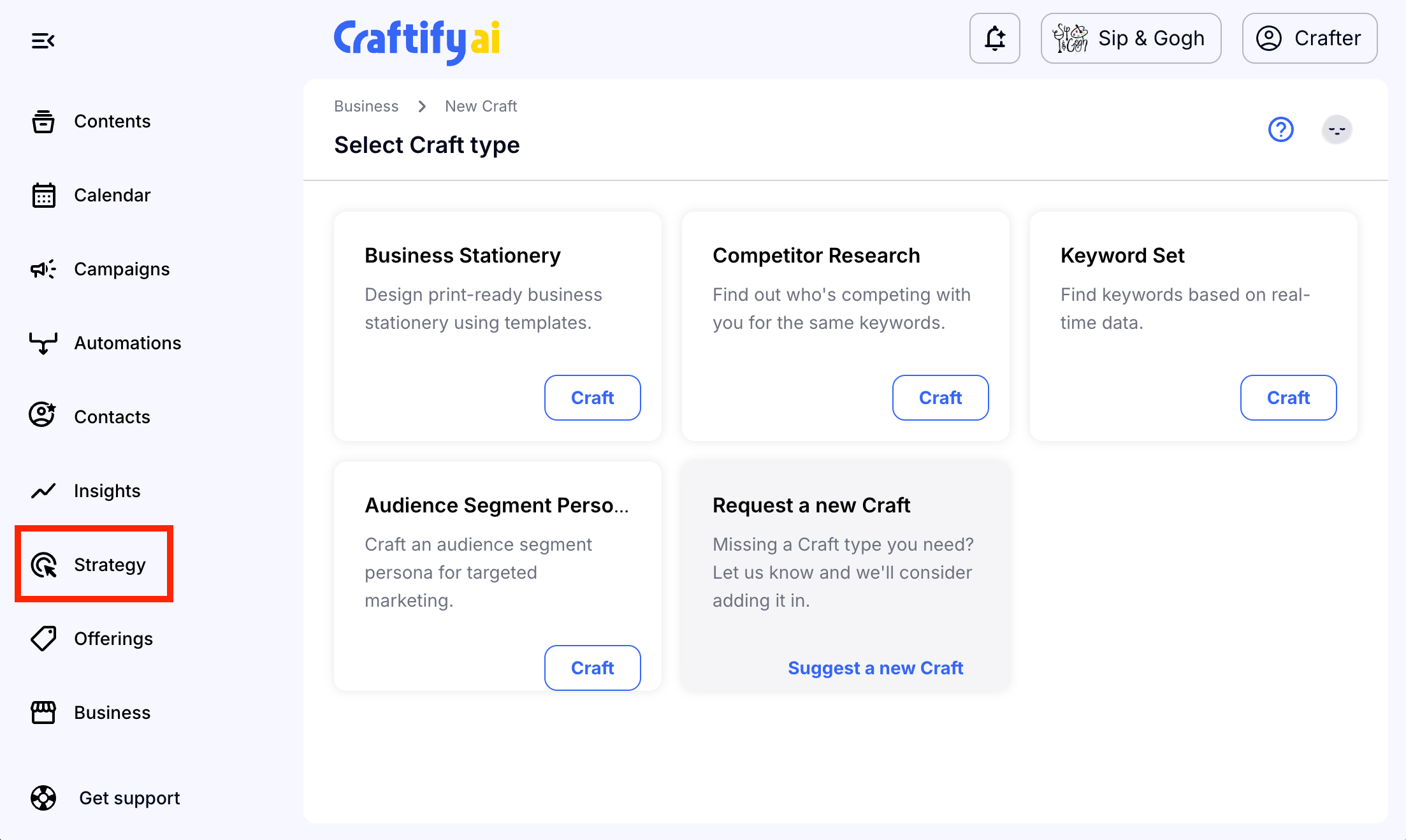
And you can see that there are the 4 different Business Crafts.
Business Stationary
Every business needs a business card, letterhead, envelope, and invoice design. Together with the Visual Designer, you can create all of these in minutes.
To get started, under Strategy choose Business Stationary.
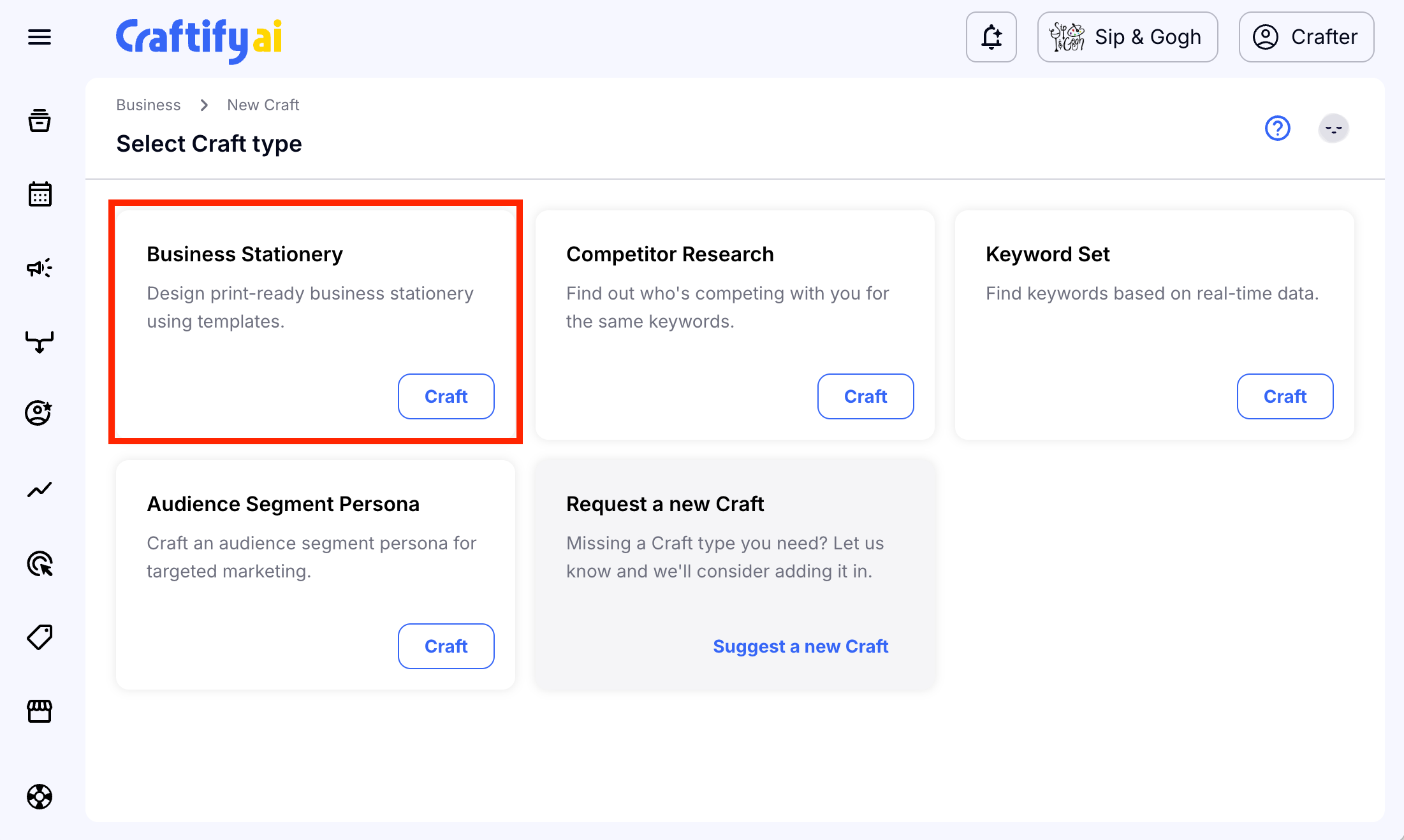
You may see some templates here, but to get started on a new project, choose 'Start from scratch.'
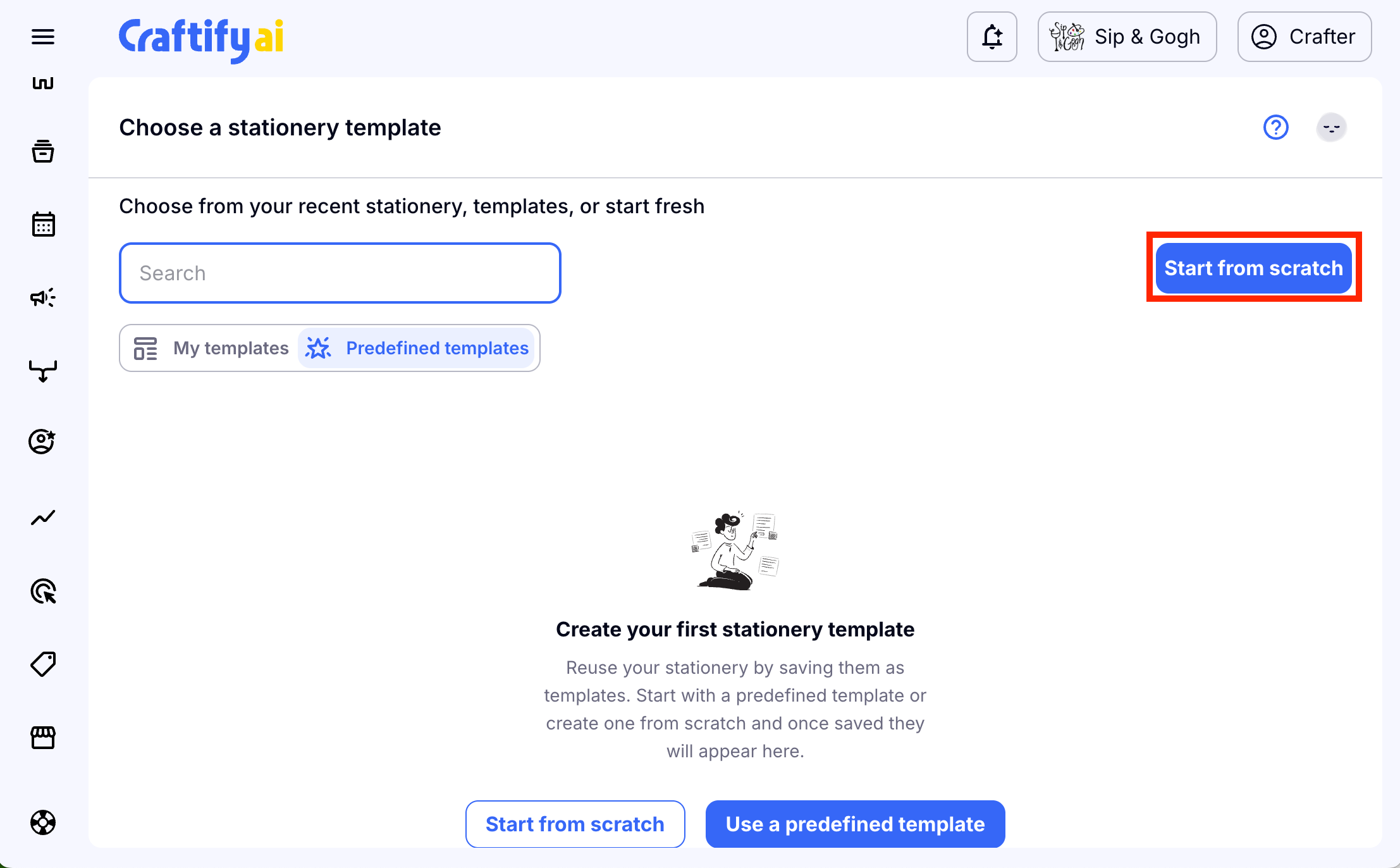
For this tutorial we will make a business card, but all of the instructions on how to use this tool are the same for each of these.
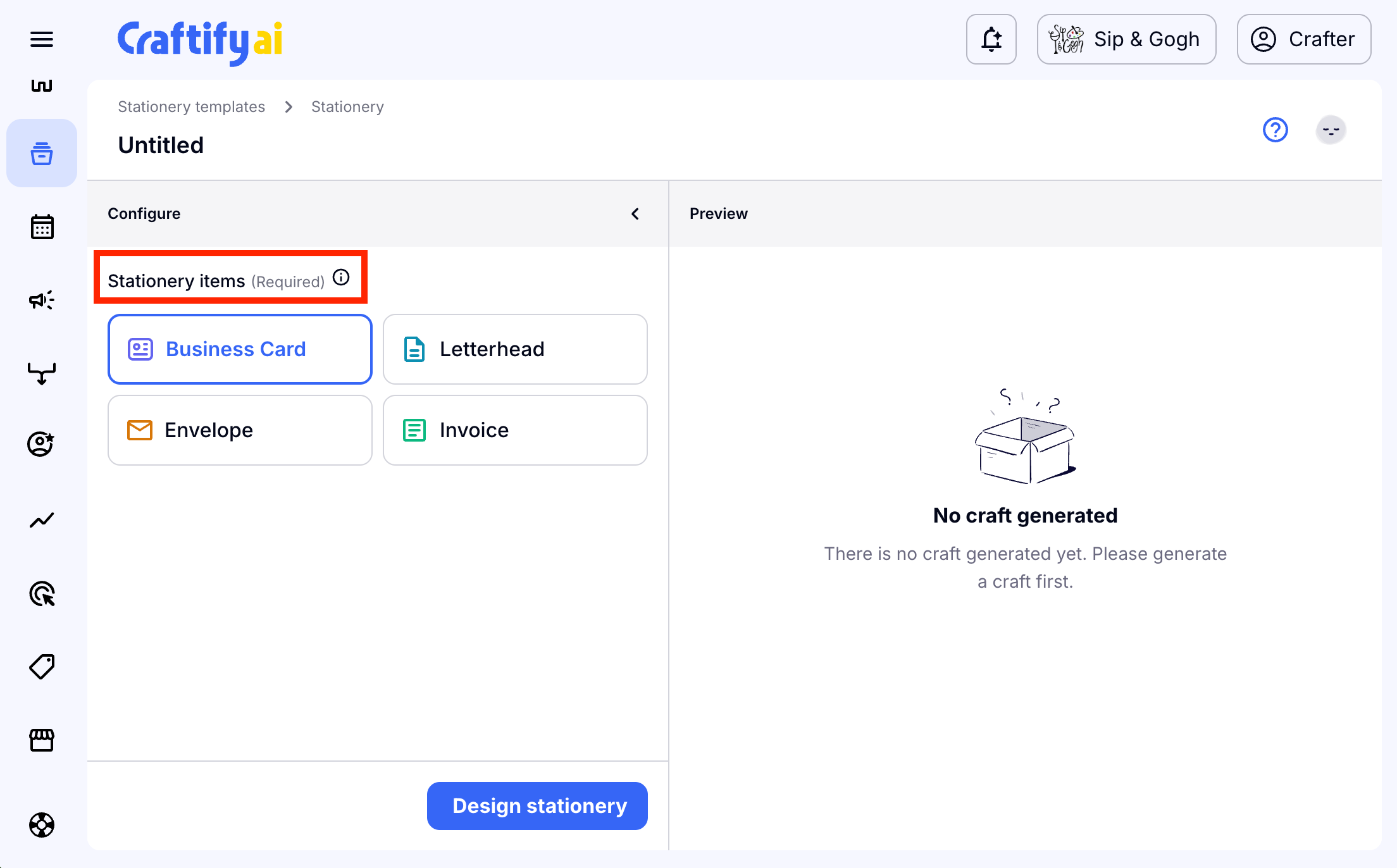
Choose the type of stationary that you need to make, then click 'Design stationary' for Craftify AI to use your business profile to get started.
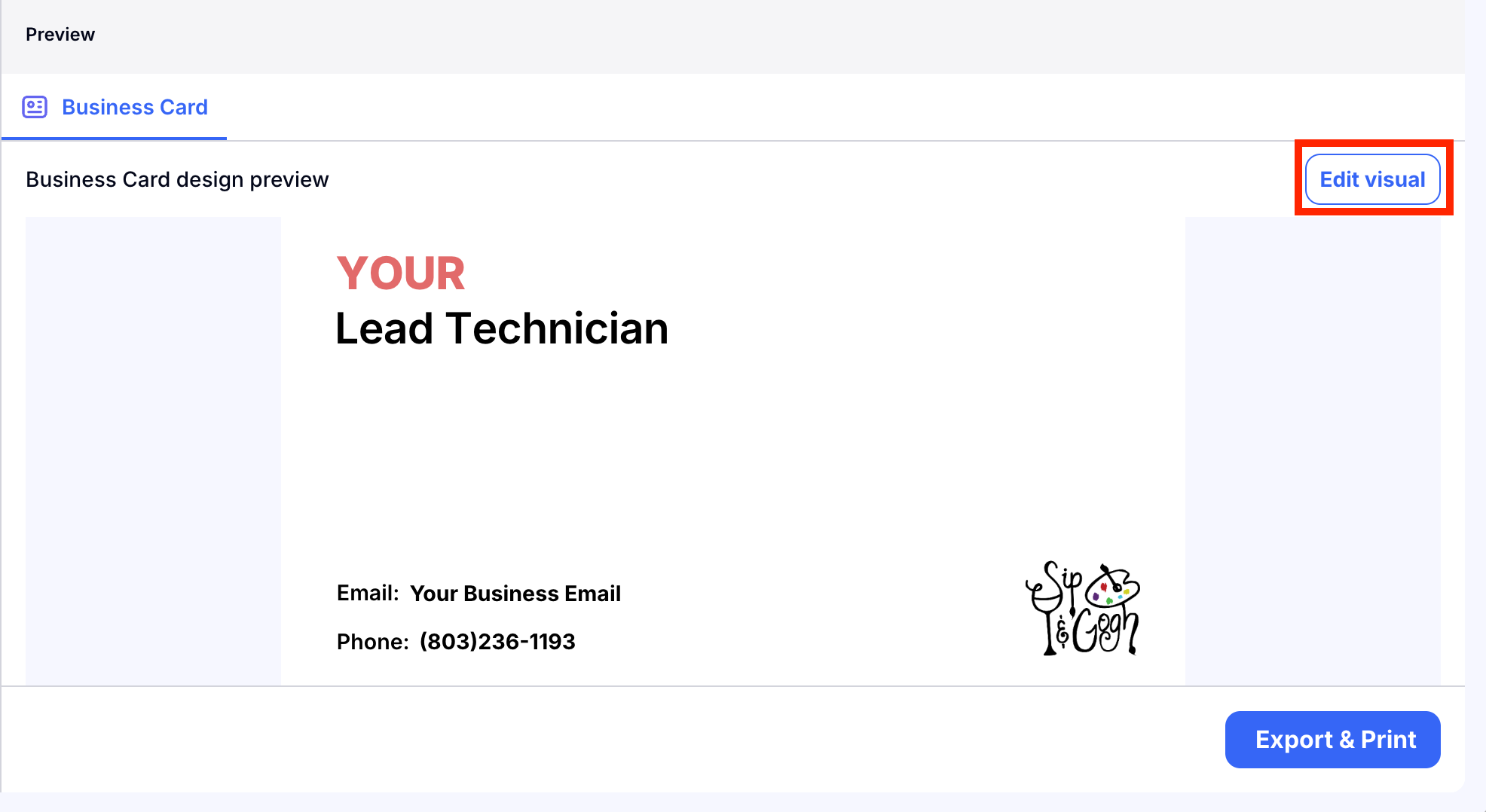
Based off of your business profile information, Craftify AI will generate a base design using the colors and font that you choose for your business. You will also see basic information like your website, phone number, and logo!
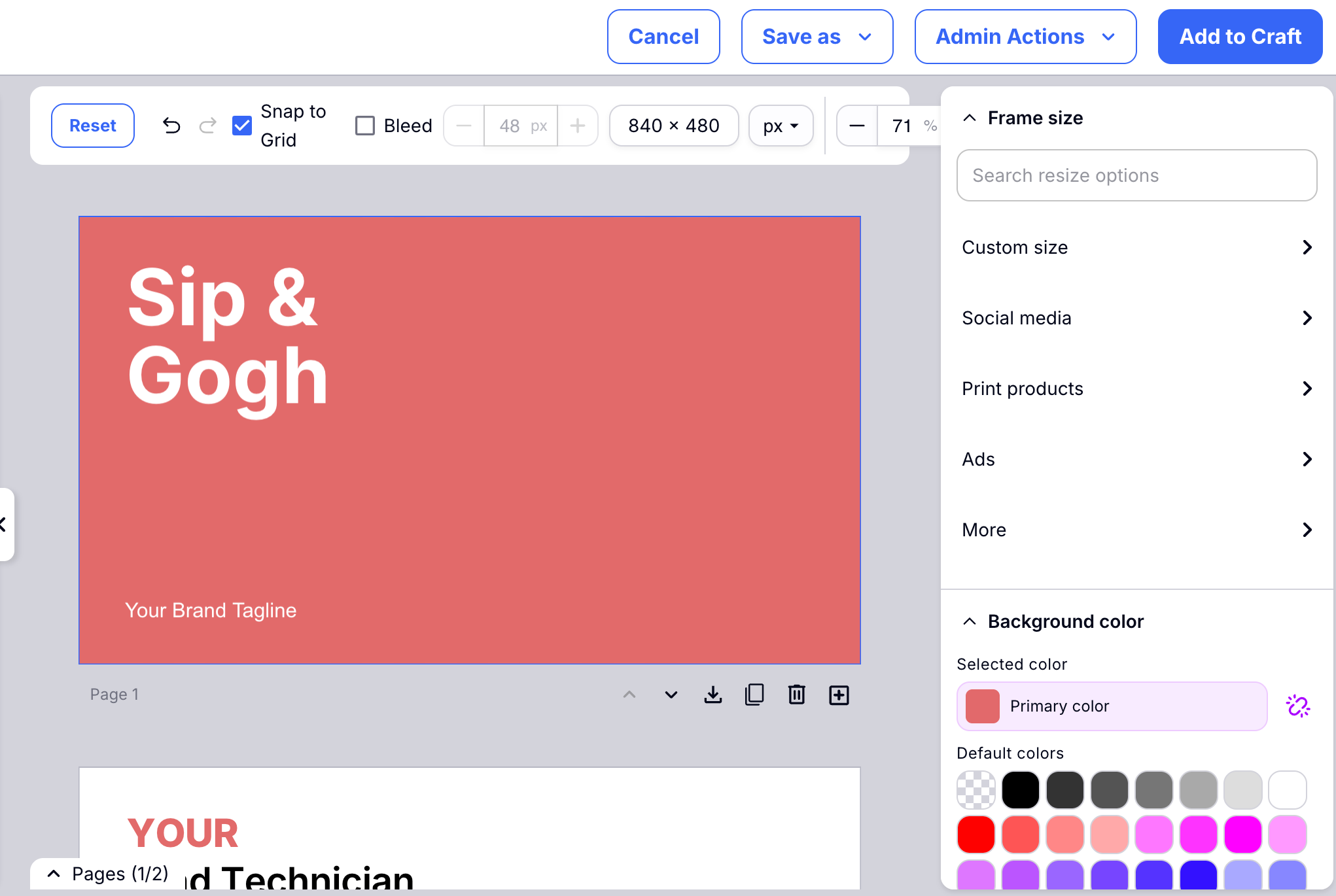
Choose 'Edit visual' to personalize your stationary.
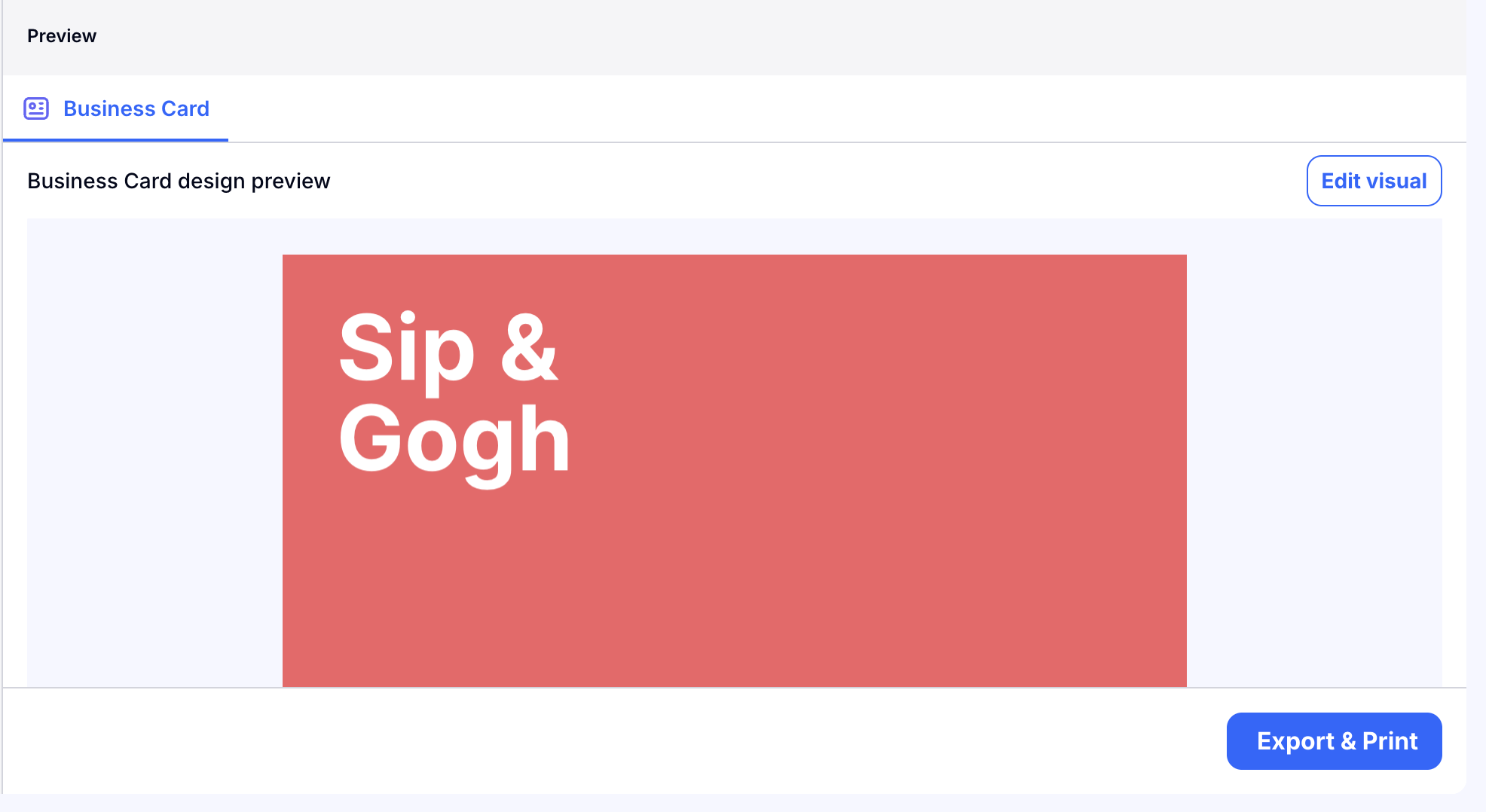
Using the Visual Designer, you can edit your design. If you are familiar with other design apps like Canva, the process is very similar. You can personalise every detail!
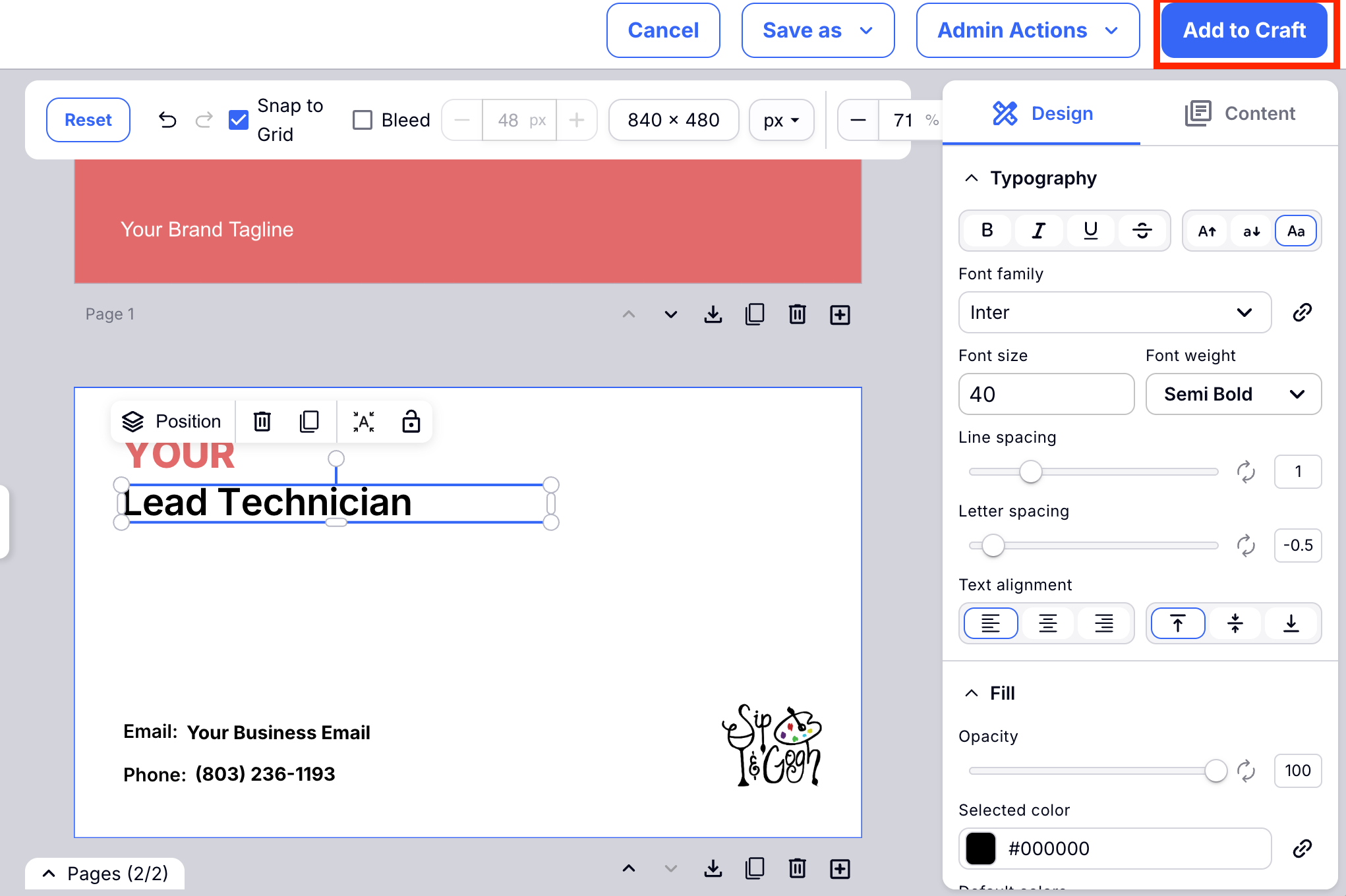
Once you have made the changes you like to your stationary, choose 'Add to craft' to save your changes.
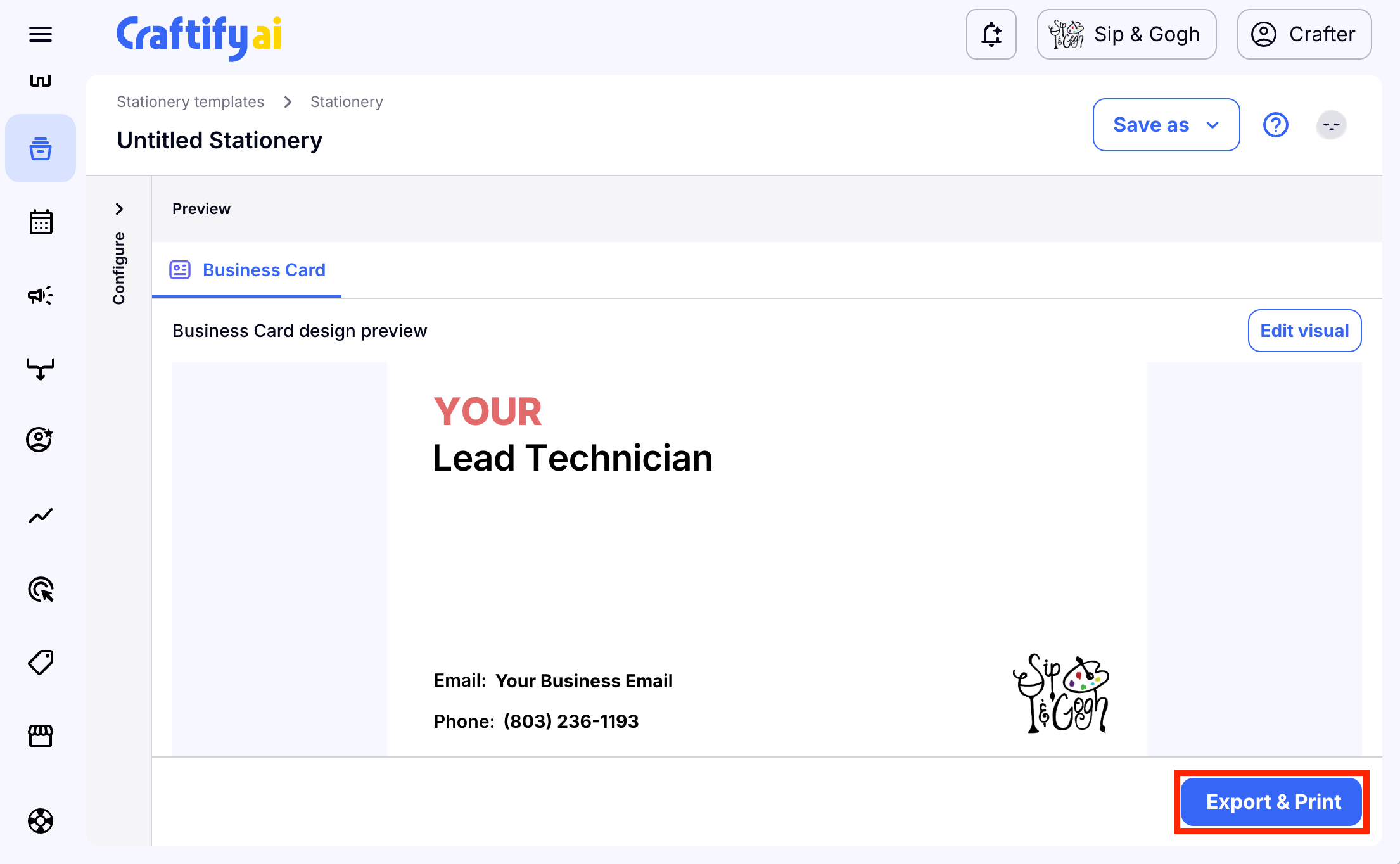
Now you can choose 'Export and print' to continue. Soon Craftify AI will have partners who do drop printing and shipping to get your stationary professionally printed directly from Craftify AI! Coming soon!
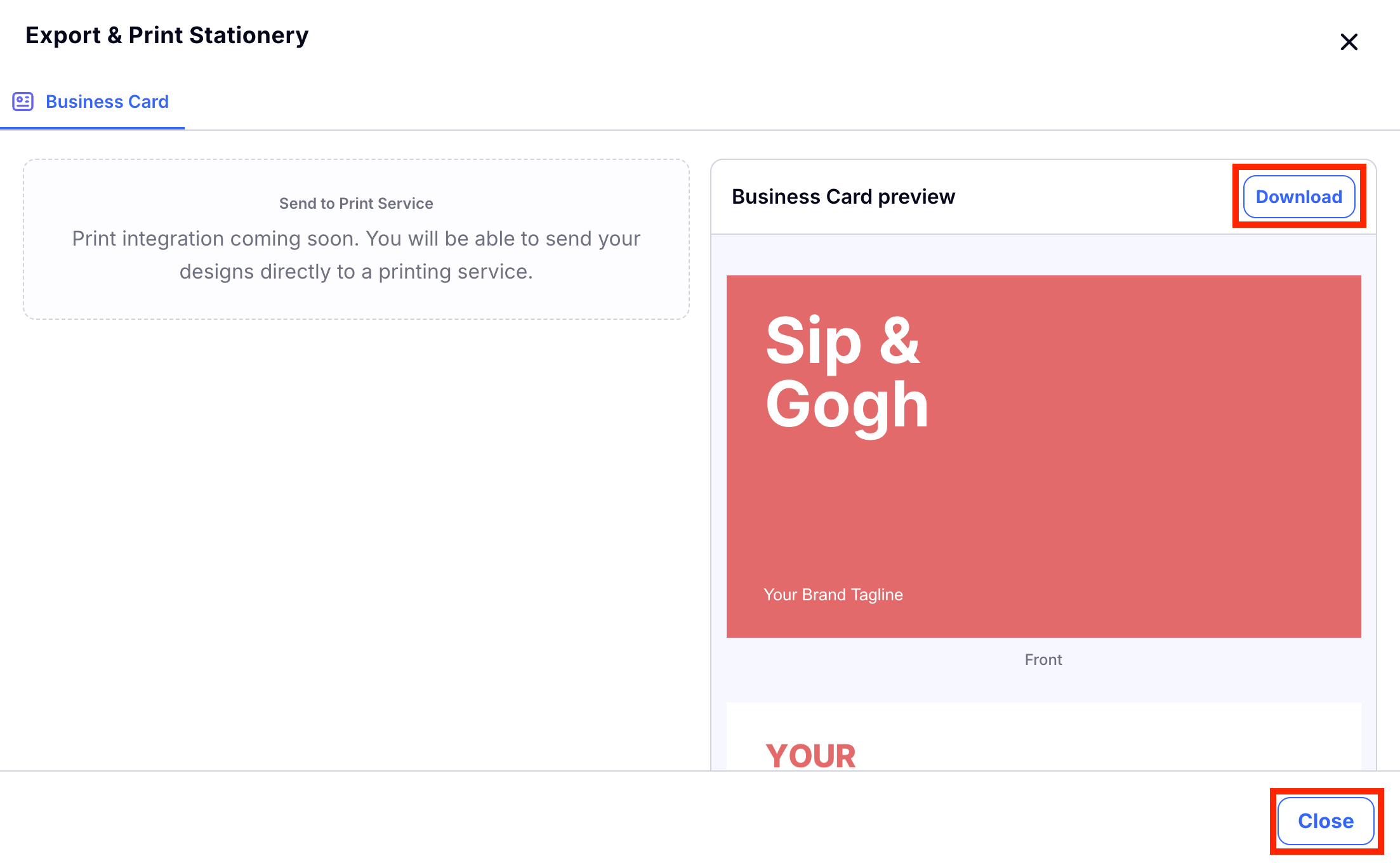
You can also choose 'Download' to download your images to your desktop to use elsewhere. Choose 'Close' to finish!
Competitor Research
It's great to know who your competitors are! And even better to know what keywords they are using to get leads! So this tool can help you make that research and know what to do to improve your SEO.
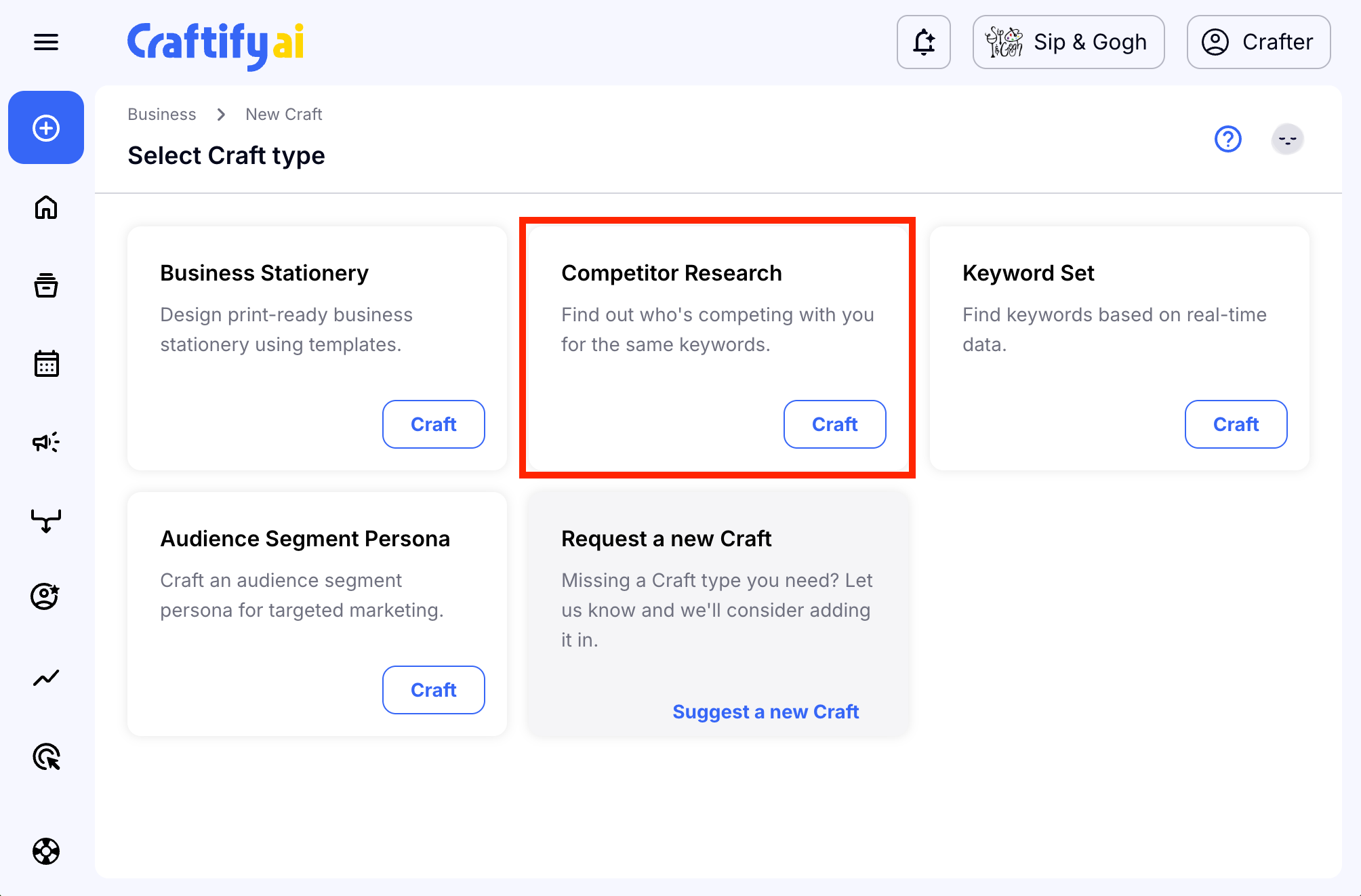
To get started, in the Strategy section, choose Competitor Research.
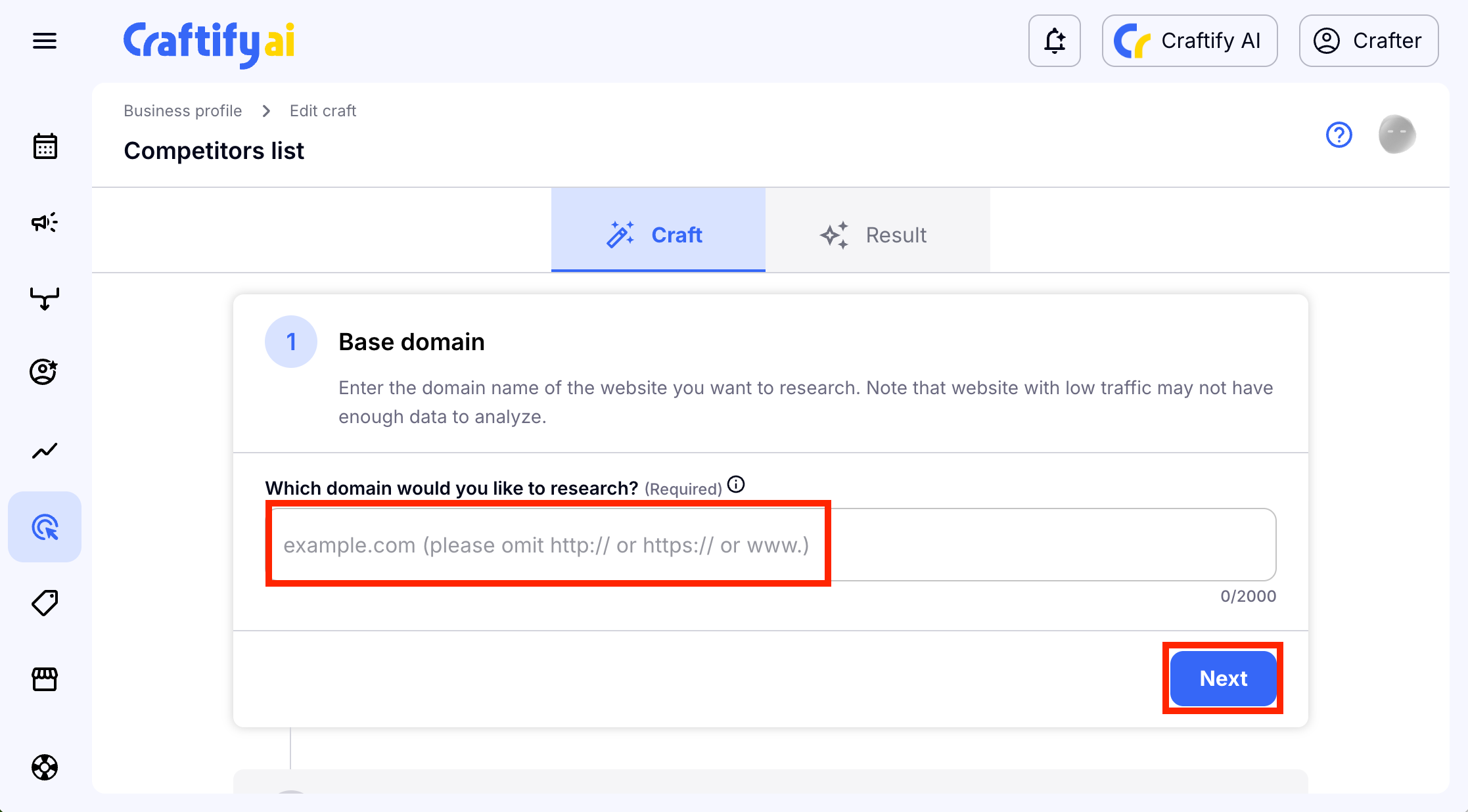
To do your research all you need is the website of the competitor that you're wanting to research. Copy and paste that URL code here and then choose 'Next' to continue.
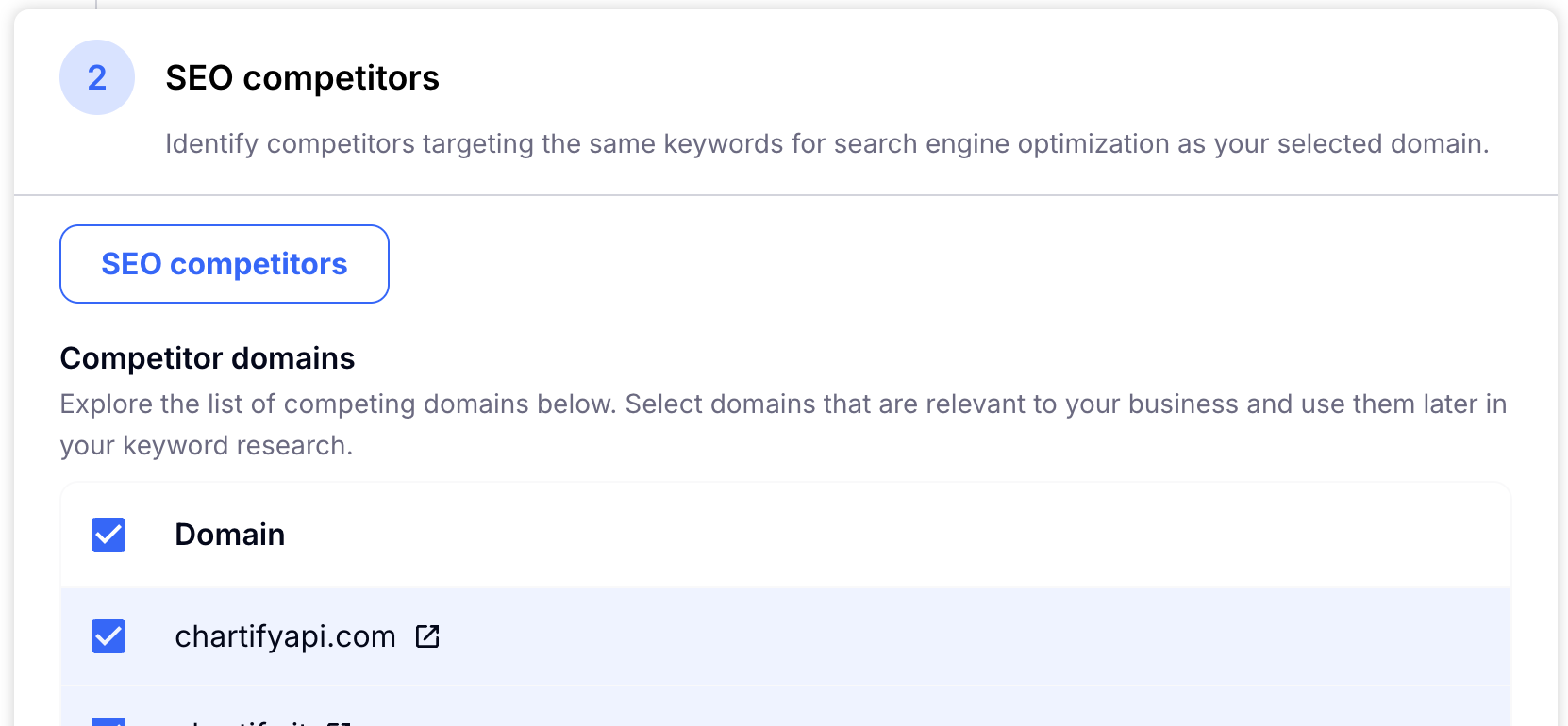
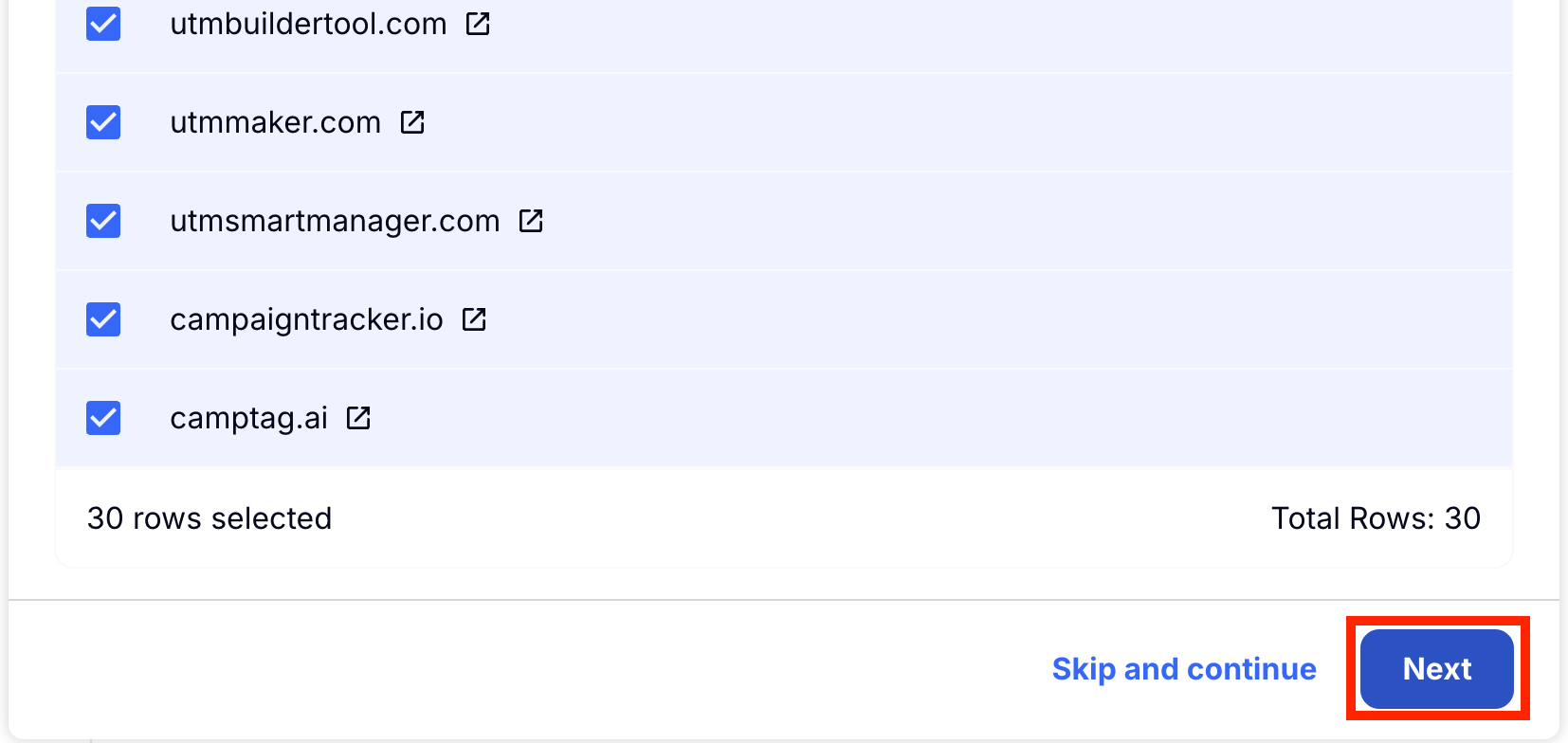
Craftify AI will analyse the website to find the SEO Keyword comptetiors that this site has. This means that it will show other competitors that are doing similar things and using the same keywords. Review these, un-check any that you don't wish to include in the research, and then choose 'Next' to continue.
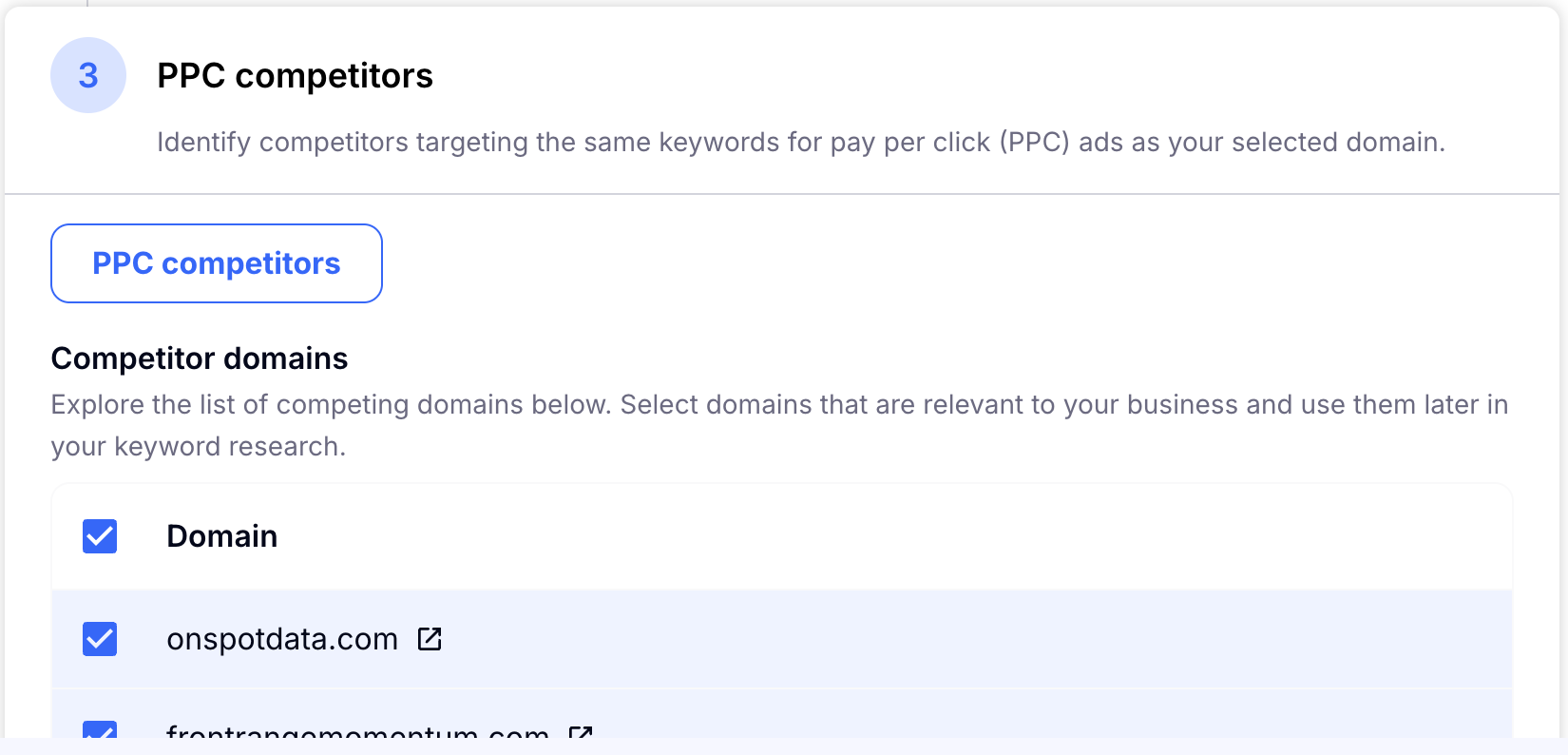
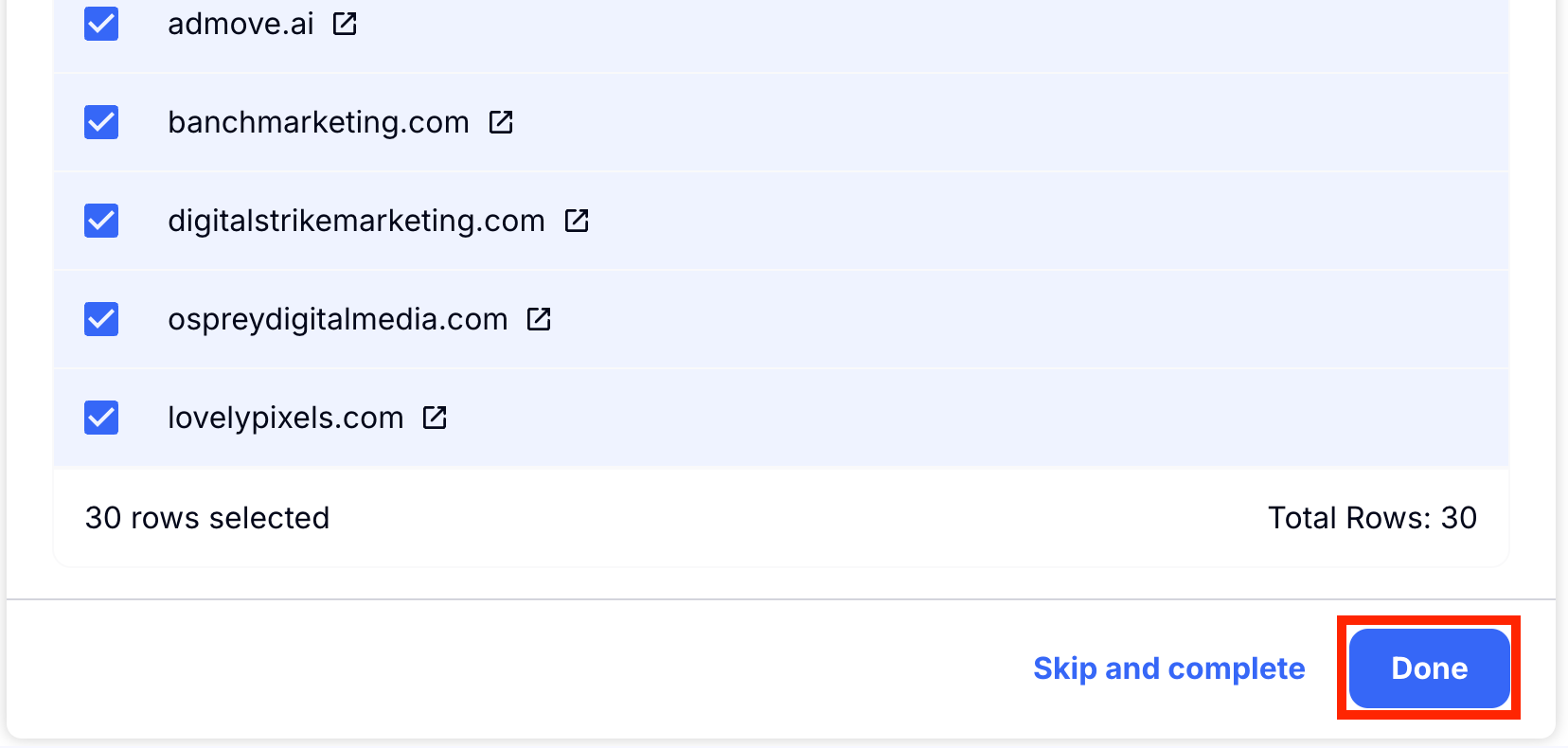
Then Craftify AI will show you the Pay-Per-Click Competitors. You can un-check any you don't want to include in the research. Choose 'Done' to save your results!
Keyword Set
The Keyword Set is a tool to research keywords you are already using, as well as find new keywords based on a keyword. This can help you find more and better keywords to use for your SEO. Once you have created a Keyword Set, you can use these in other crafts, like the Blog Post Writer to add excellent SEO to your blog posts!
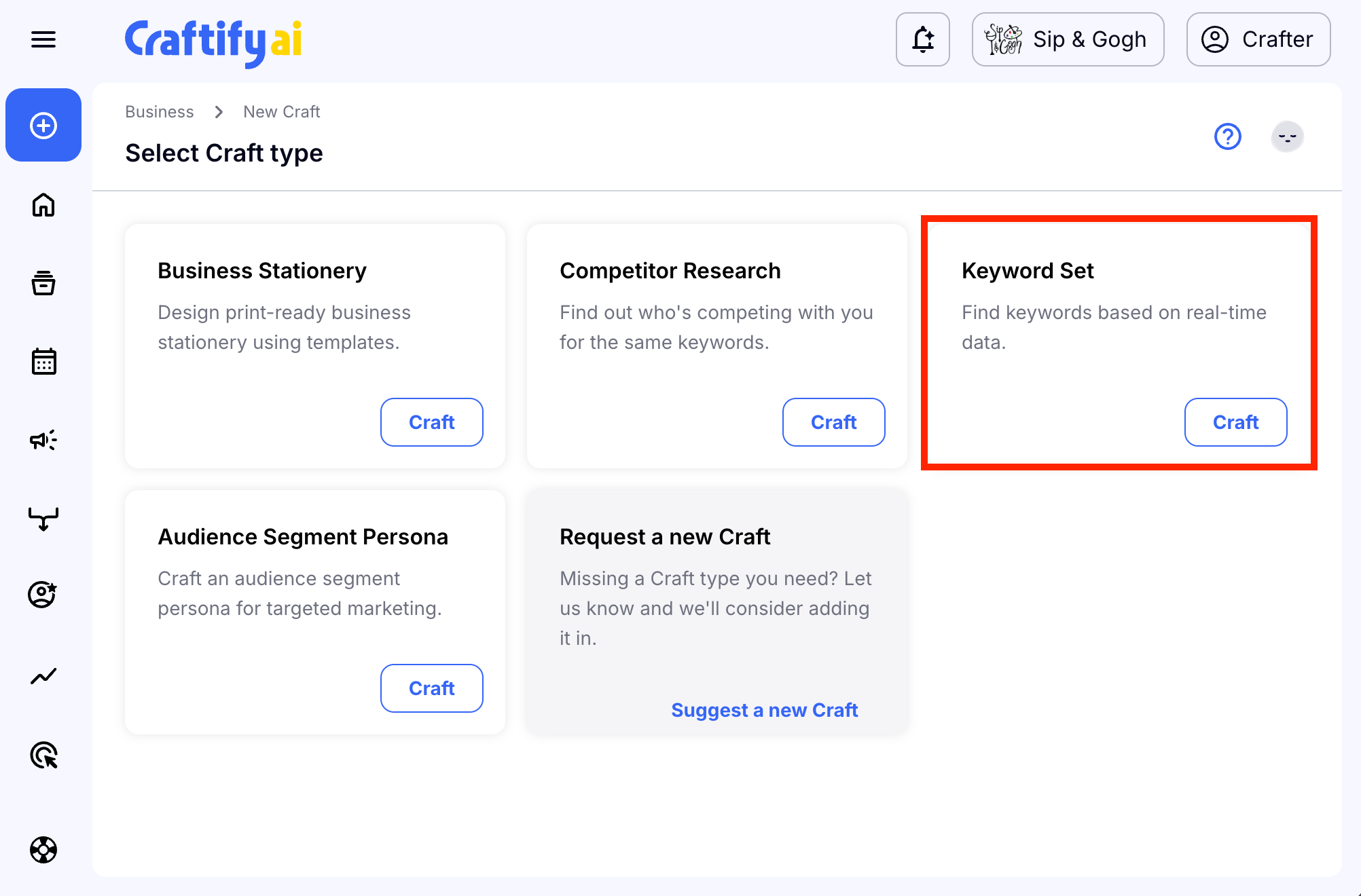
To start off, head to the Keyword Set tool under the Strategy' xsa§∞bv section.
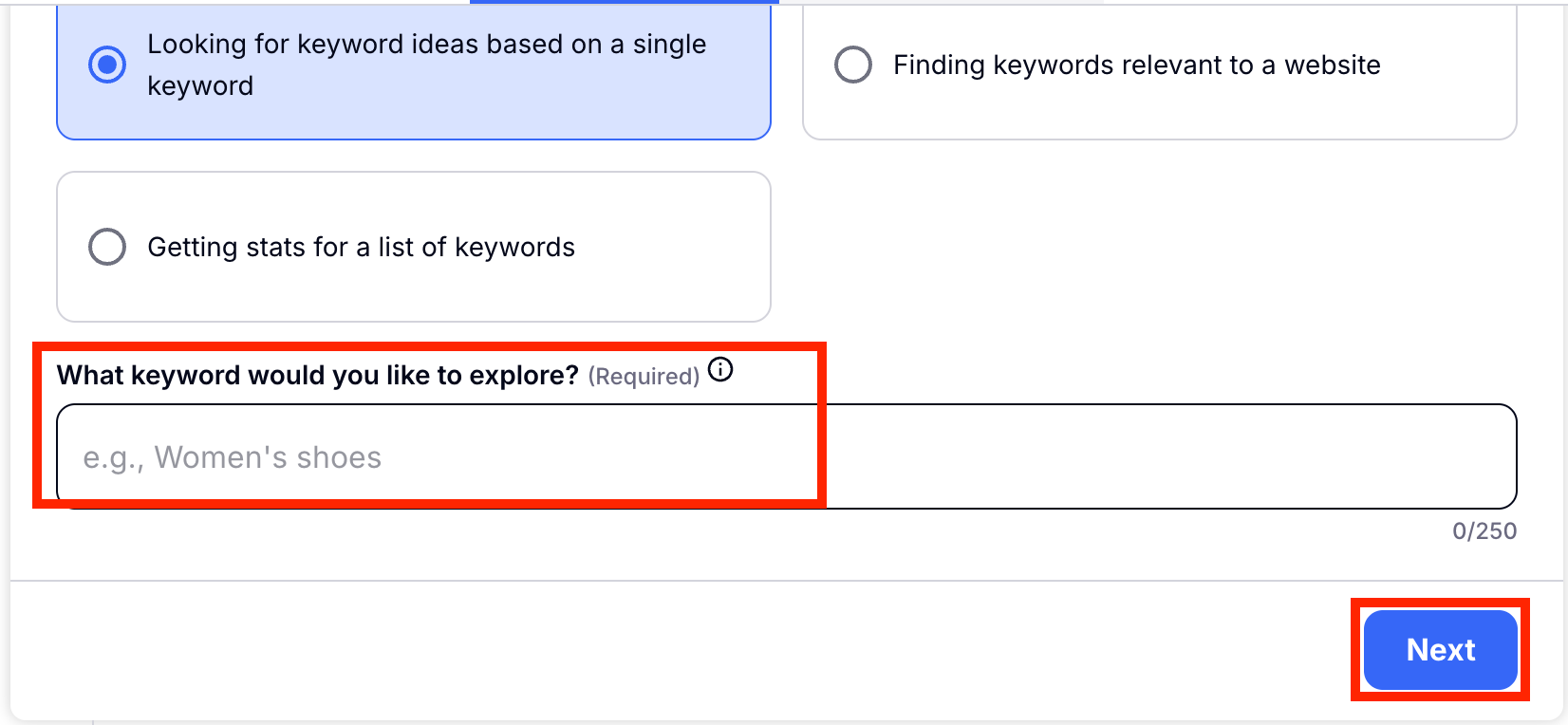
First you will choose which is your research goal. For this tutorial we show you how to find new keywords based off of one keyword. But you can also search keywords you are already using to see their performance, and you can look at the keywords used on a website of your choice.
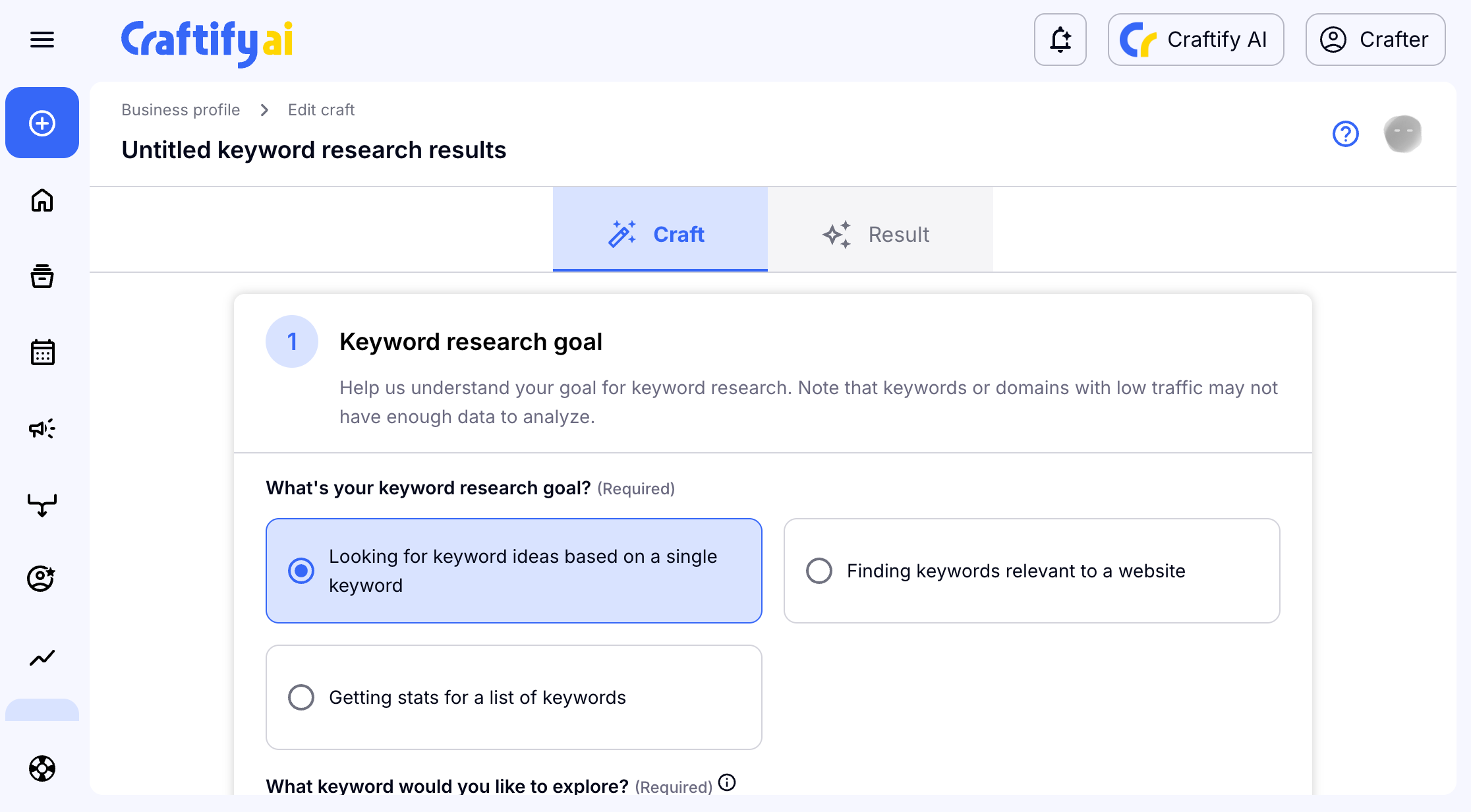
Add the keyword you want to base your research off of, then choose 'Next' to continue.
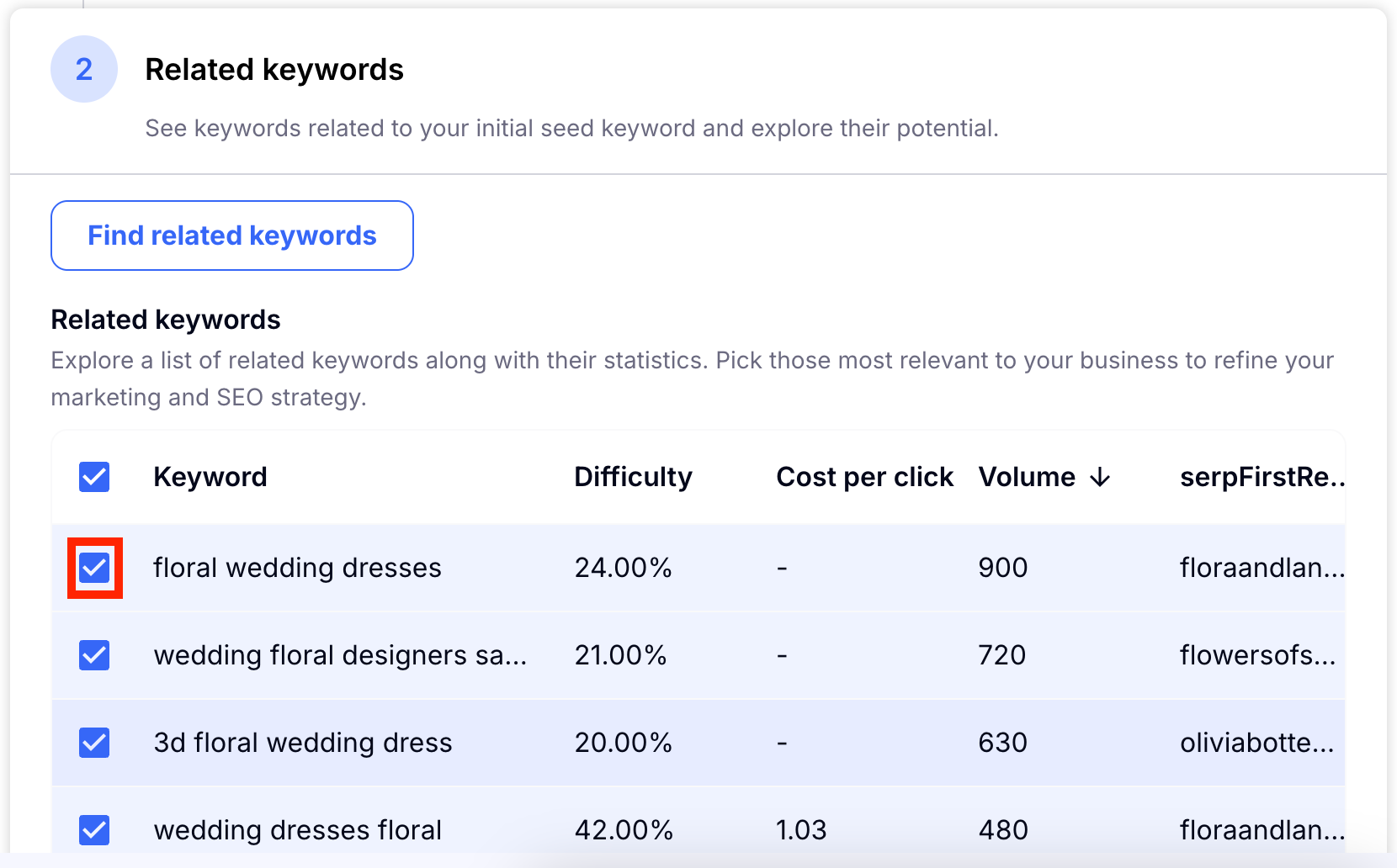
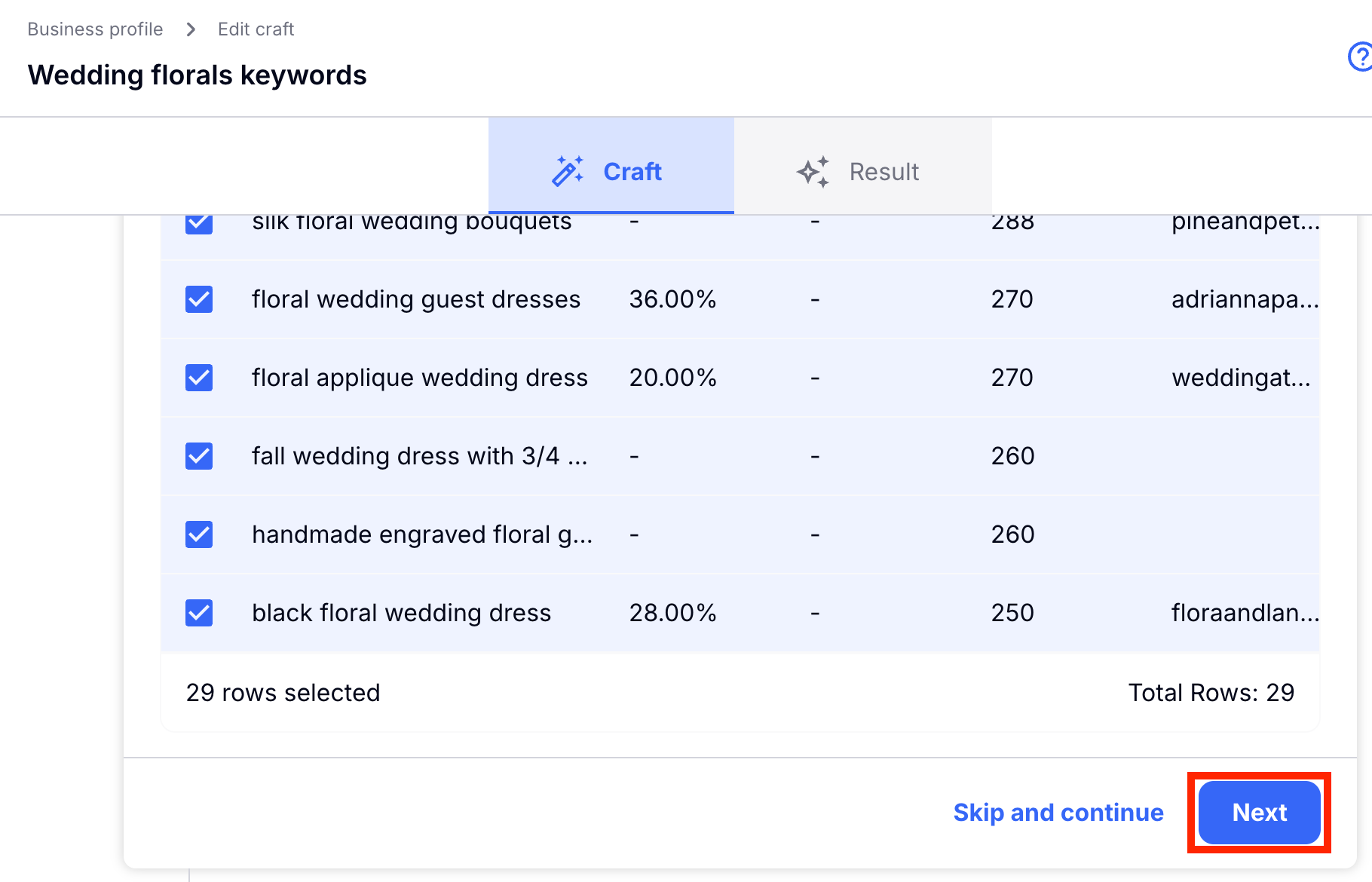
Based off of your keyword Craftify AI will search for similar keywords and give you the statistics on them. If there are any keywords that you do not want to keep within your set, then simply un-check them. Choose 'Next' to continue.
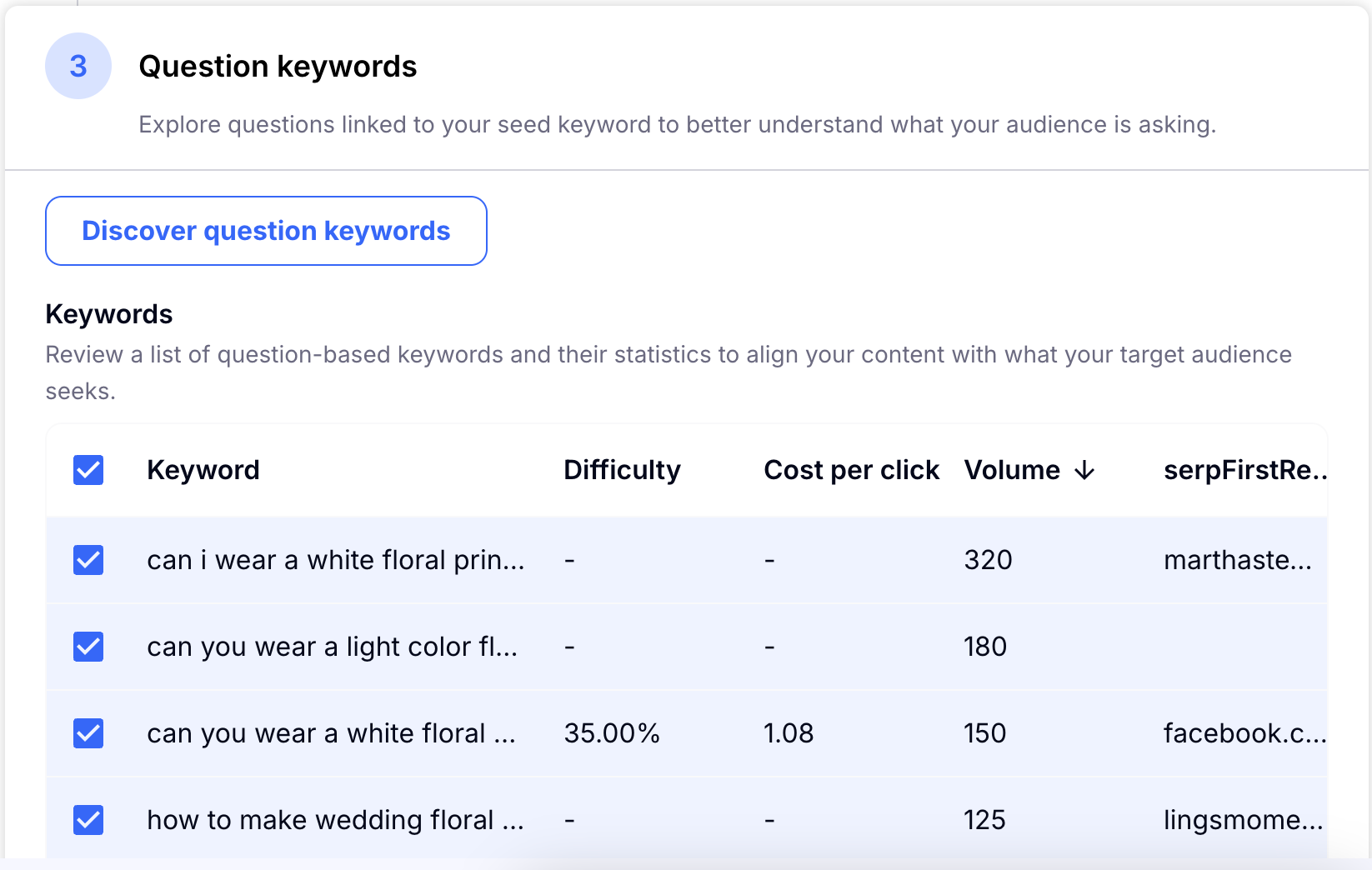
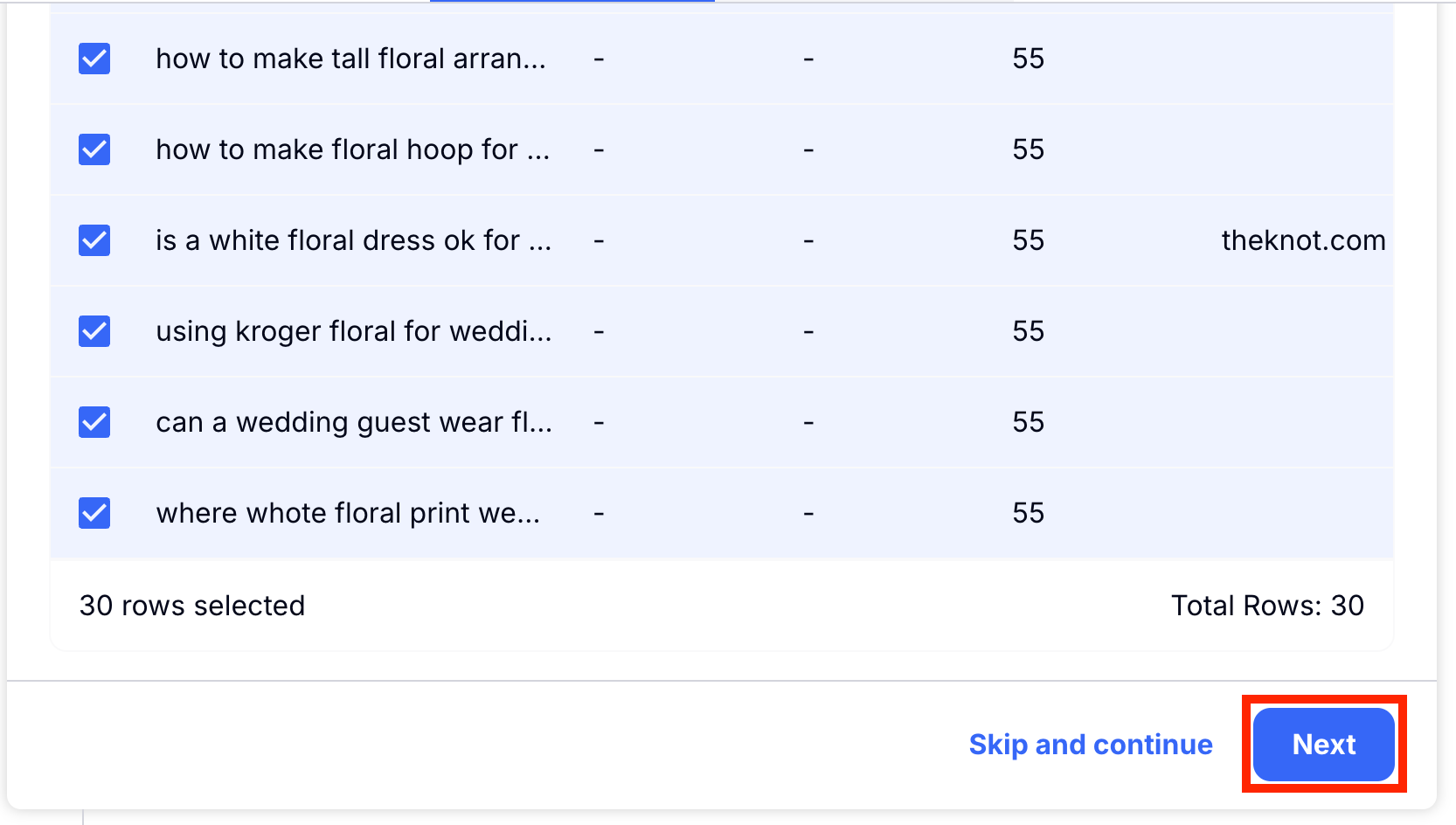
Then, you will review the Question Keywords that are related to your original keyword. You can see the statistics, you can un-check any keywords you don't want to keep. Then choose 'Next' to continue.
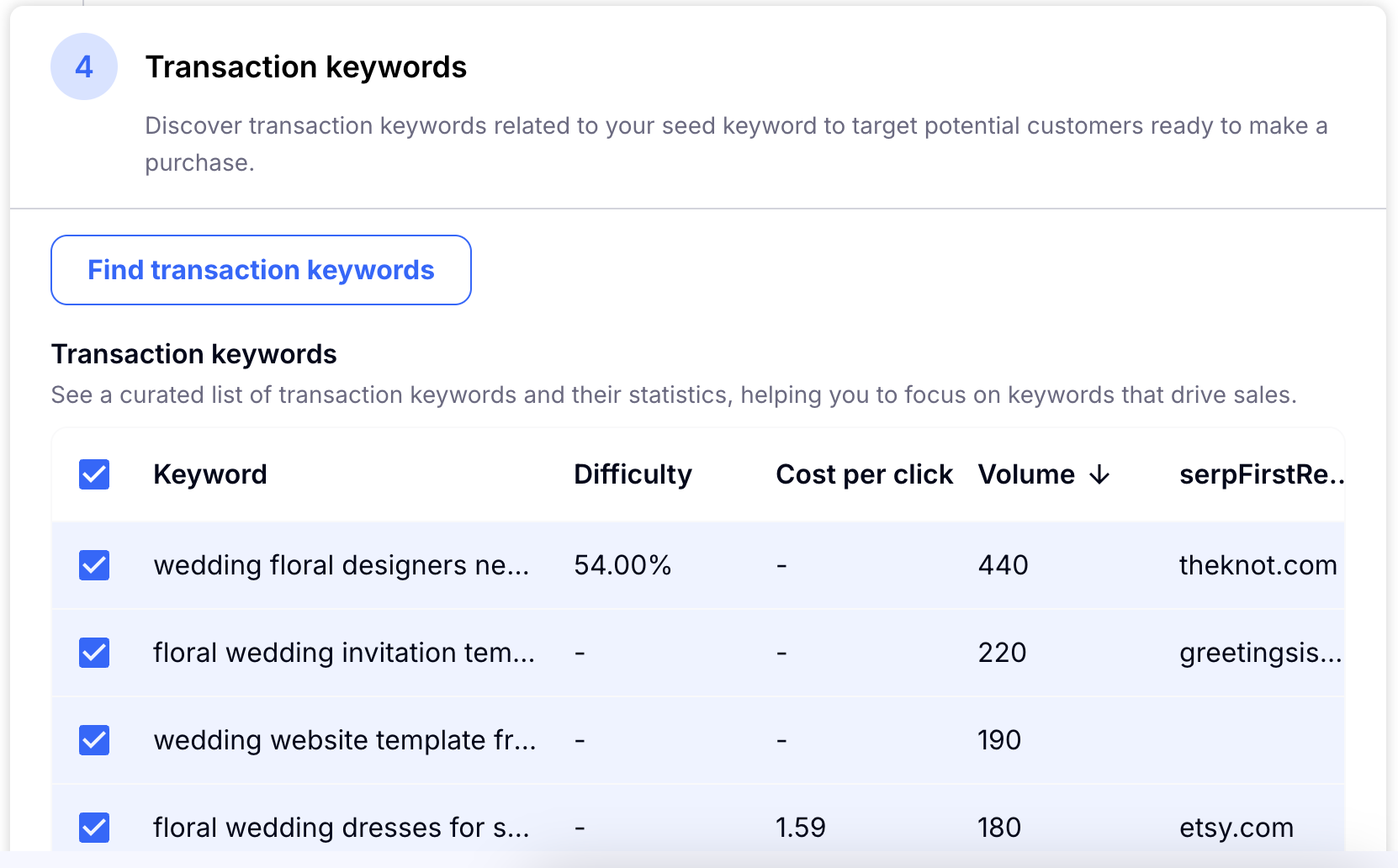
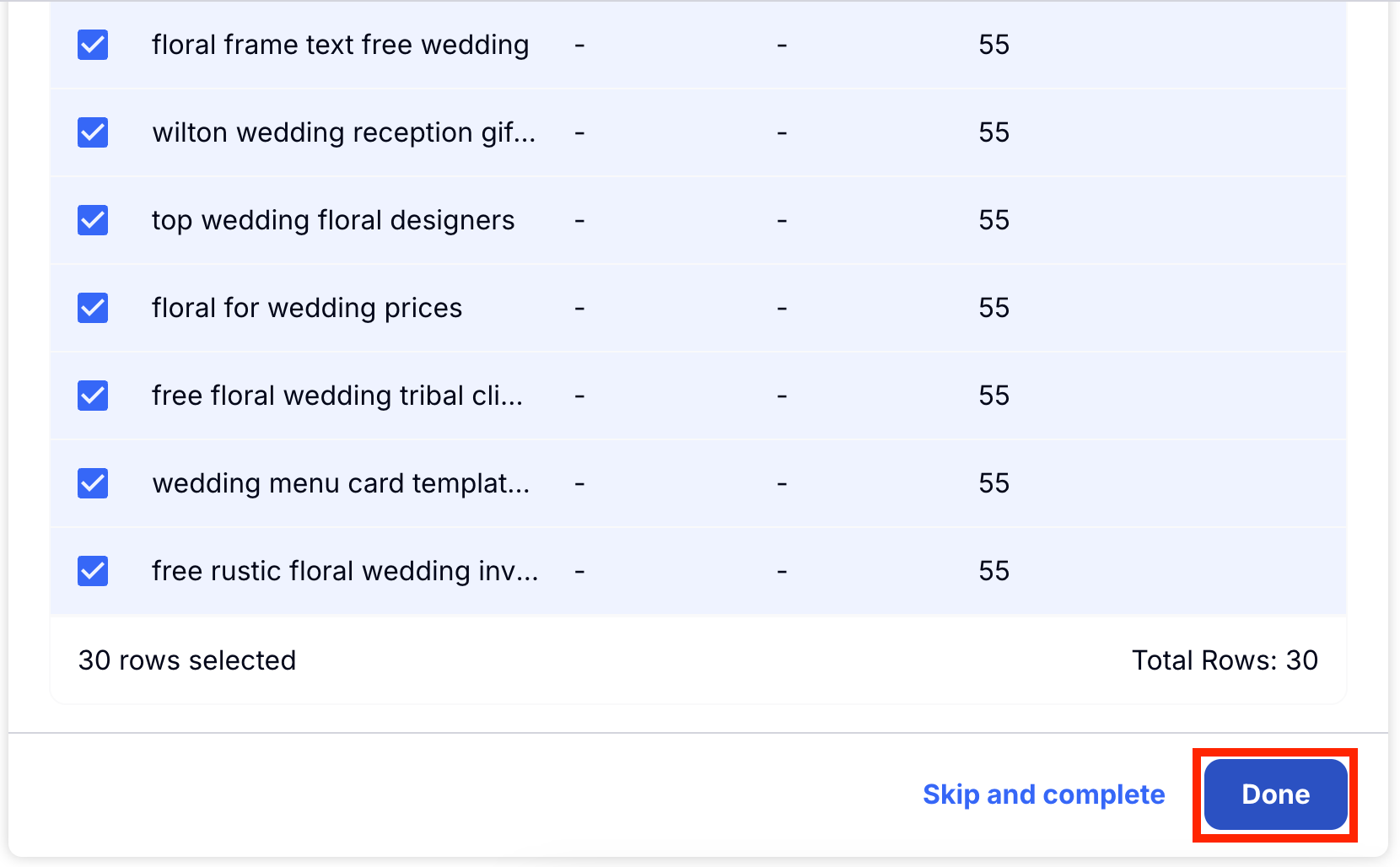
Finally, Craftify AI will show you the Transaction Keywords related to your original keyword. Check out the statistics and un-check any you don't want in the final set. Then choose 'Done' to finish your Keyword Set. Once you click 'Done' your Keyword Set will be saved to use in your other Crafts!
Audience Segment Persona
It's important to be sure you are marketing to your target audience. And some products and services might be built for different audiences within the same business. This tool helps you create diverse personas personalised for your business.
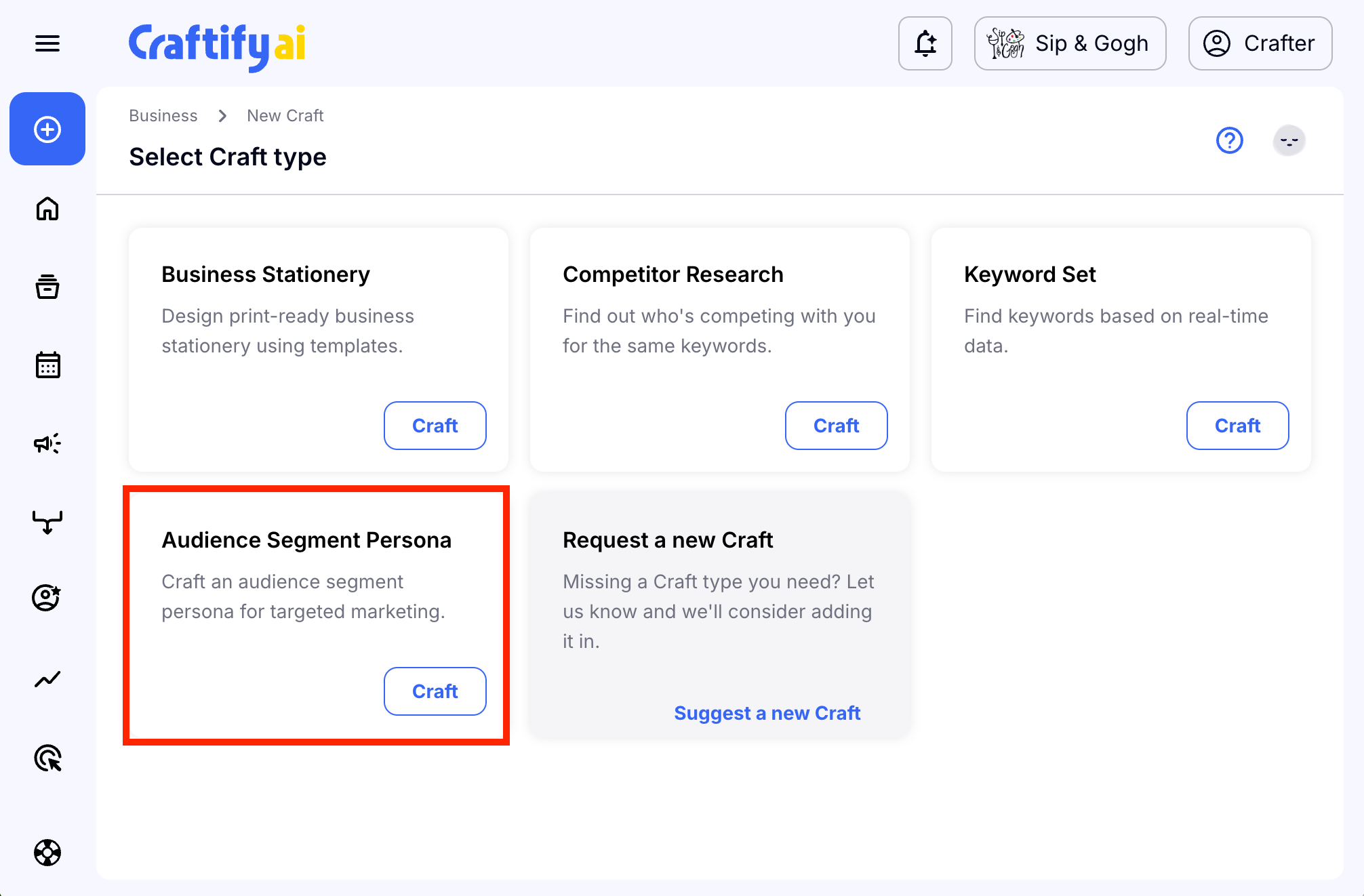
To get started, head to the Strategy section and choose 'Audience Segment Persona.'
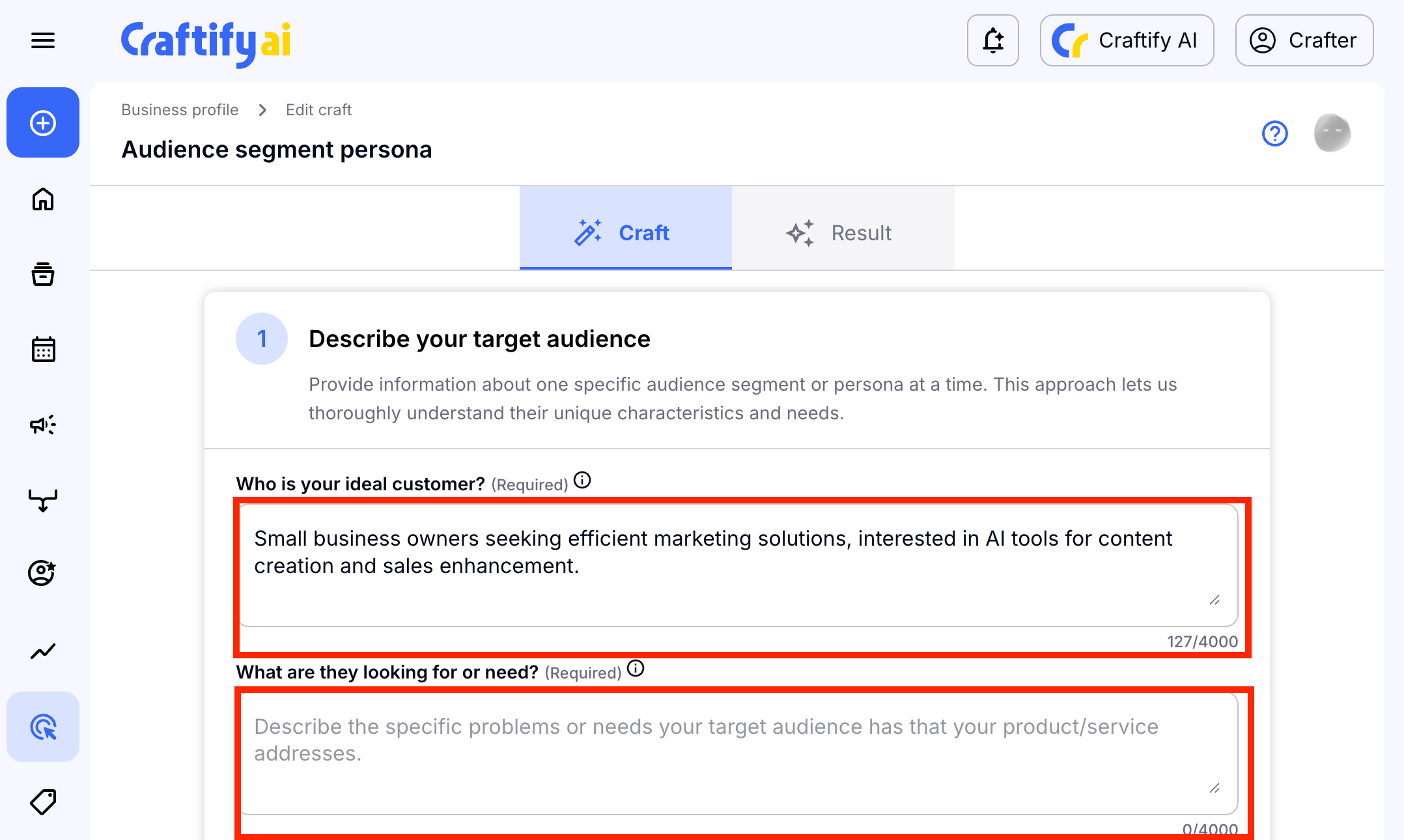
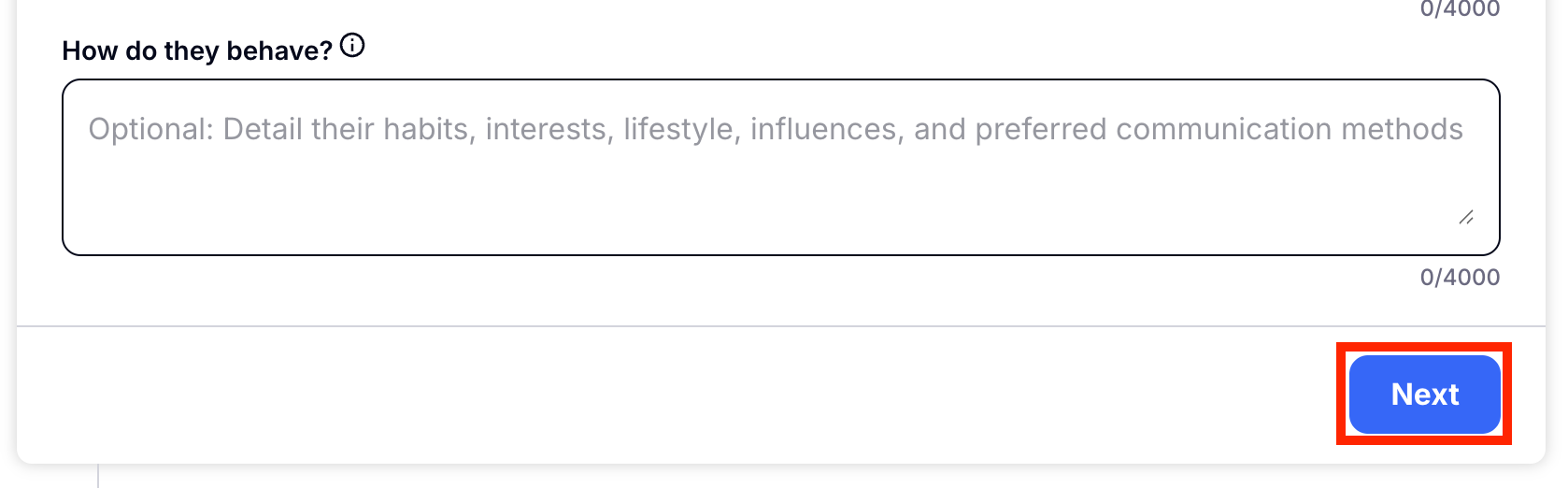
First you will describe in a few phrases or sentences who your target audience is. You might find something already written in the first box, which would be related to your business profile. You don't need to have a full idea of who this ideal customer is. Just add a few sentences for these questions to get started.
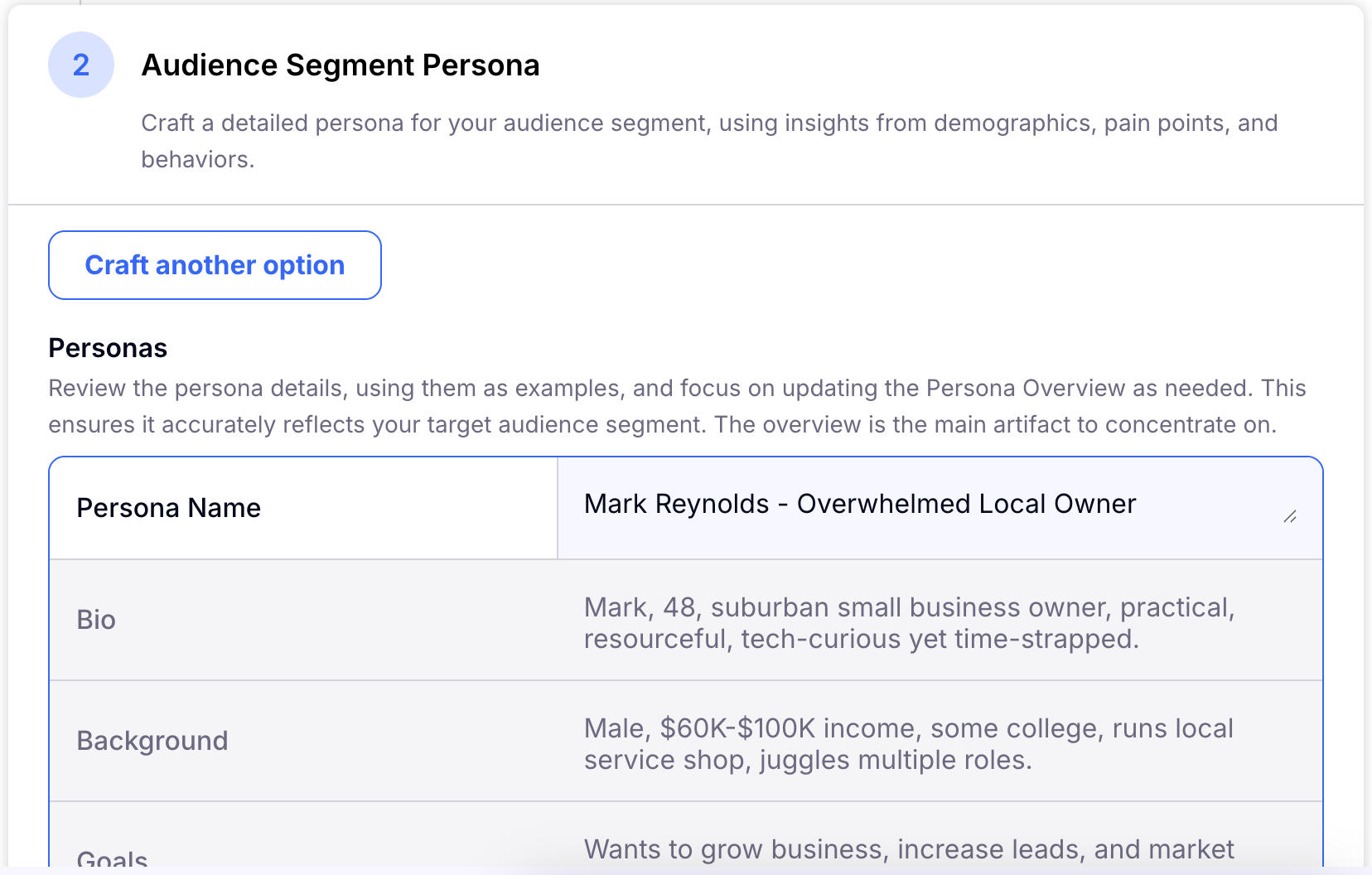
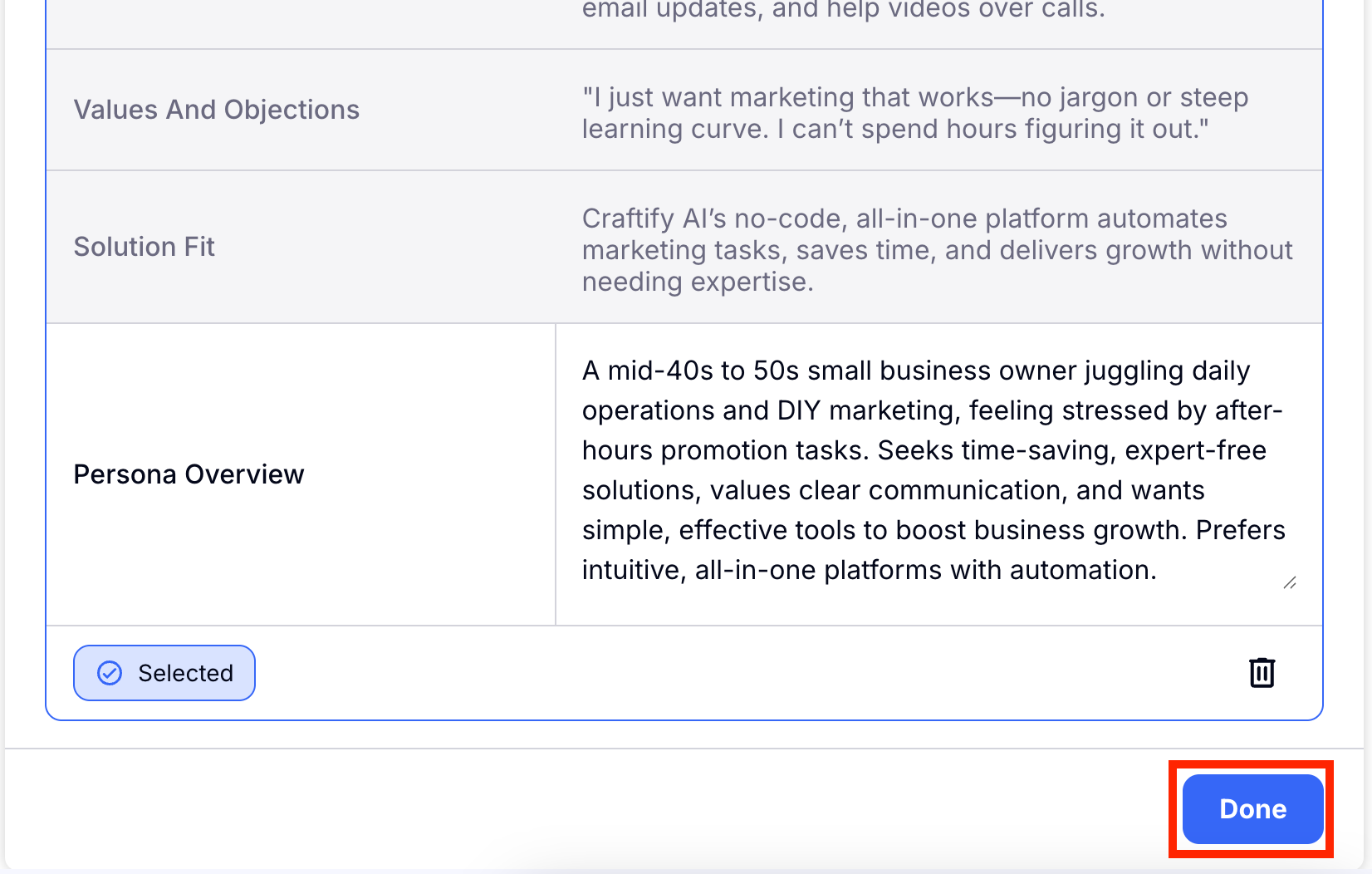
Now you can review the new Audience Segment Persona! Choose 'Done' to save this persona. You can later use this persona in your Crafts!