Interaction Types Tutorial
Interaction Types are important for helping you automate your email marketing
It's easy to customise your Interaction Types with Craftify AI.
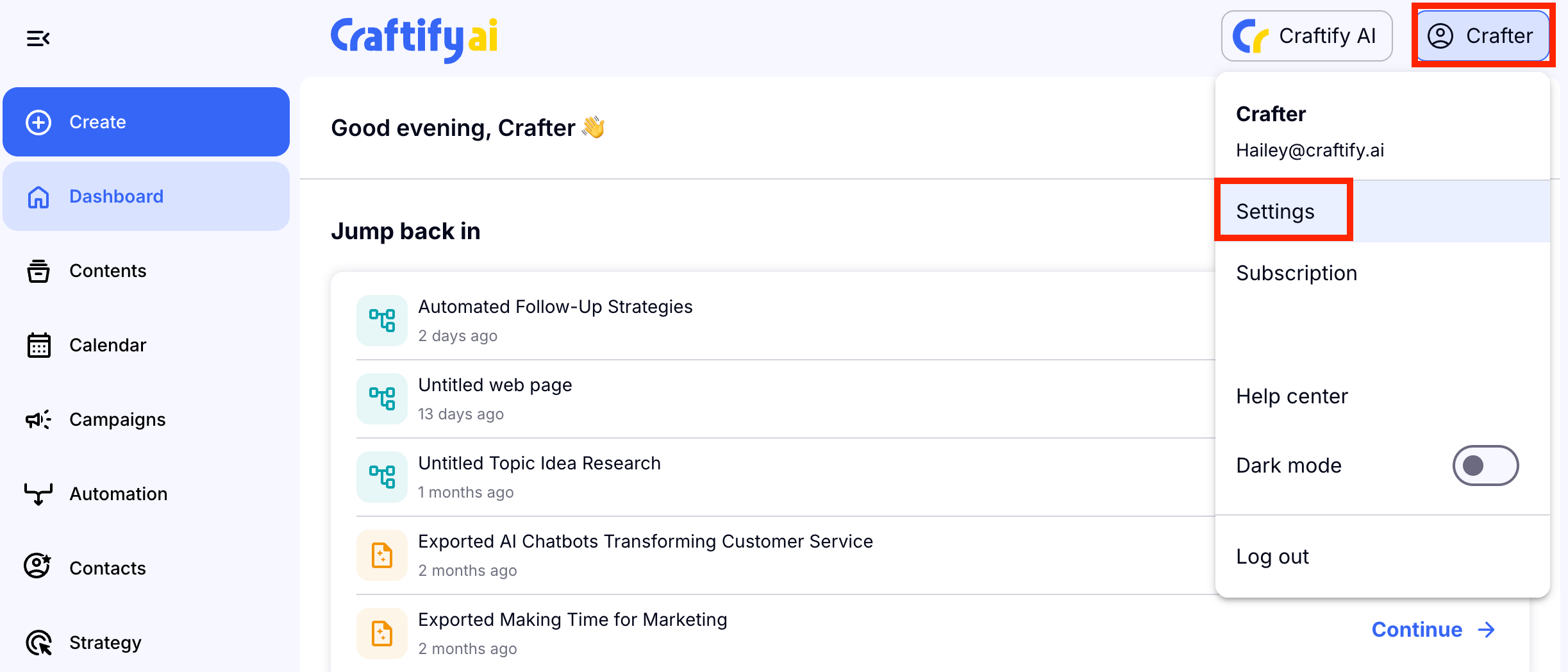
Start off by going to your Settings section.
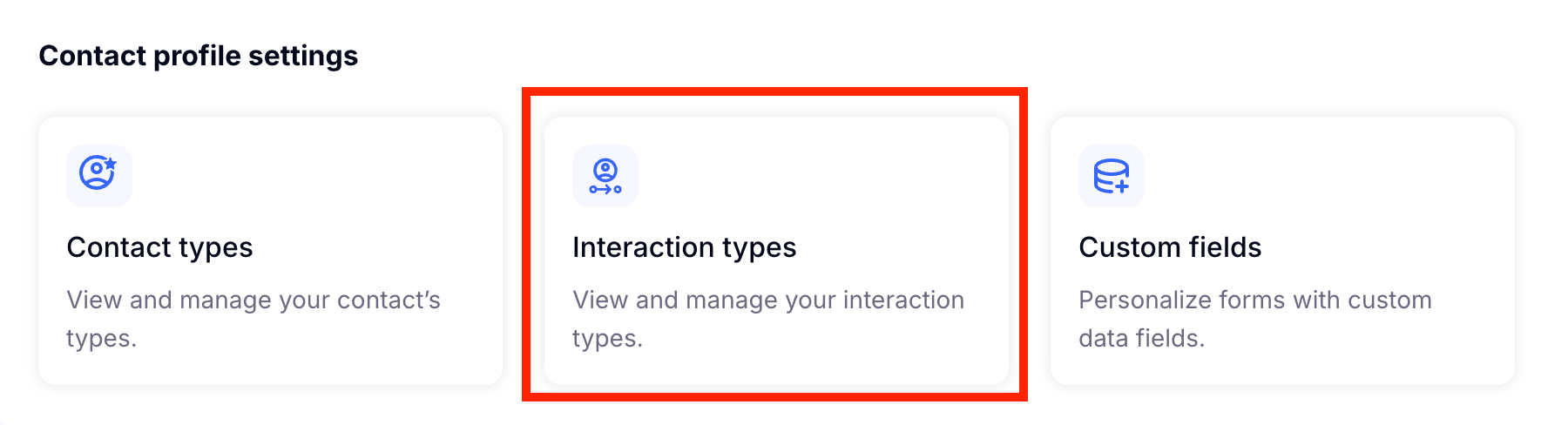
Scroll to the bottom and choose Interaction Types.
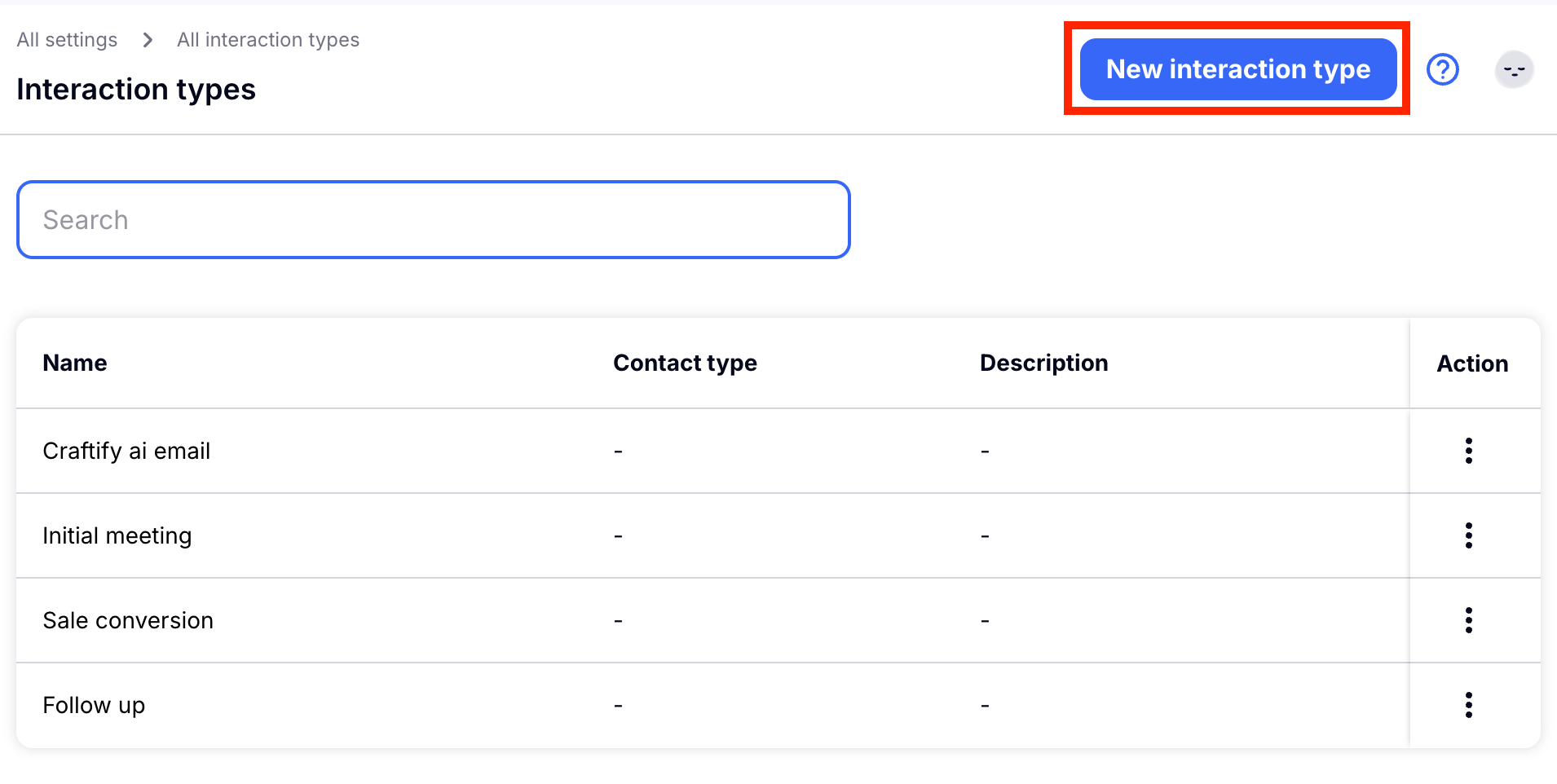
Choose New Interaction Type.
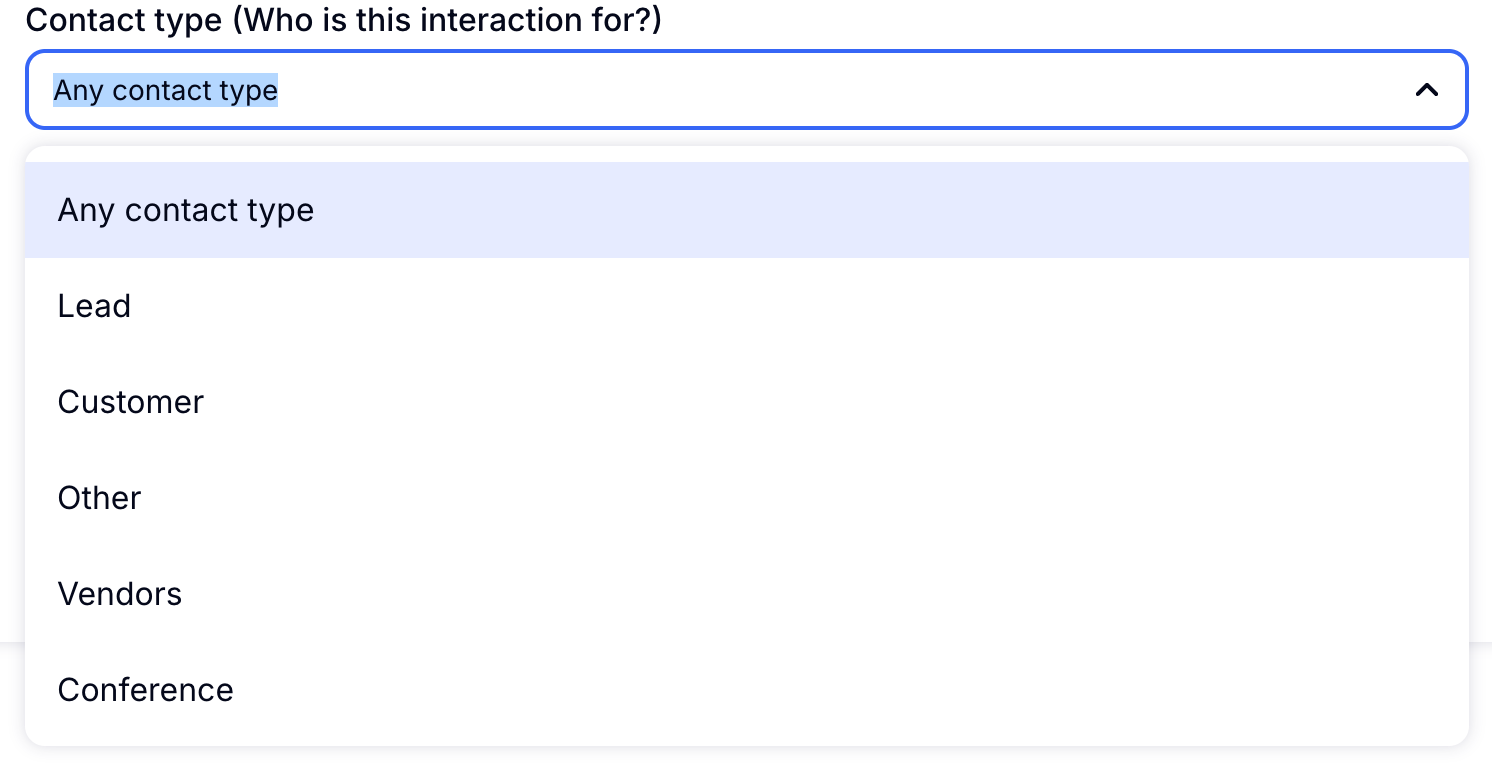
Choose the correct Contact Type. You can personalise your Interactions based on a customer type, like a Lead or Customer. This helps you send the right emails to the right people. If you are creating a generic Interaction that could work for many types of Contacts, you can also choose All Contact Types.
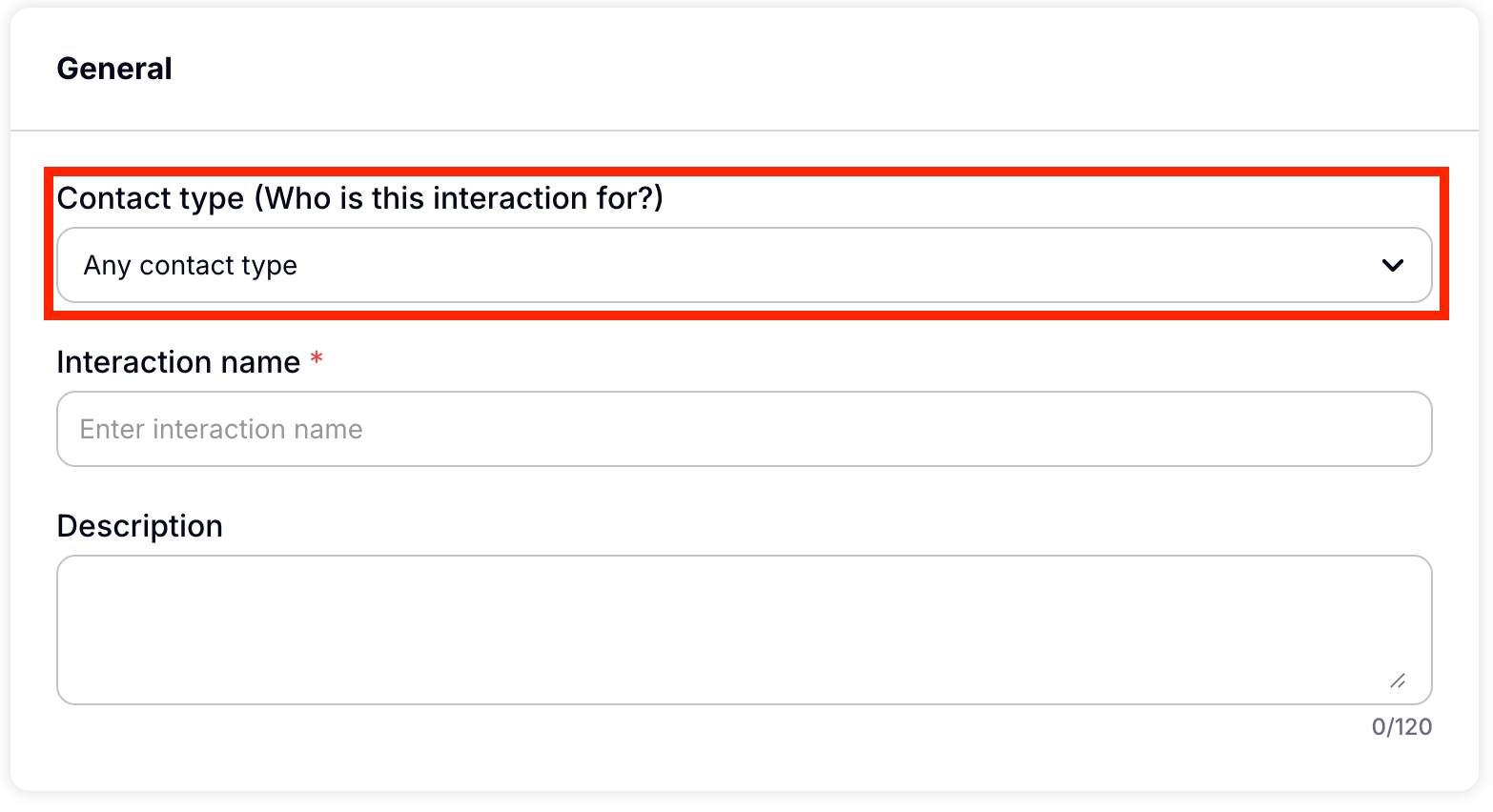
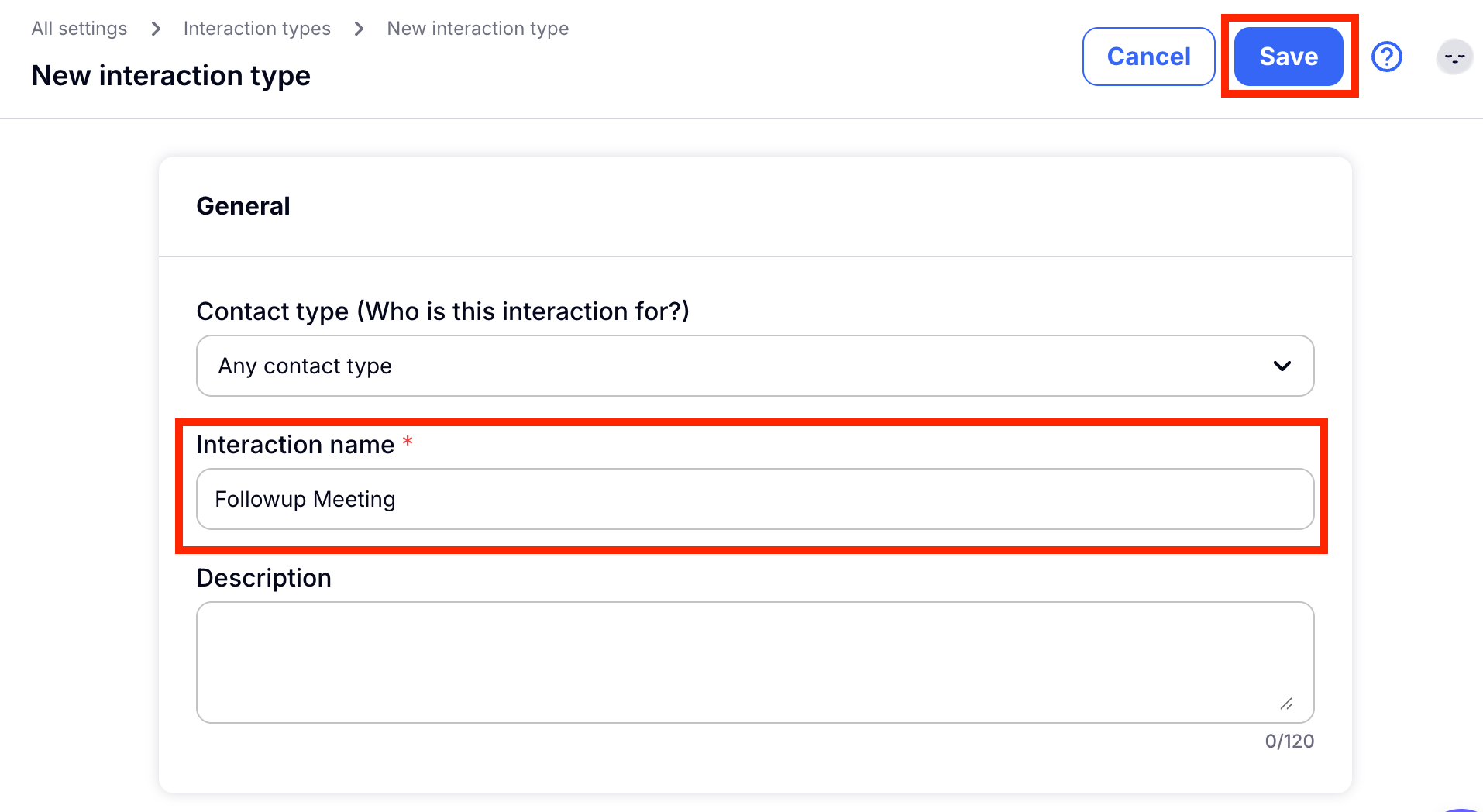
Then you will need to give your Interaction Type a Name. Then choose Save.
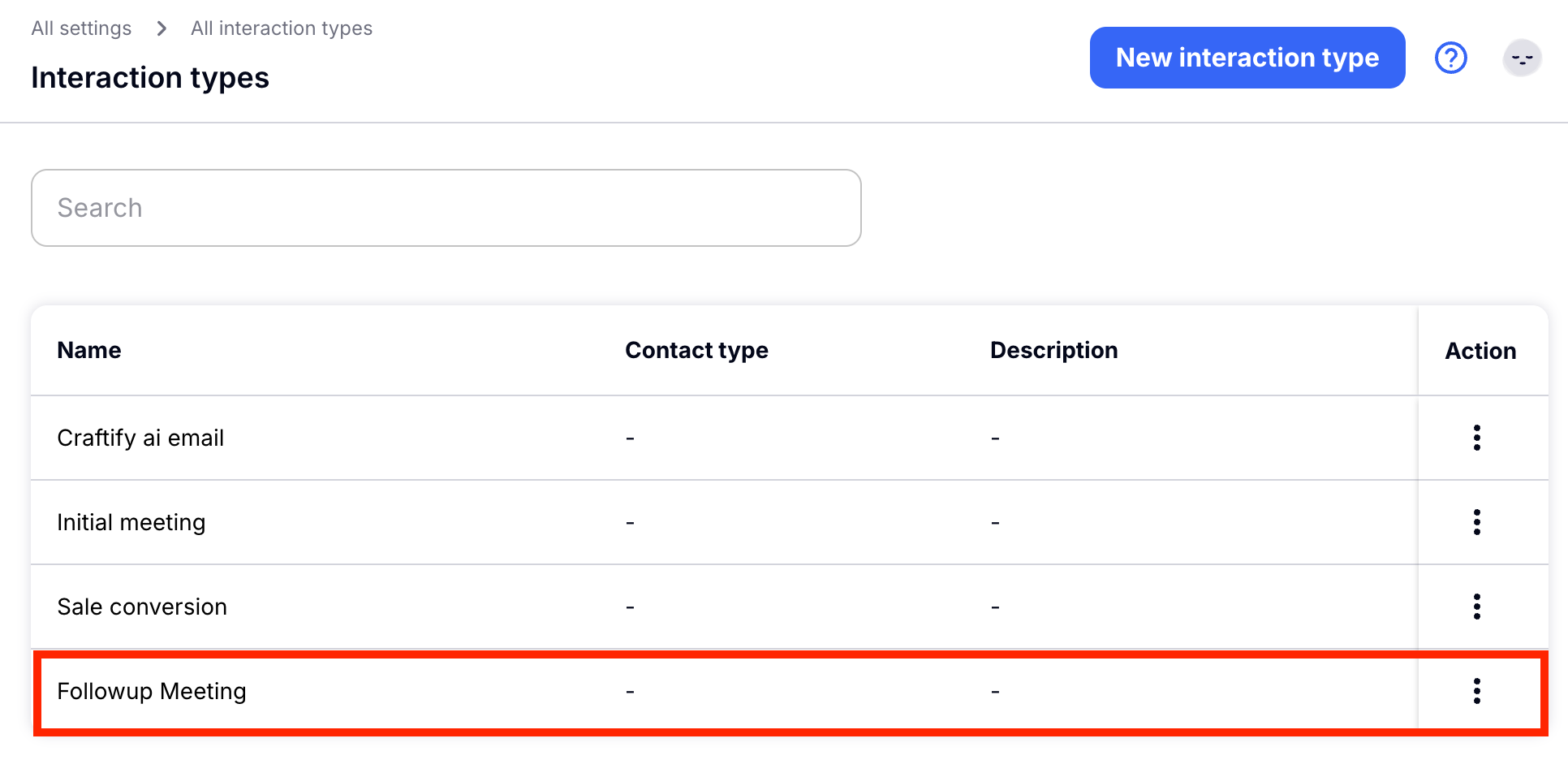
Once you have saved your Interaction Type, you will be re-directed to the full list of interactions! By choosing the three dots under Actions you can edit or delete any interaction type at any time.
That's it! Need to update your Contact Types too? HERE is a tutorial where you can learn how to do that!

