Customer Types Tutorial
Creating New and Unique Customer Types is super easy!
In this short tutorial, you will learn how to set up your Contact Types so that you can personalise your Contacts and get more out of your CRM!
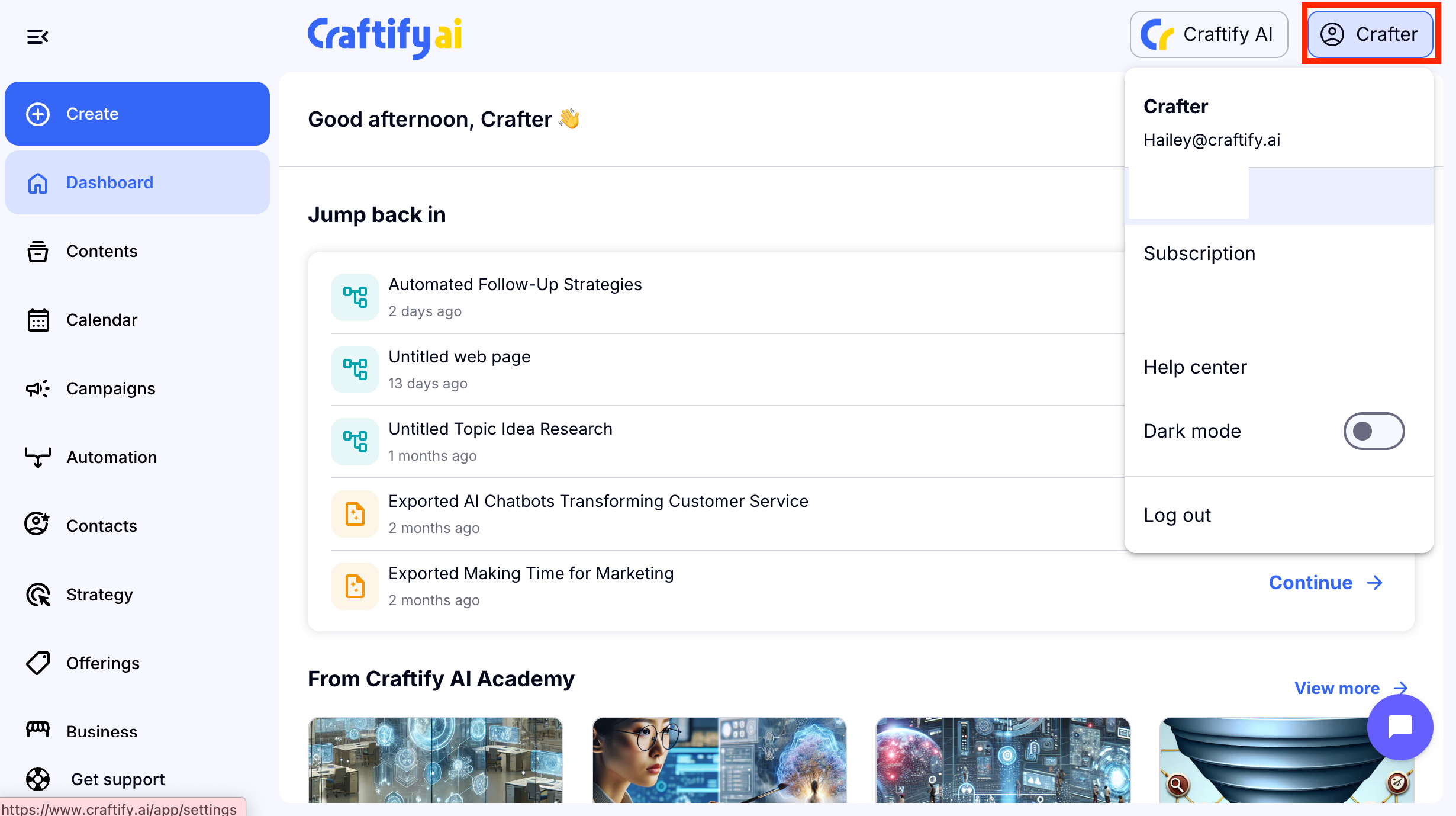
Step 1: Open Settings
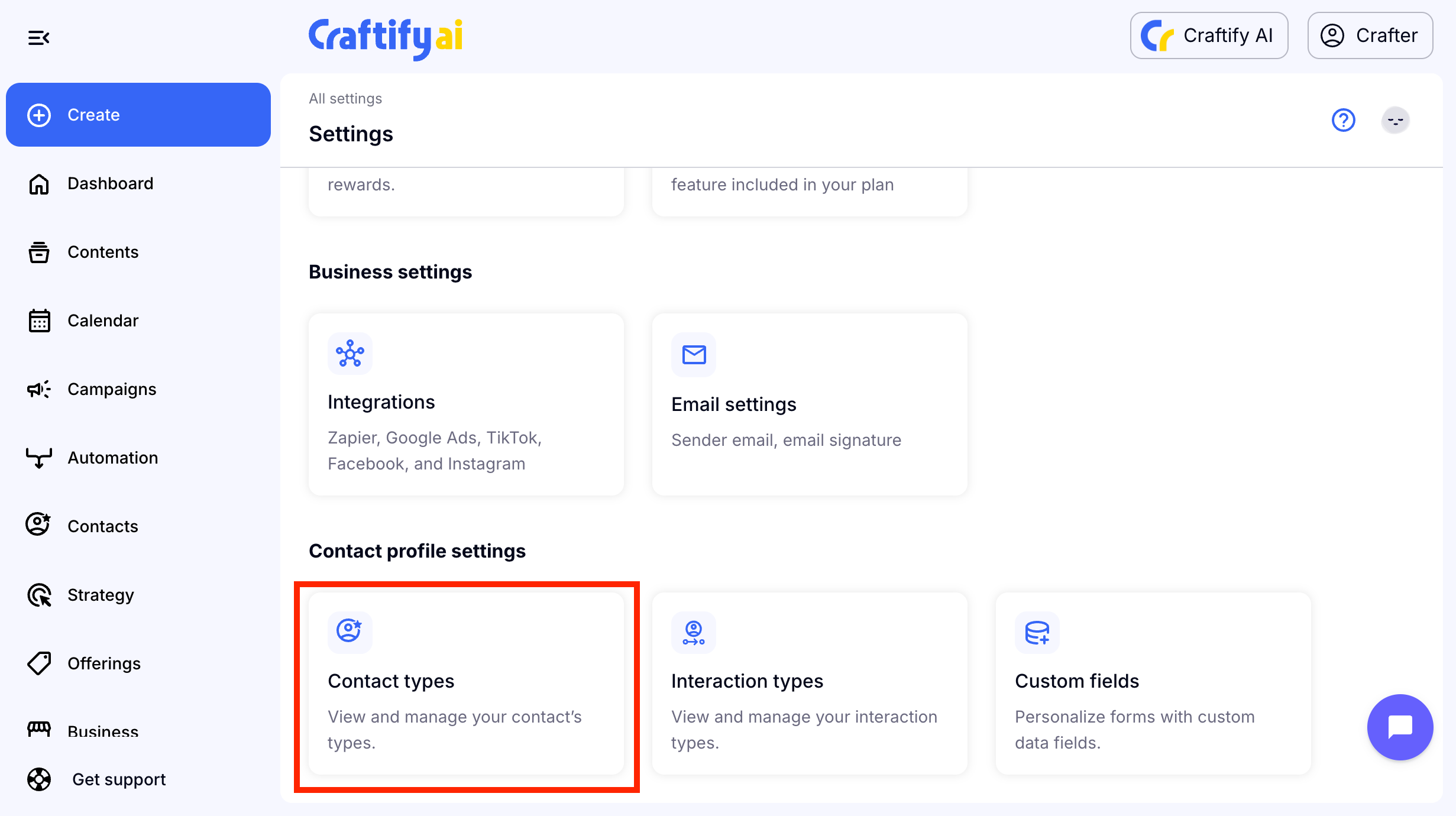
Step 2: Choose Contact Types
Scroll to the bottom of the settings area and choose Contact Types.
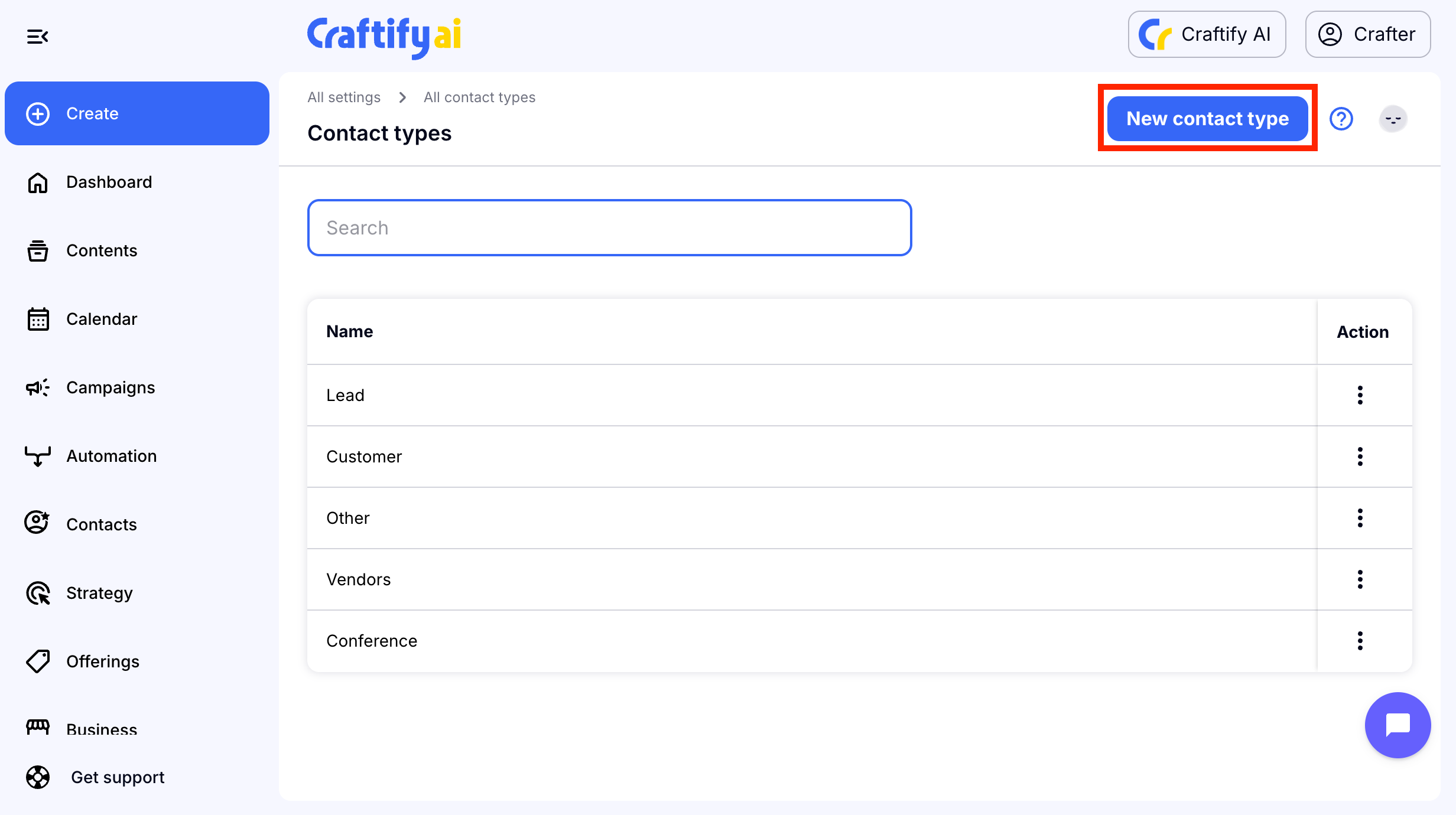
Step 3: Create a New Contact Type
Choose New Contact Type to get started.
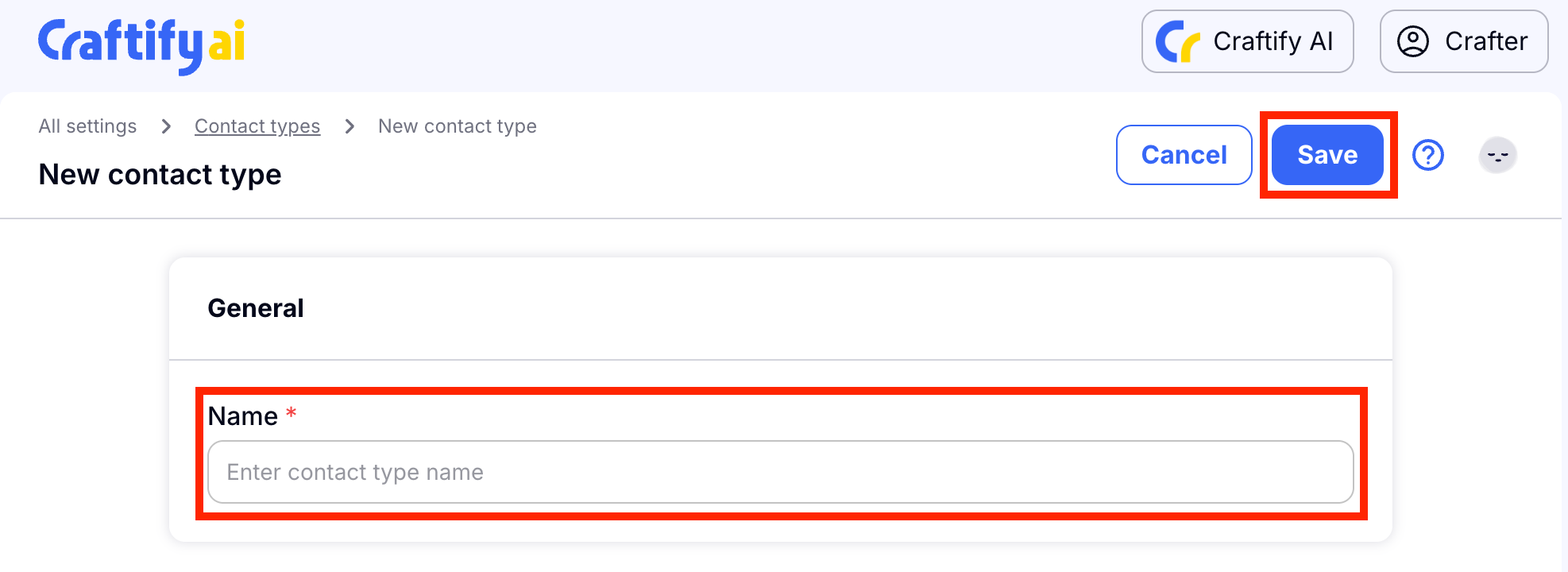
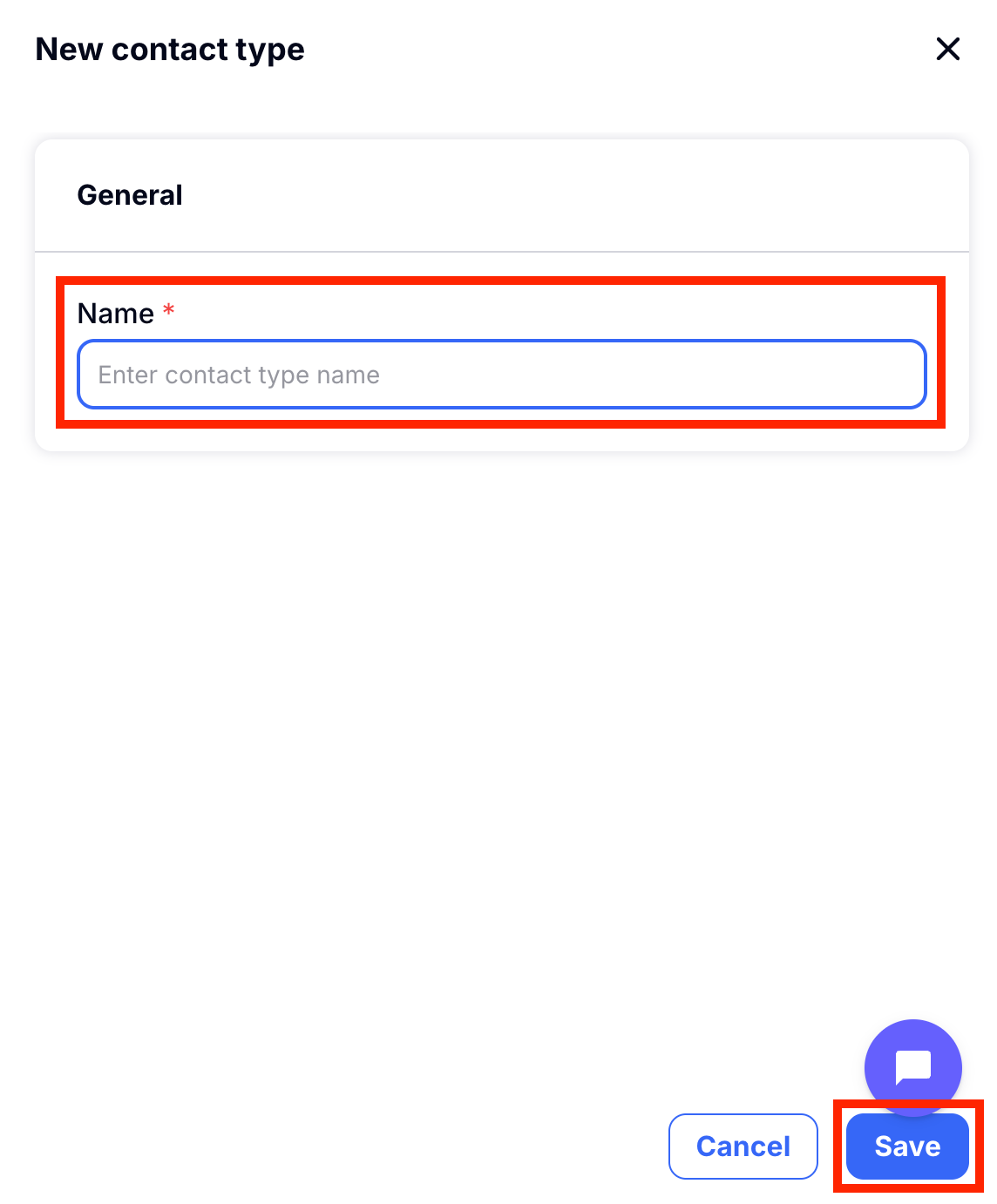
Type in the name of your unique Contact Type, then choose Save.
You'll automatically be re-directed to the list of Contact Types you have saved. You can choose the action buttons on the right to edit or delete any Contact Type.
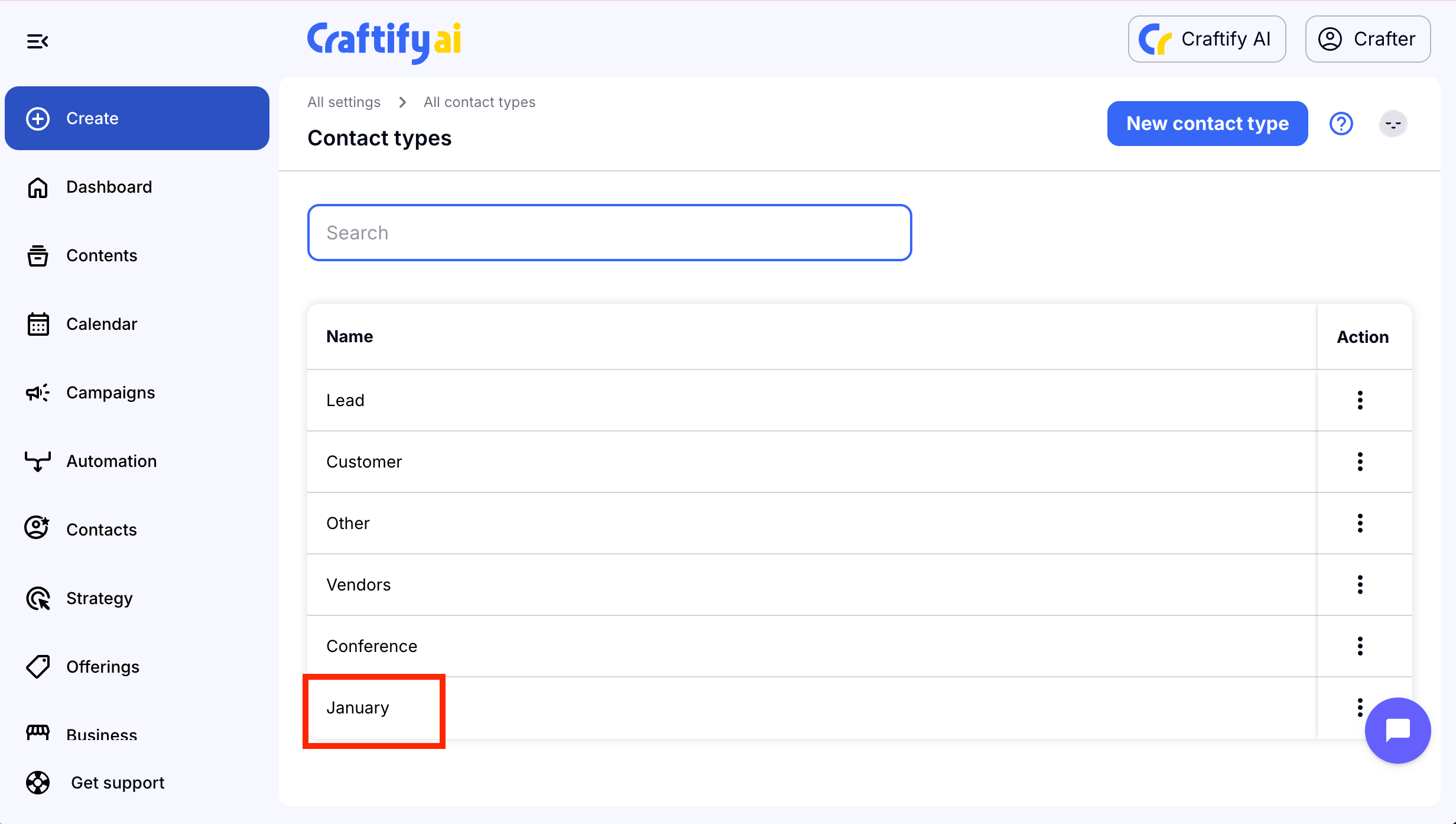
You can also add a Contact Type directly inside a new or exisiting contact!
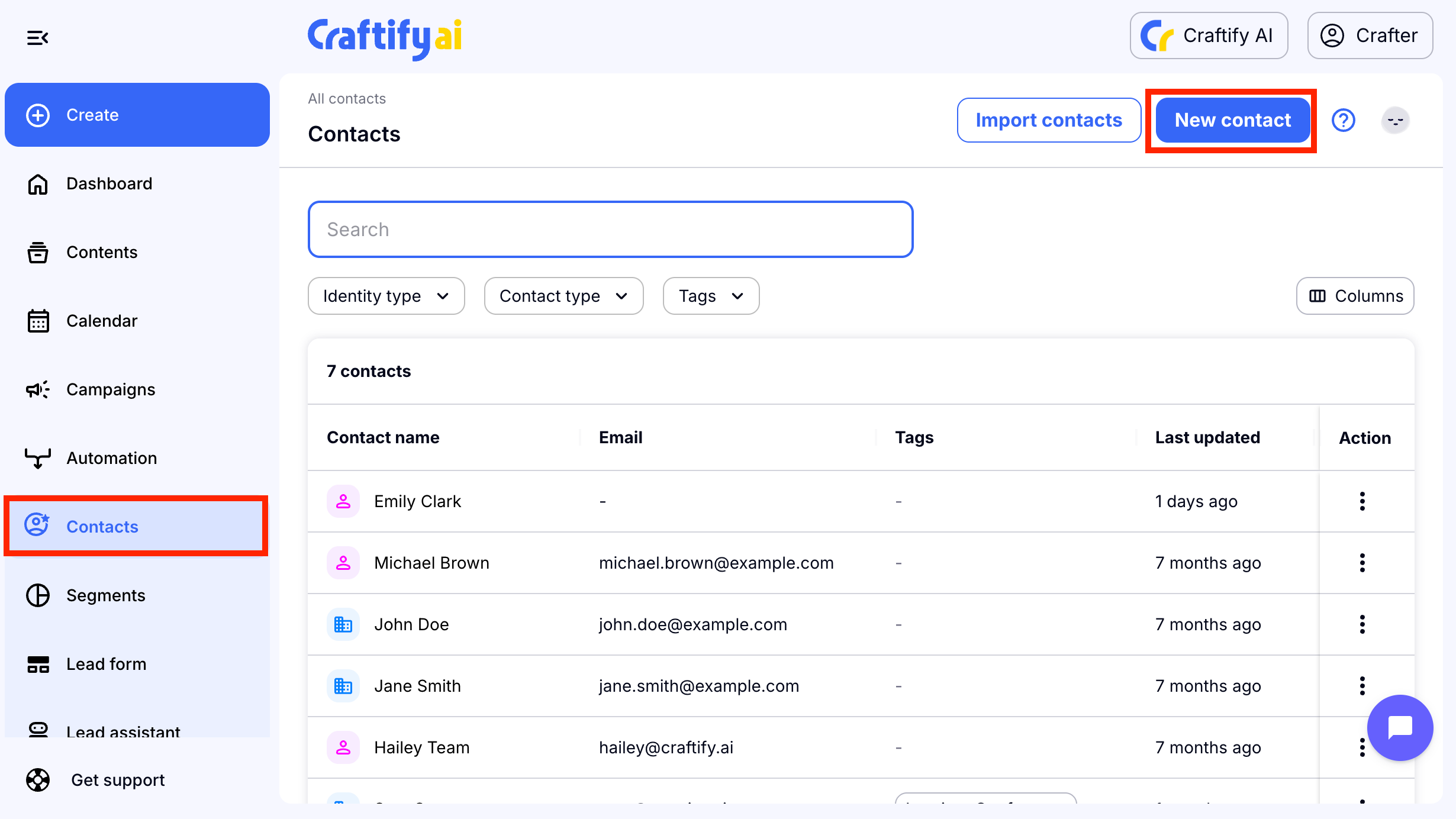
Start off by going to the Contacts section of Craftify AI and choose New Contact.
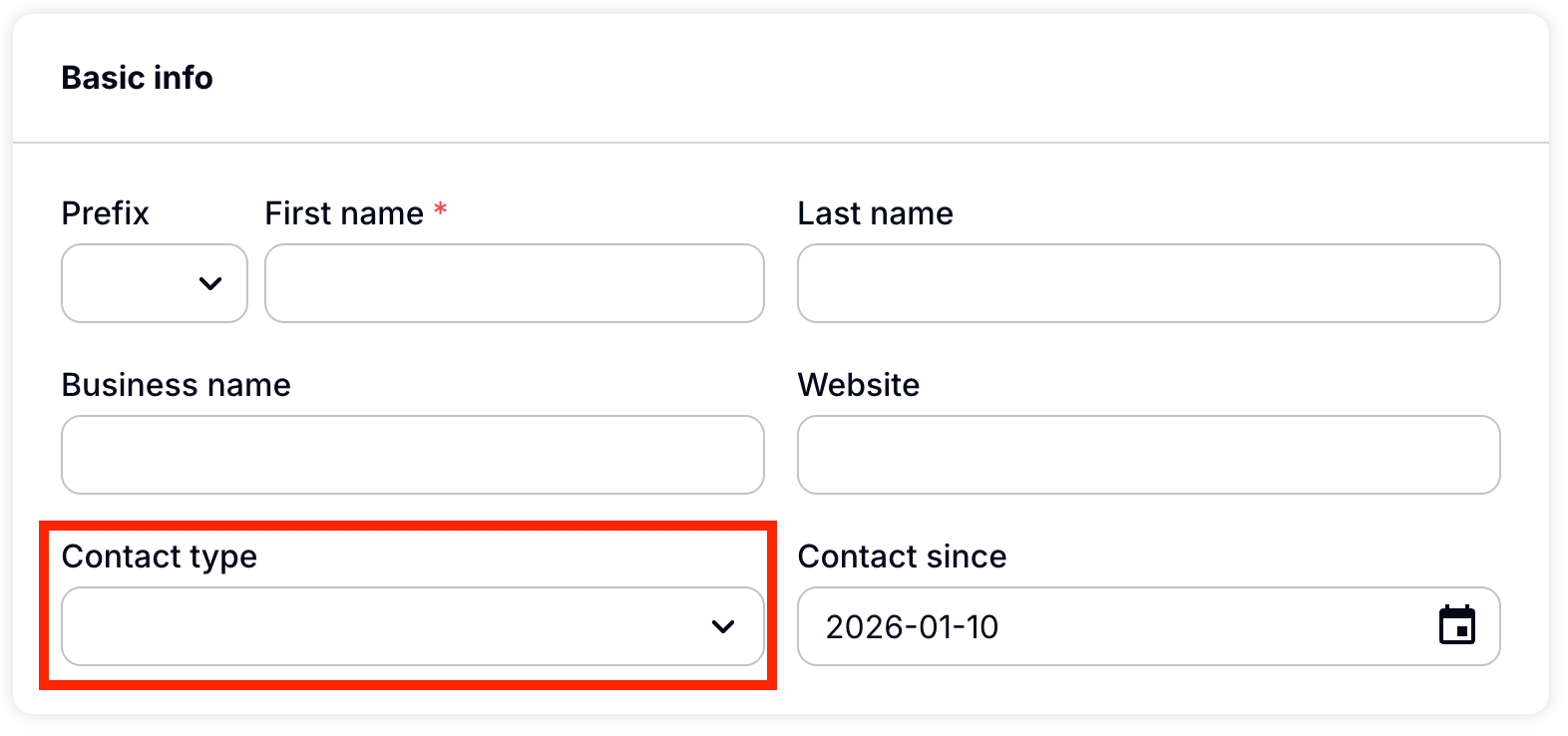
Then you will see the Basic Info section, choose Contact Type.
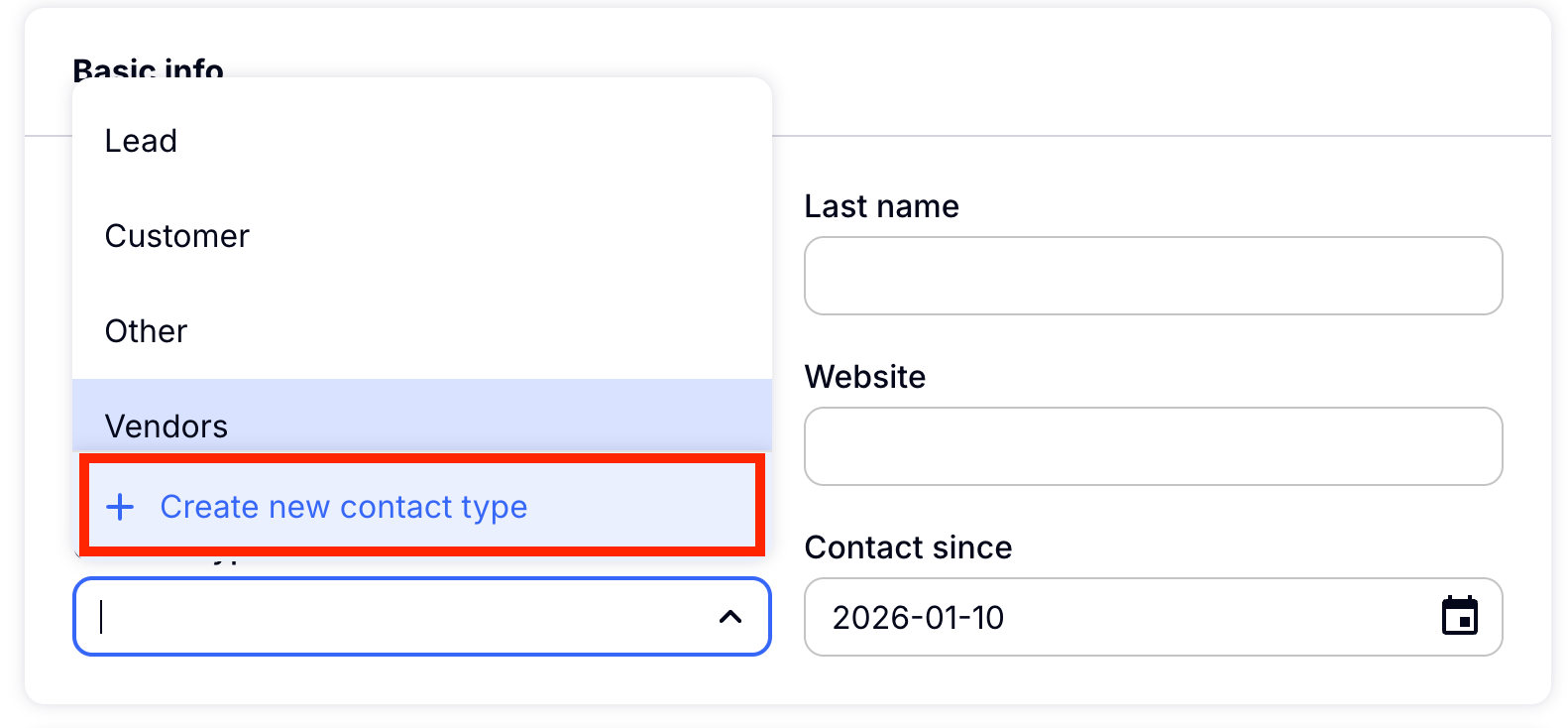
Choose New Contact Type.
On the right-hand side a box will pop up for you to enter your unique Contact Type. Choose Save to add this Contact Type.
And that's it! That's how easy it is to add new Contact Types to your Craftify AI Contacts.
If you haven't already, maybe it's a good time to set up your Interaction Types! You can learn about how to do that HERE!

