Lead Form Tutorial
Lead Form Tutorial
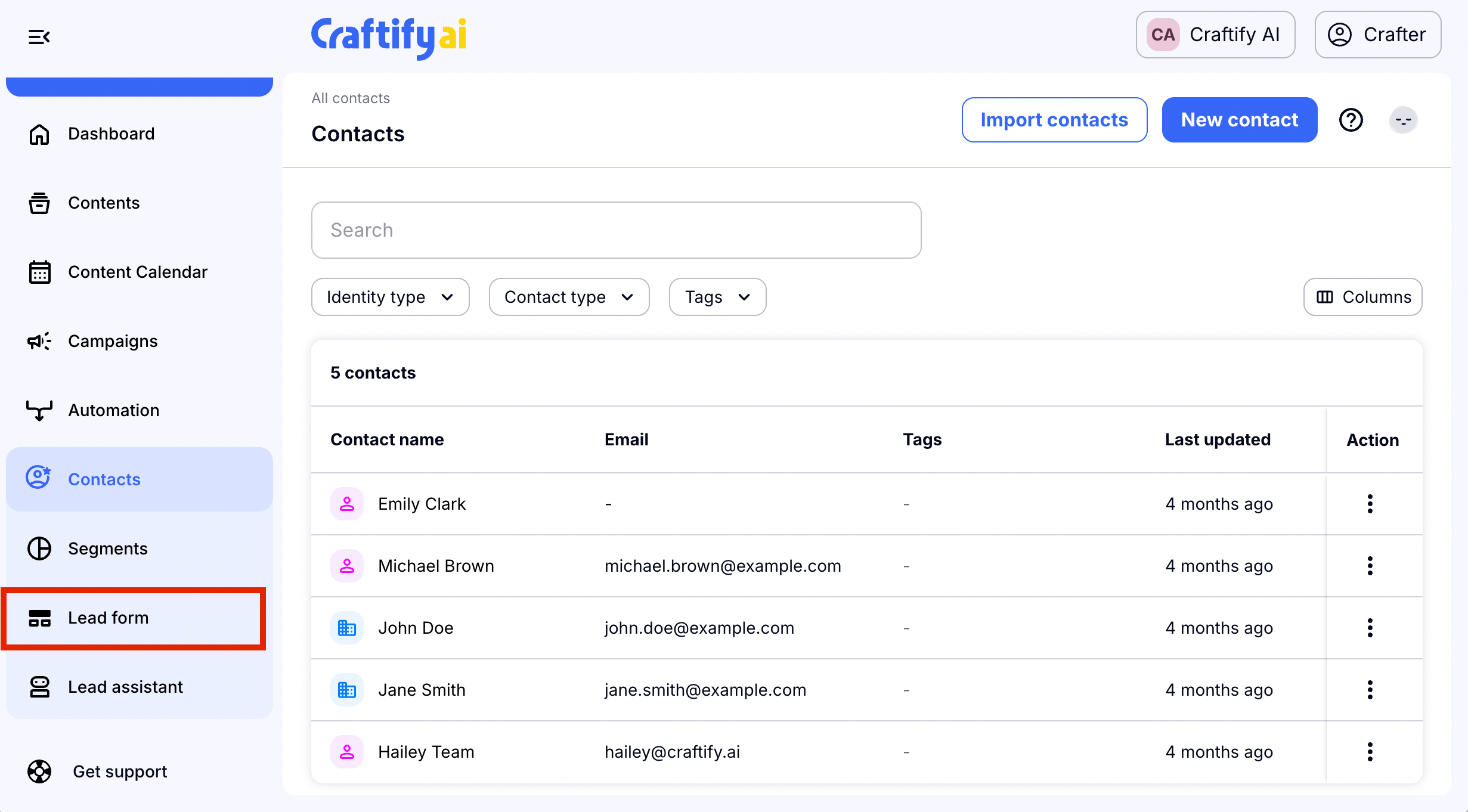
To get started, you will start from the Dashboard, choose 'Contacts' and a drop down will appear. Choose 'Lead Form.'
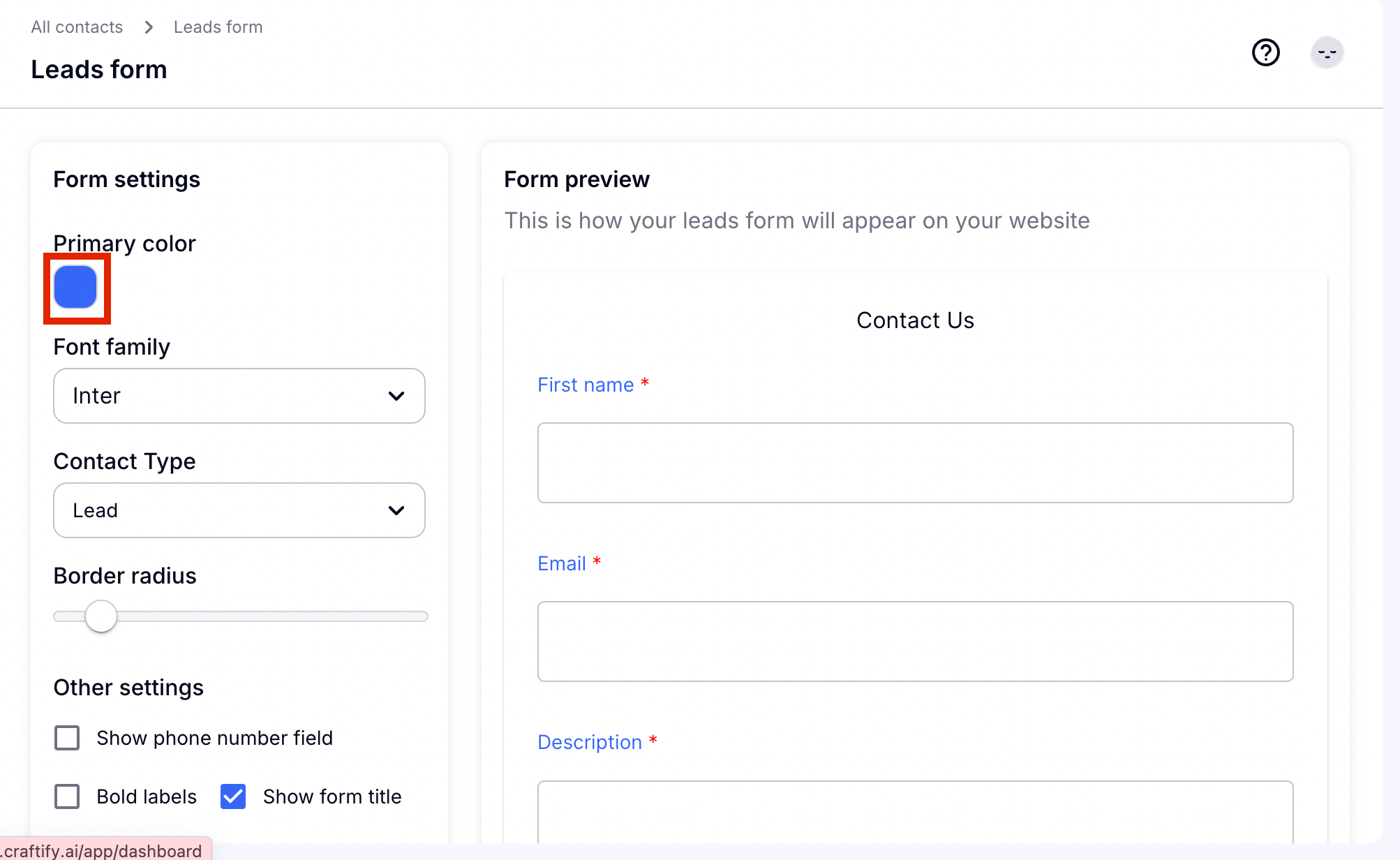
Step 1: Choose your color
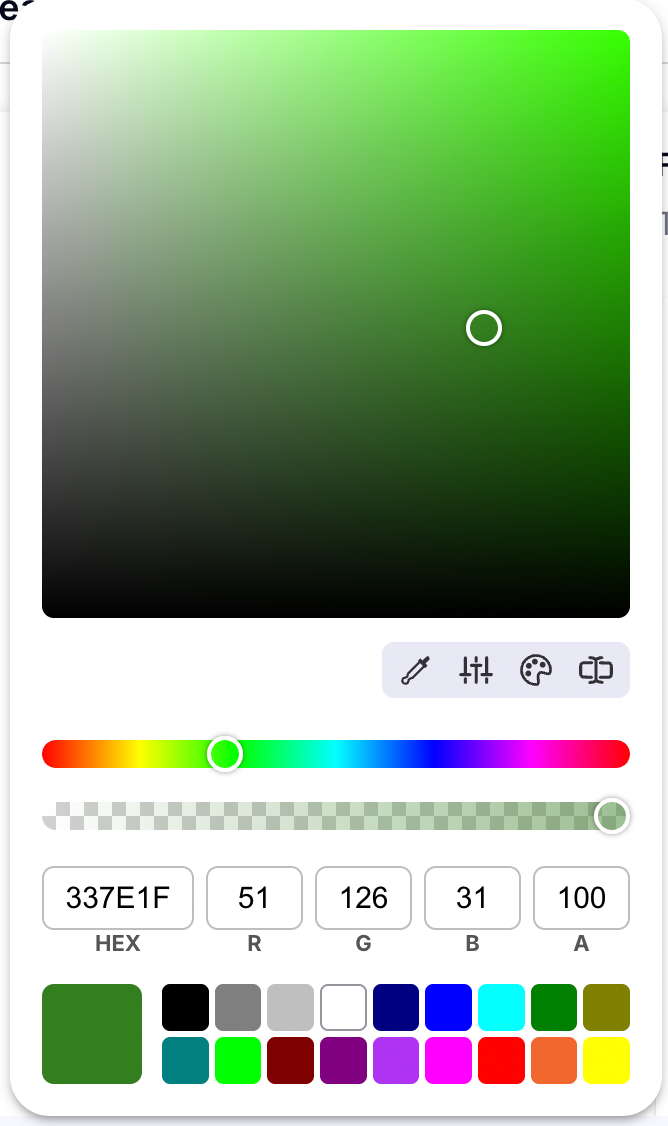
You can use any color you wish here, but we recommend using a brand color! Use the many different types of color picking to get the perfect color for the details on your lead form.
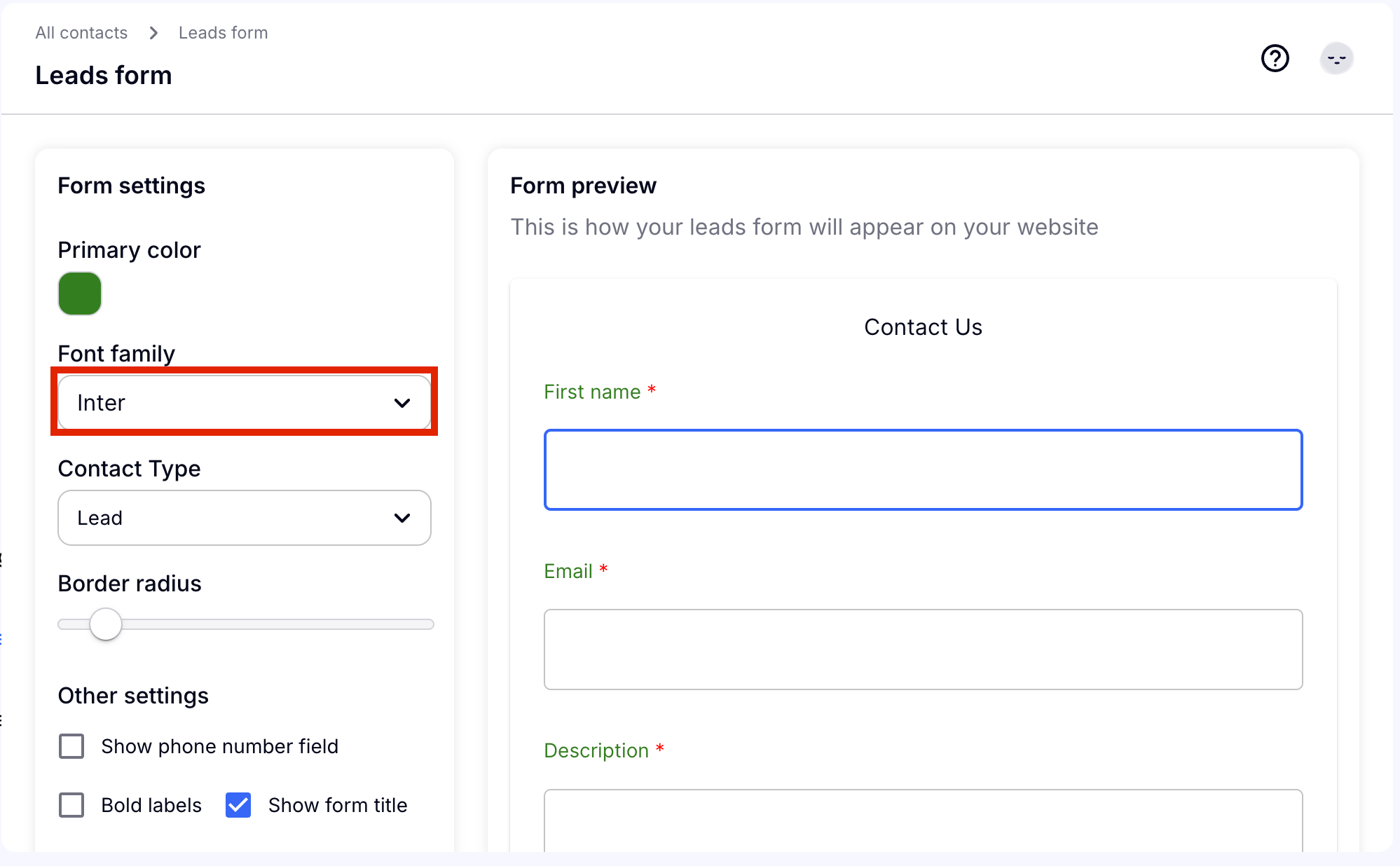
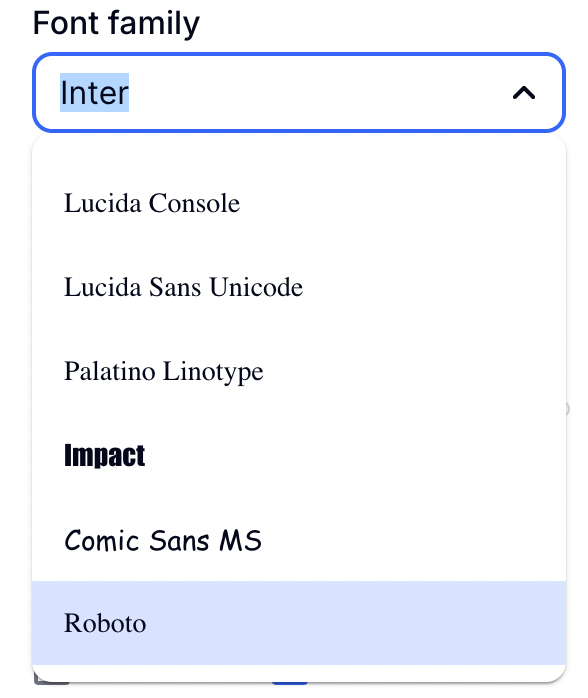
Step 2: Choose your font
If you have a brand specific font, then choose one here. If not, choose whichever works best for you, the entire Google font library is here.
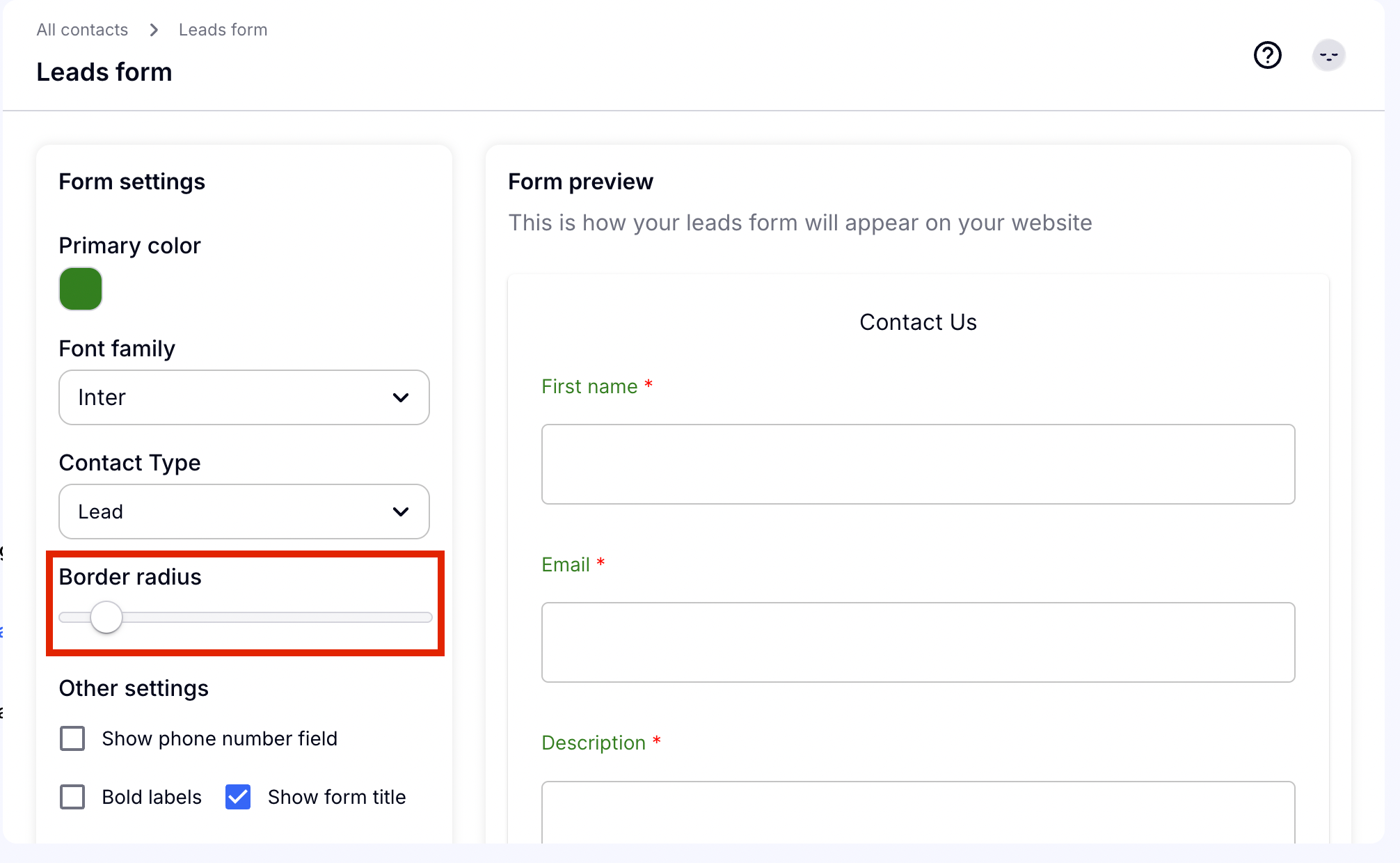
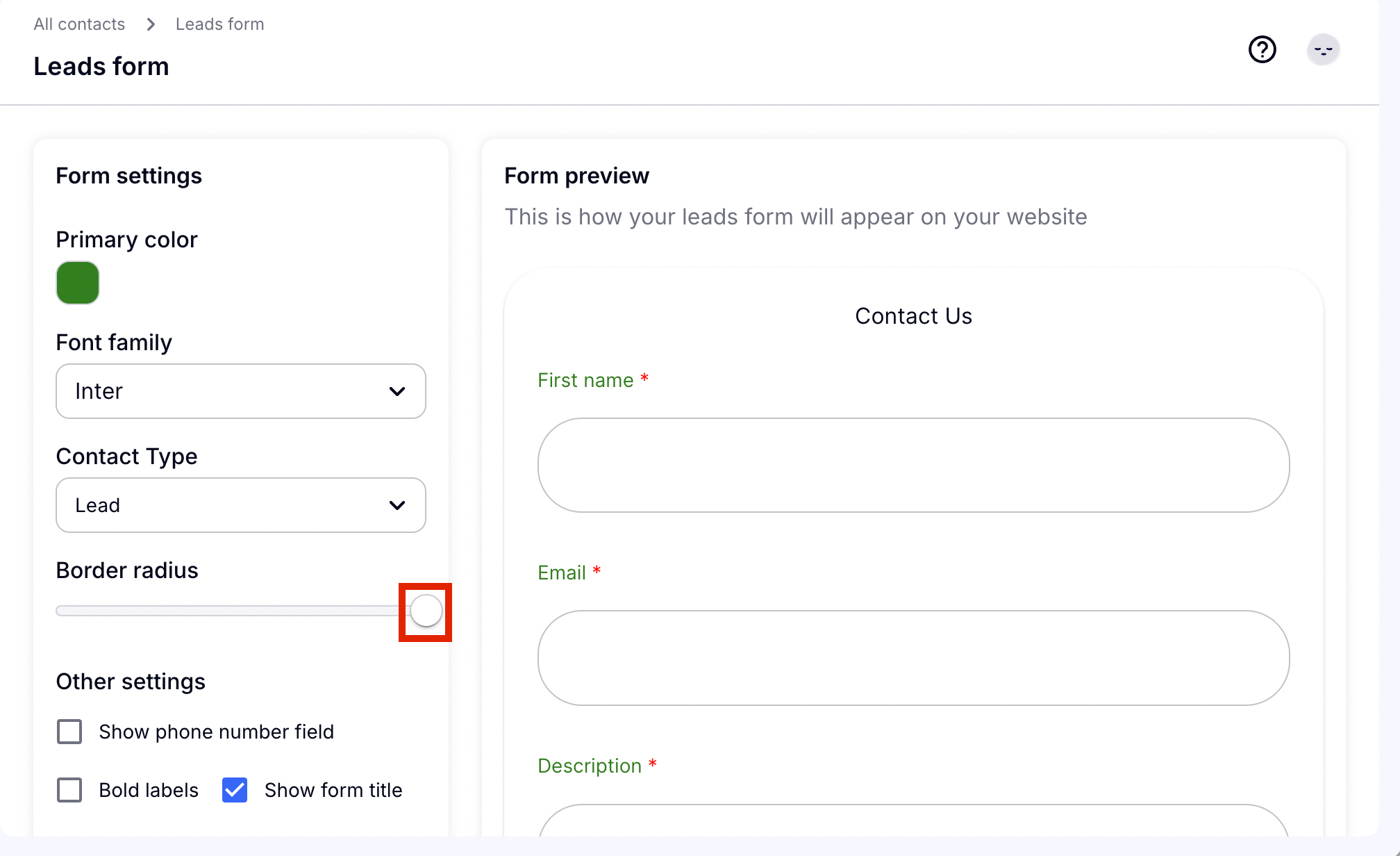
Step 3: Scroll the border radius to adjust your borders
Easily scroll to the right if you prefer more rounded edges, and towards the left if you prefer hard corners.
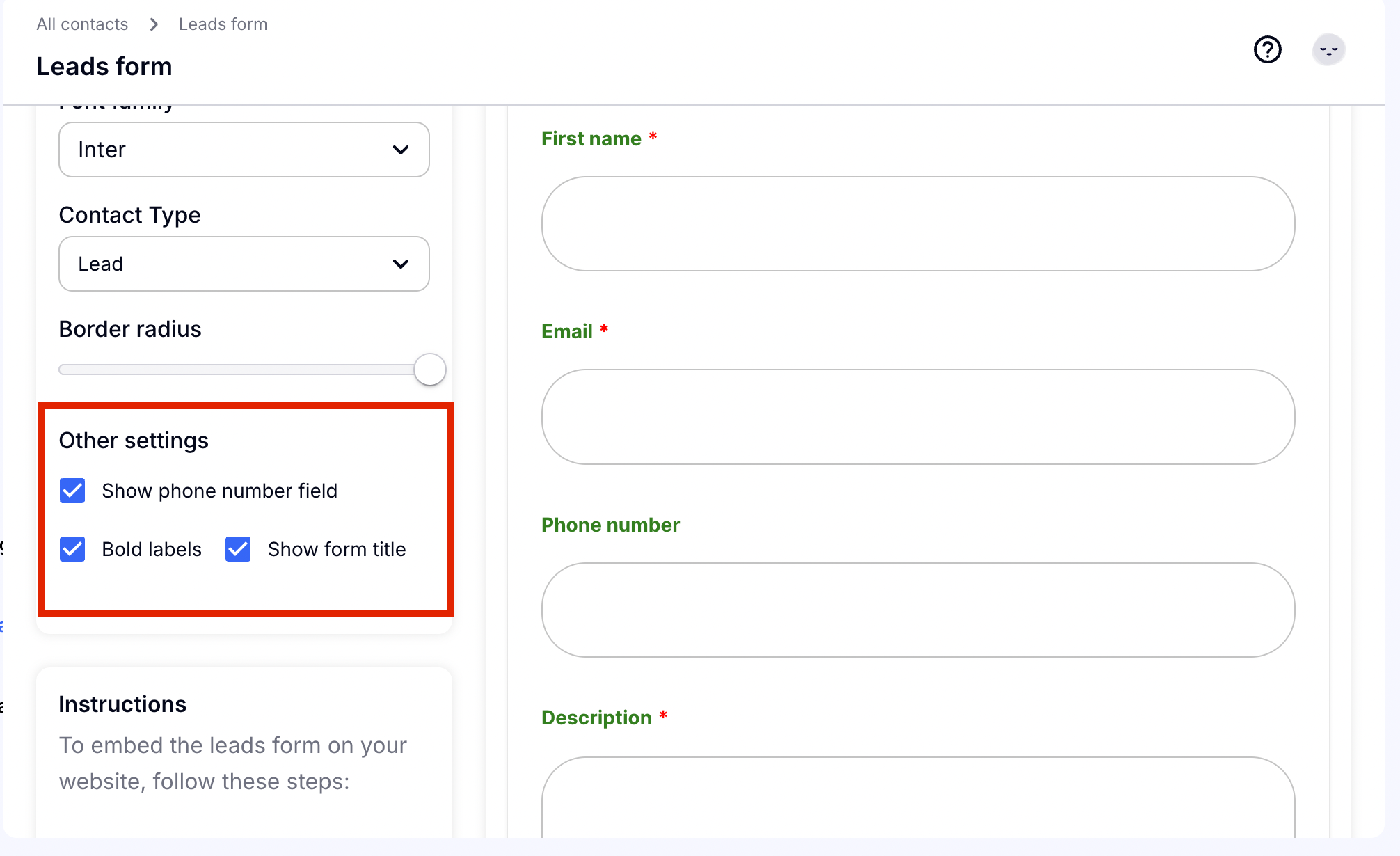
Step 4: Other settings
You can choose to add a phone number, bold the details, and show or hide the form title.
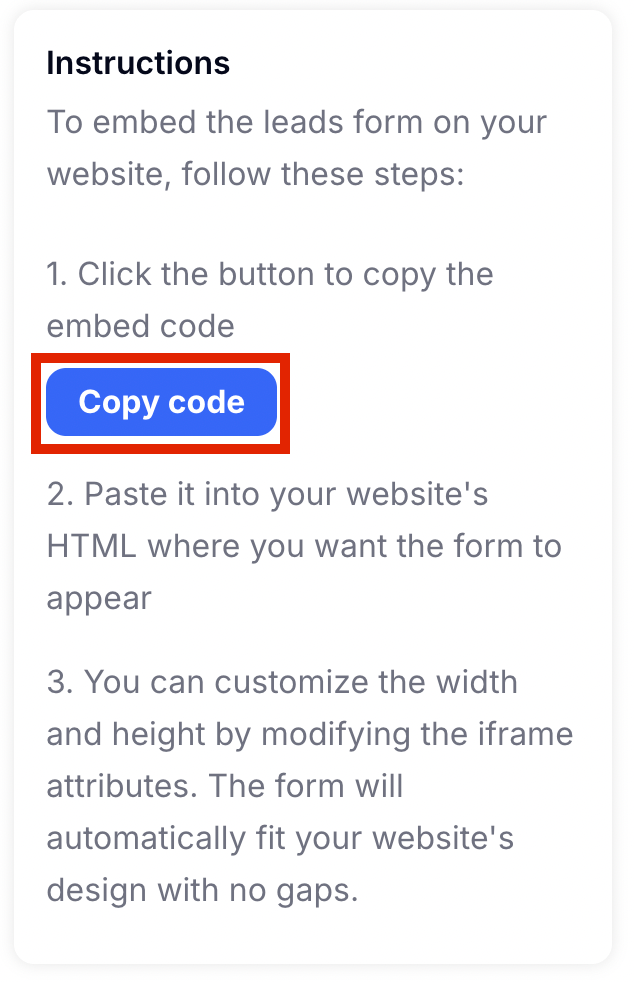
Step 5: Copy your custom code
We make it easy for you, all you have to do is copy the code by clicking the button, and then paste it into your website! Ready to go!