Invoice Generator Tutorial
Go to Free Tools
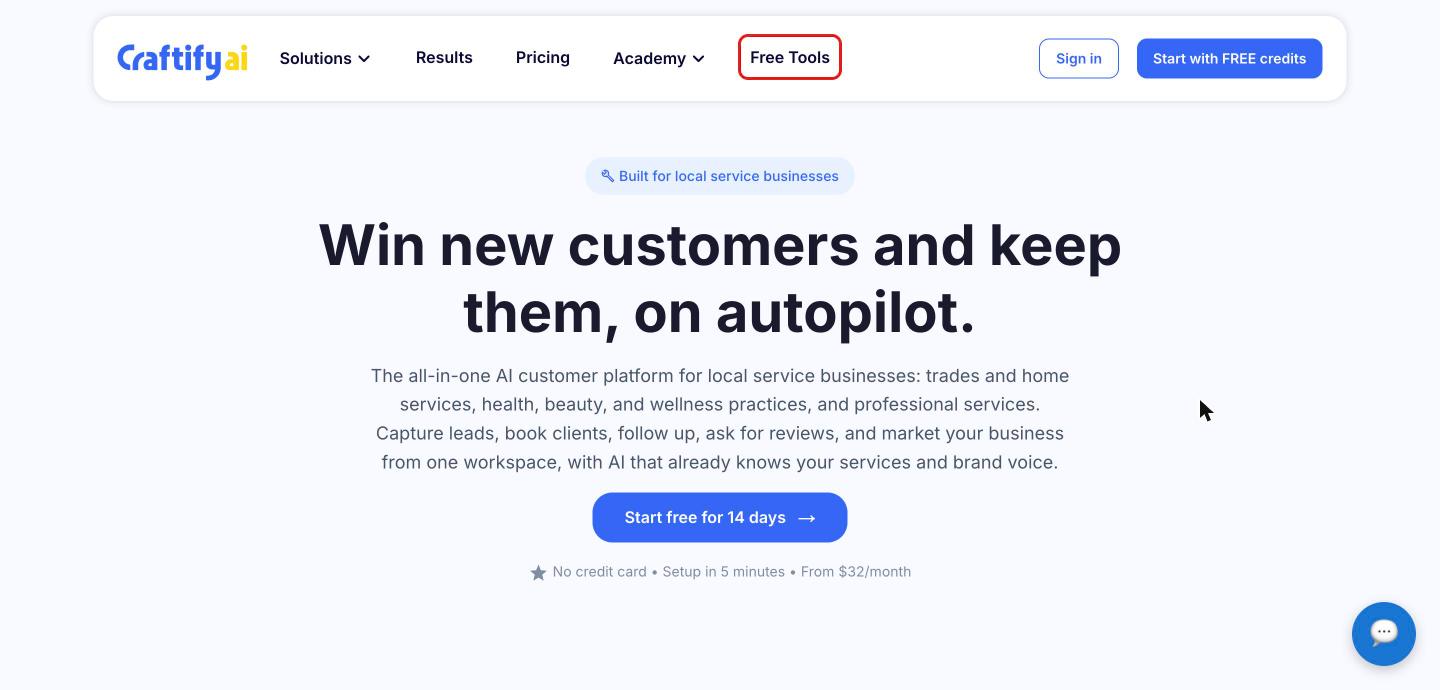
The Invoice Generator is a free tool, so you don't need a Craftify AI account to use it. Go to the craftify.ai homepage and click 'Free Tools' in the top menu.
Open the Invoice Generator
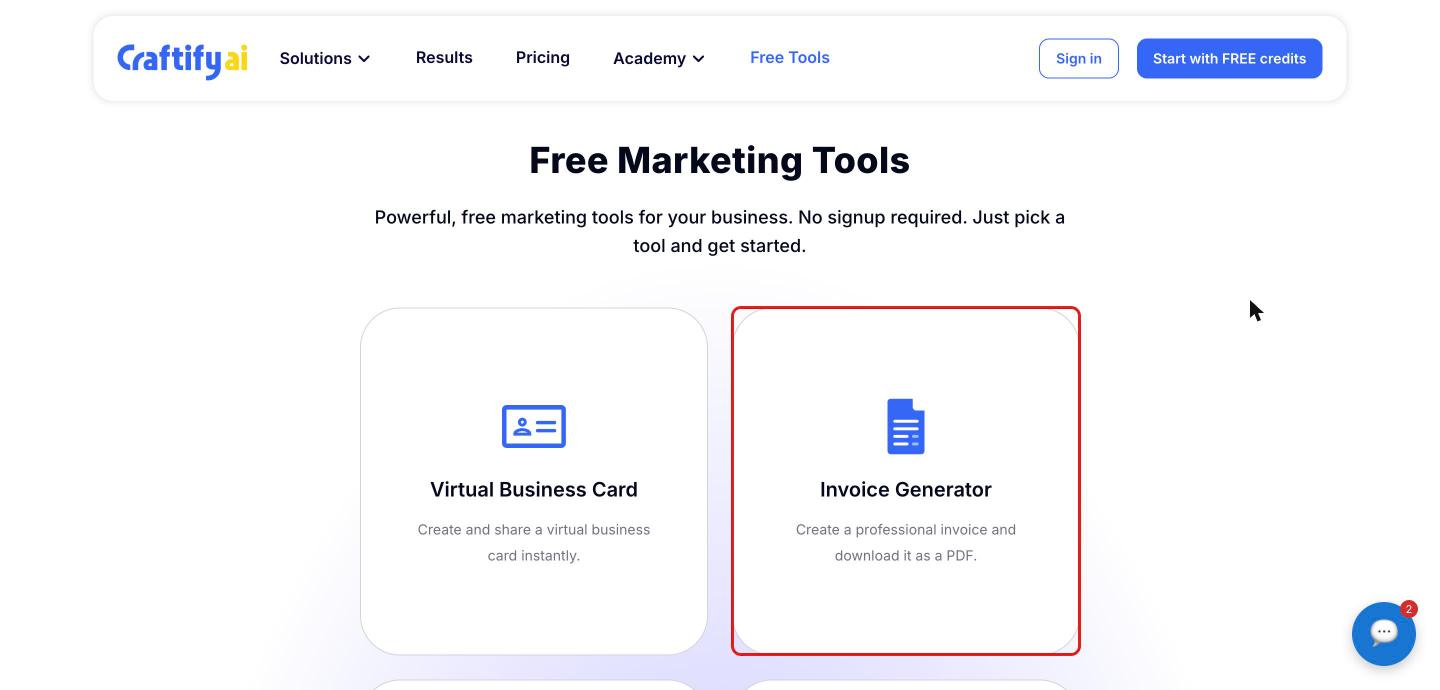
On the Free Marketing Tools page, click 'Invoice Generator'.
Add your business and client details
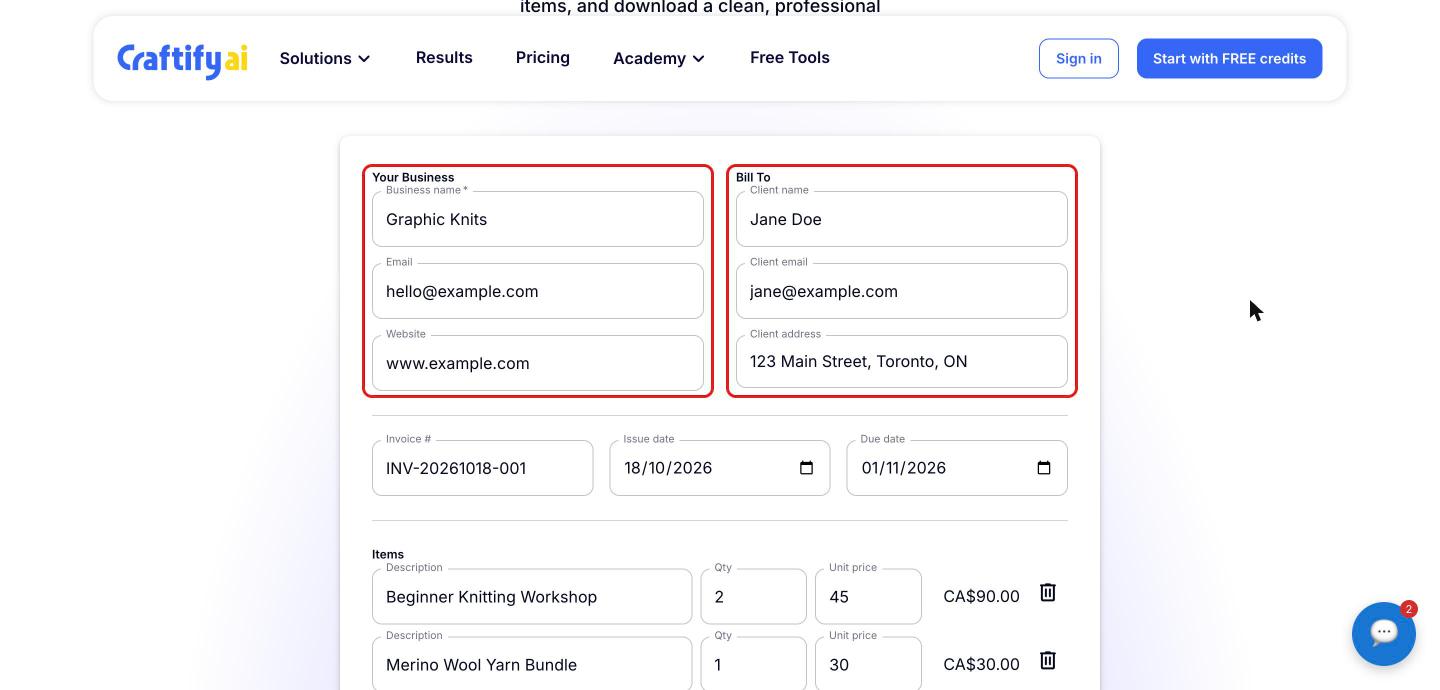
Under 'Your Business', enter your business name (required), email and website. Under 'Bill To', add your client's name, email and address.
Set the invoice number and dates
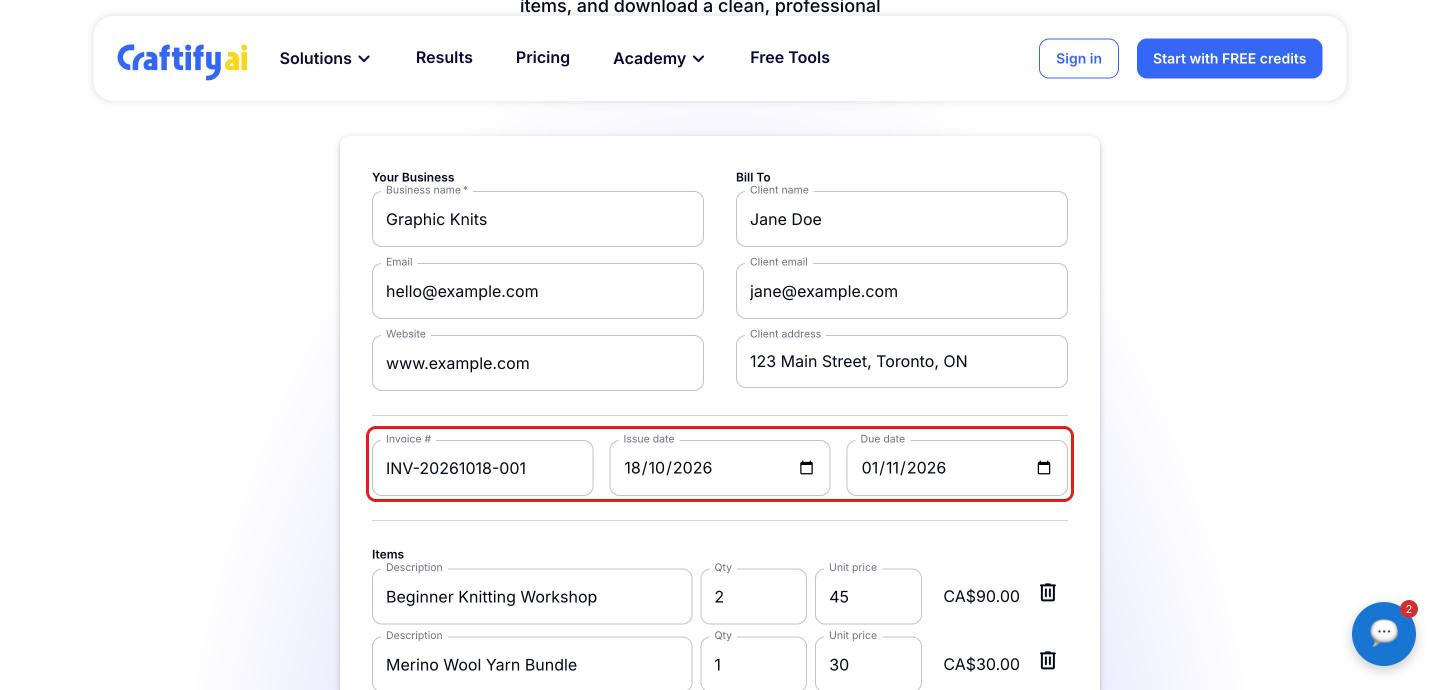
Craftify AI fills in an 'Invoice #' and today's 'Issue date' for you. Change them if needed, then pick a 'Due date'.
Add your line items
Under 'Items', enter a description, quantity and unit price for each product or service. The line total is calculated for you. Click 'Add row' to add more items, or the trash icon to remove one.
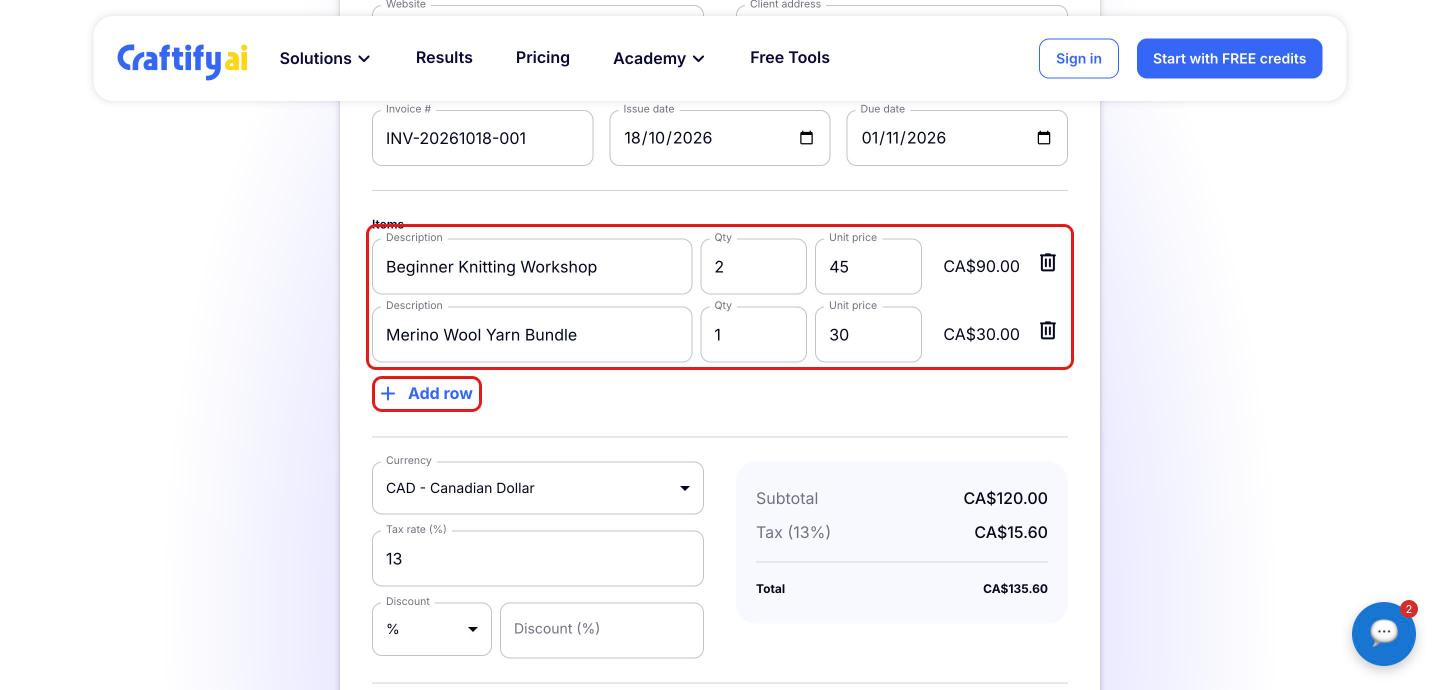
Set the currency, tax and discount
Choose your 'Currency' (USD, CAD, EUR, GBP, AUD or JPY) and enter your 'Tax rate (%)'. To add a discount, choose '%' or 'Amount' and enter the value. The subtotal, discount, tax and total update as you go.
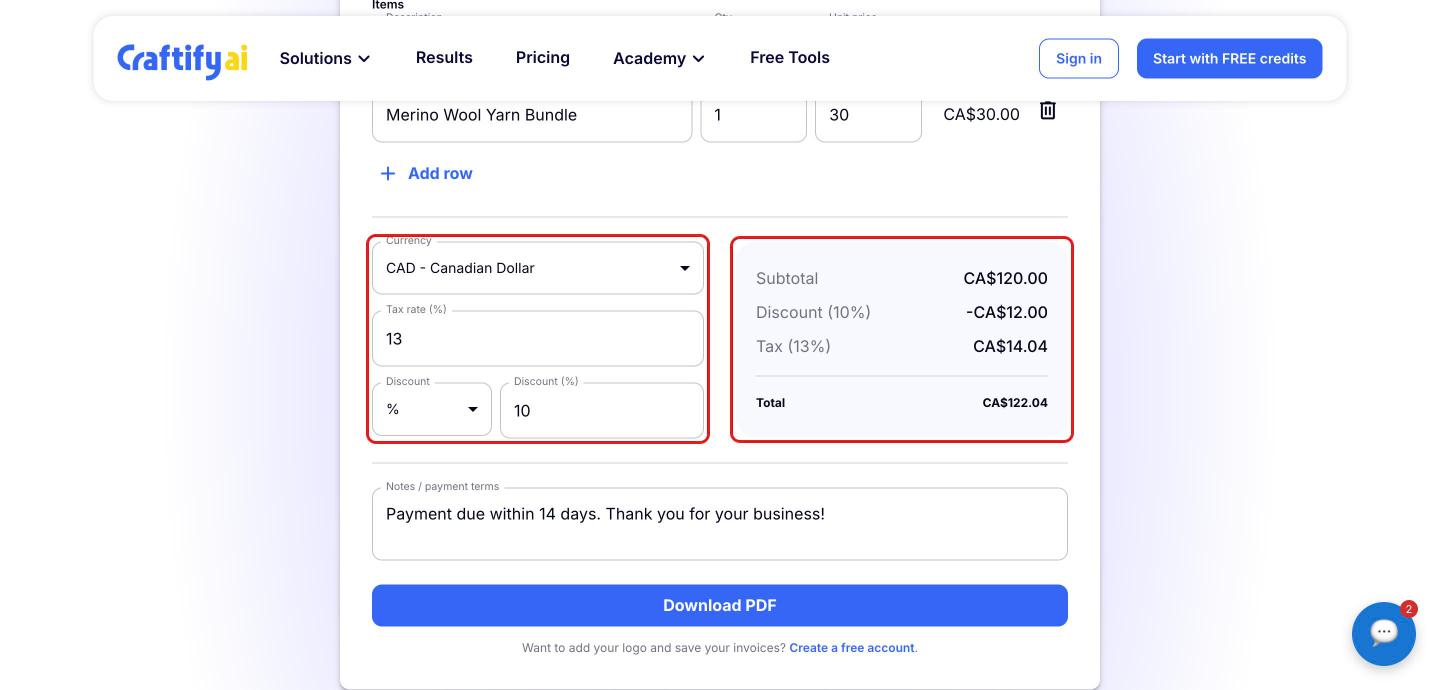
Add notes and download your invoice
Add any 'Notes / payment terms', such as when payment is due. Then click 'Download PDF' to save your invoice. The button becomes active once you've added your business name and at least one line item with a price.
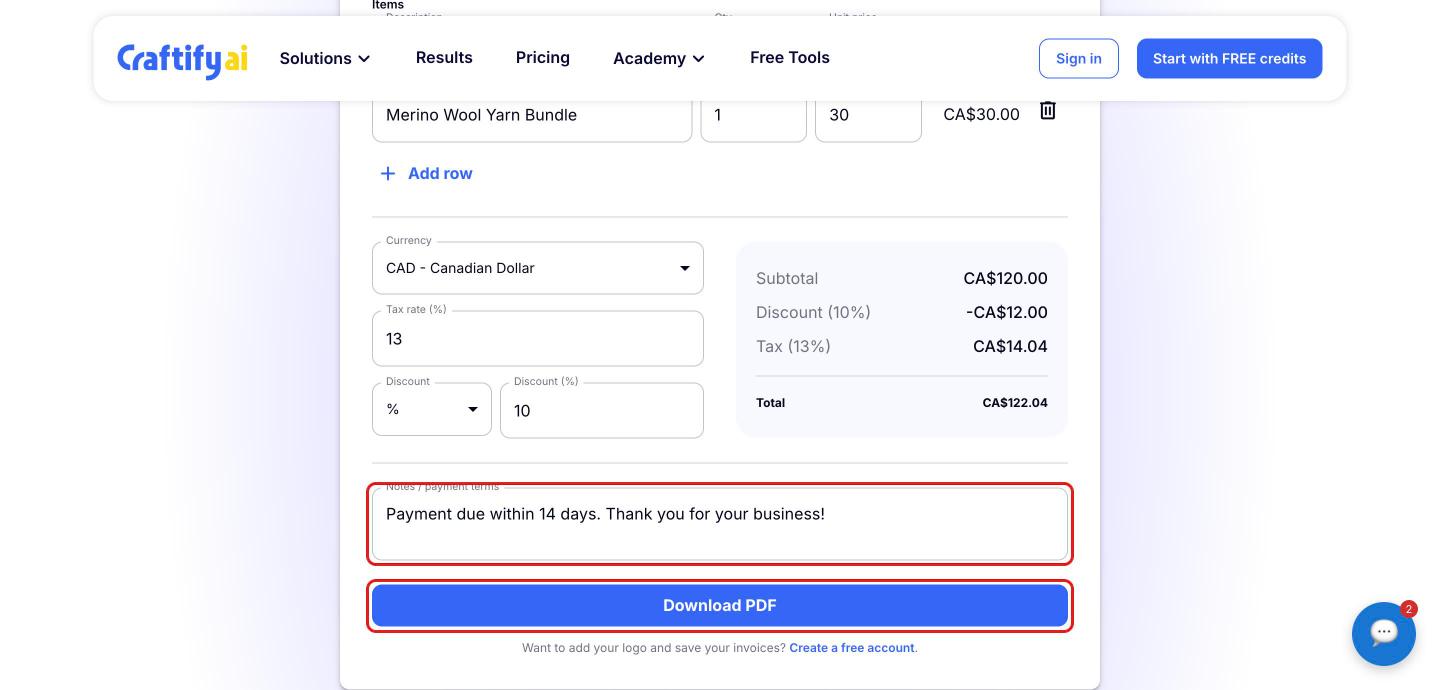
Want to add your logo and save your invoices? Click 'Create a free account' below the download button to sign up for Craftify AI.

