Offerings Tutorial
- Offerings Tutorial
- Step 1: Head to Offerings
- Step 2: Do you have a product link already?
- Step 3: Open up the Product or Service created for you from the menu and review.
- Step 2A: If you don't have a product/service link already start here!
- Step 3A: Open up the Product or Service created for you from the menu and review.
- Step 4: Create a Craft based on your Product or Service
Offerings Tutorial
Making your Products and Services shine is one of the best ways to market your work! A great product/service description, relevant keywords for SEO, and target audience per product or service is quintessential to selling!
At Craftify AI, we make all of this easy by allowing you to add your products and services into our database, and then use AI to help you craft the best descriptions and SEO. Those products and services can be used to create other marketing crafts like emails and blogs to add context to your content!
Follow this short tutorial on how to set up your Offerings in Craftify AI!
Step 1: Head to Offerings
Choose 'Offerings' on the left-hand menu.
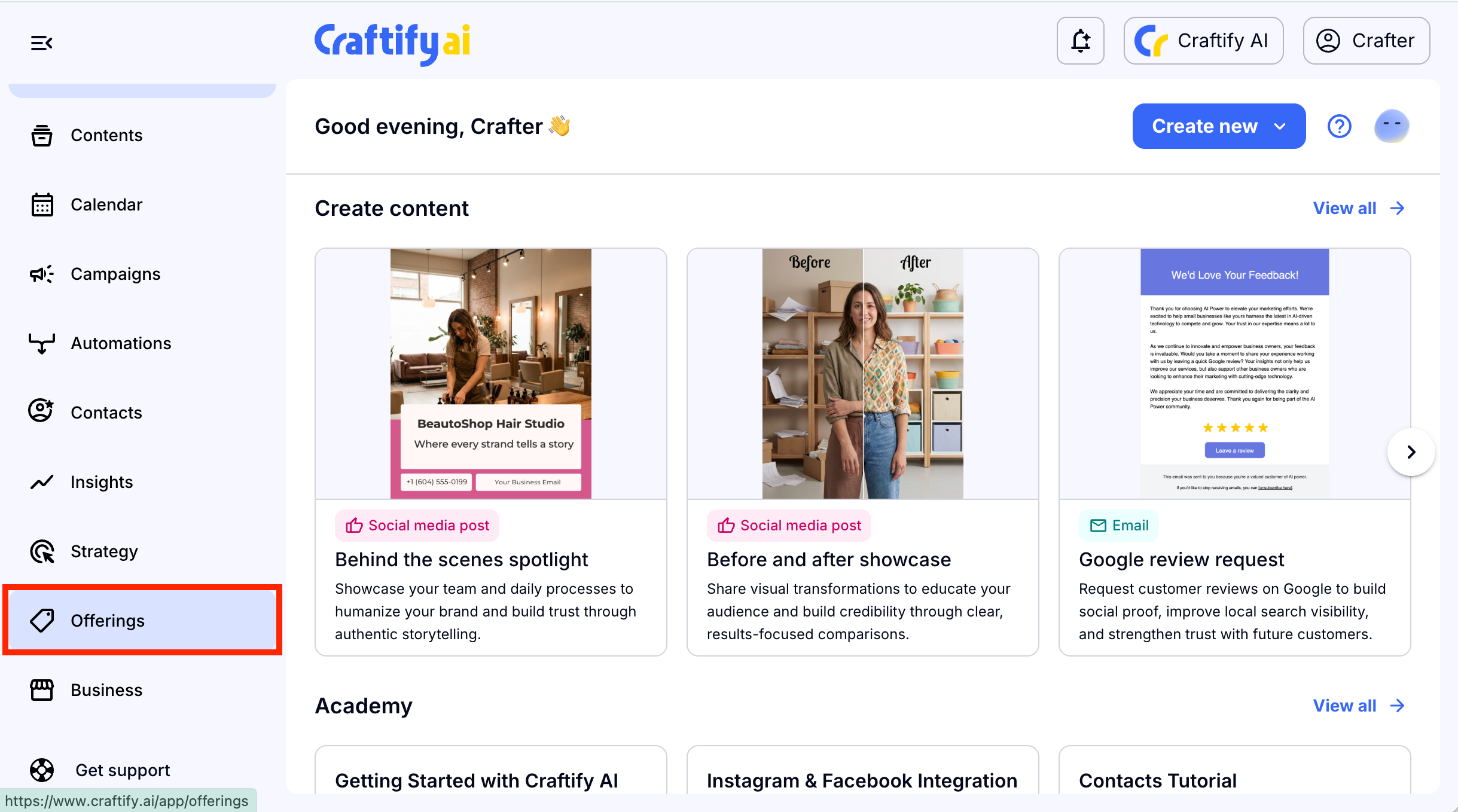
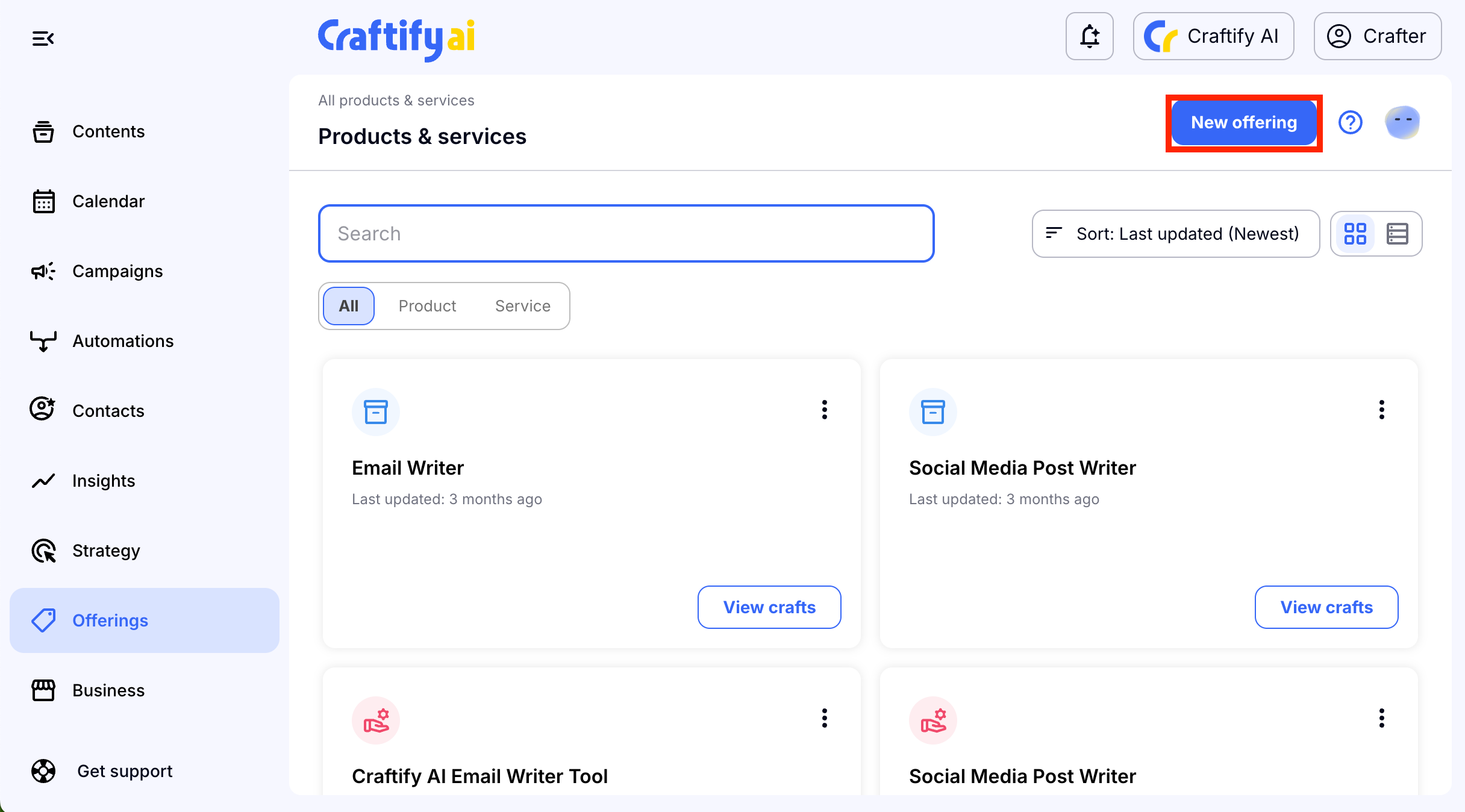
You will find yourself in the Offerings section. If you've already created any products and services in the past, you will find them here as well.
To get started on a new one choose 'New offering' in the top right-hand side.
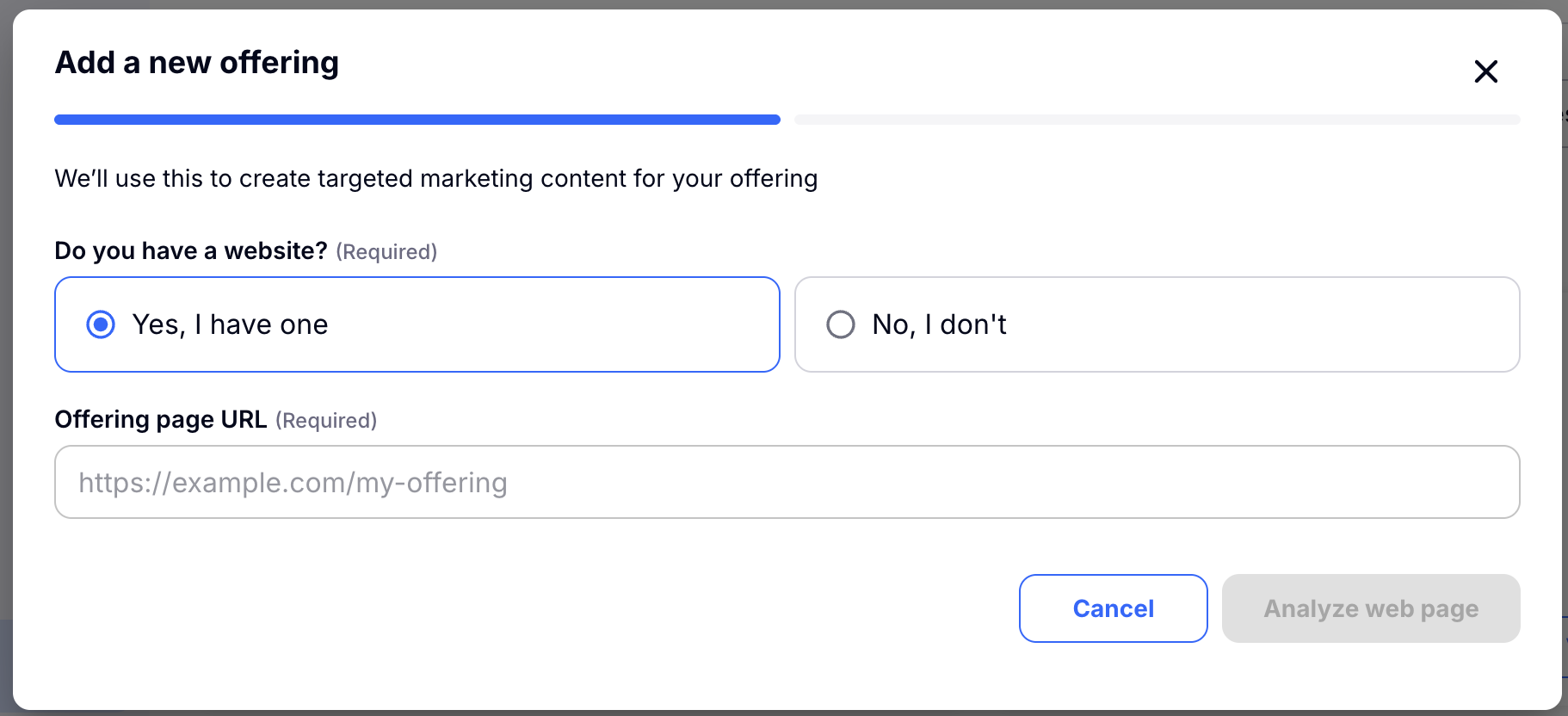
Step 2: Do you have a product link already?
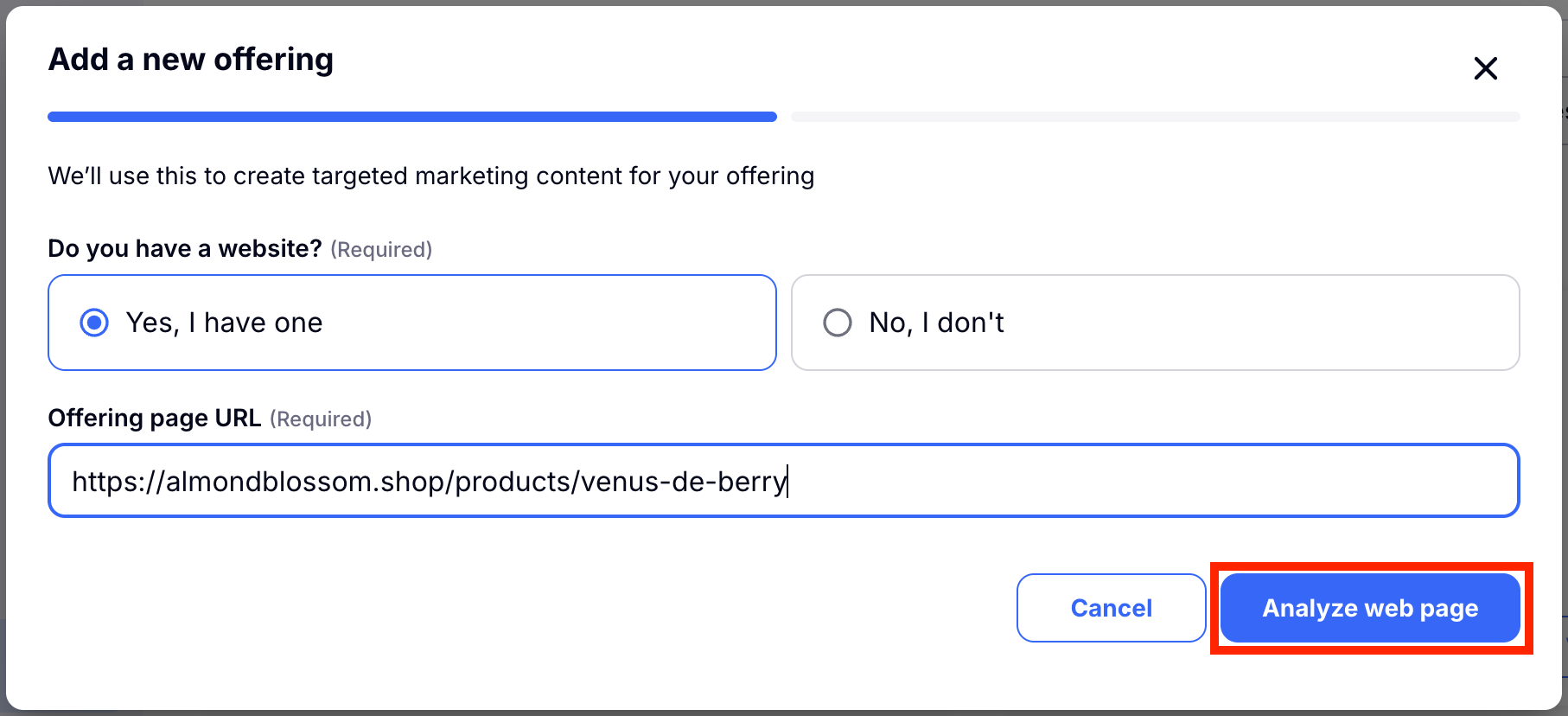
If you do, then continue with the option on the left and you can paste your link to your product or service here. If you don't have a link already, skip to Step 2A: If you don't have a product/service link already start here!
Once you've added the link, click 'Analyze web page' and Craftify AI will read the page and pull all of the relevant info it needs to create your service or product.
Step 3: Open up the Product or Service created for you from the menu and review.
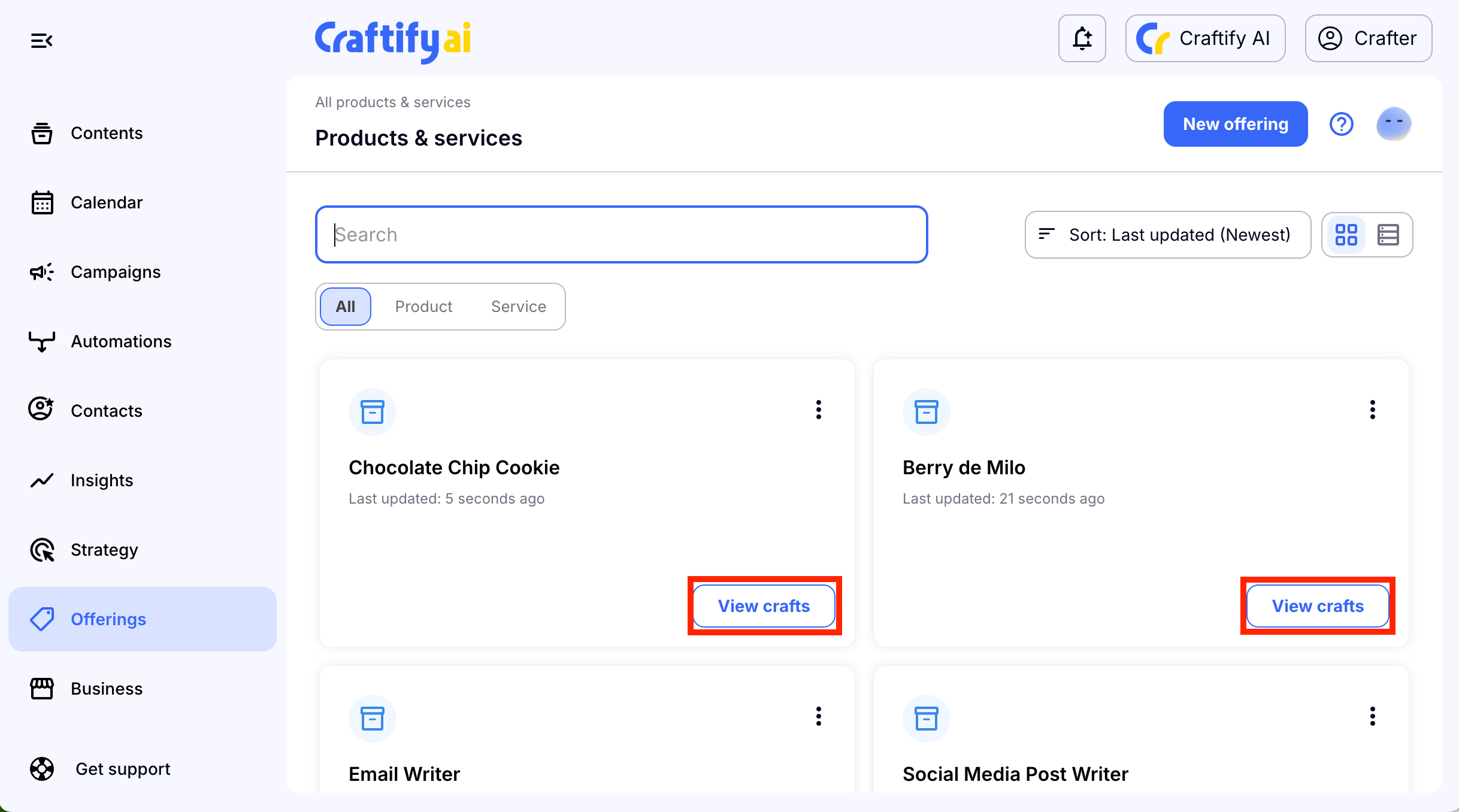
Now you can review and read all of the information that was scraped from your product or service link.
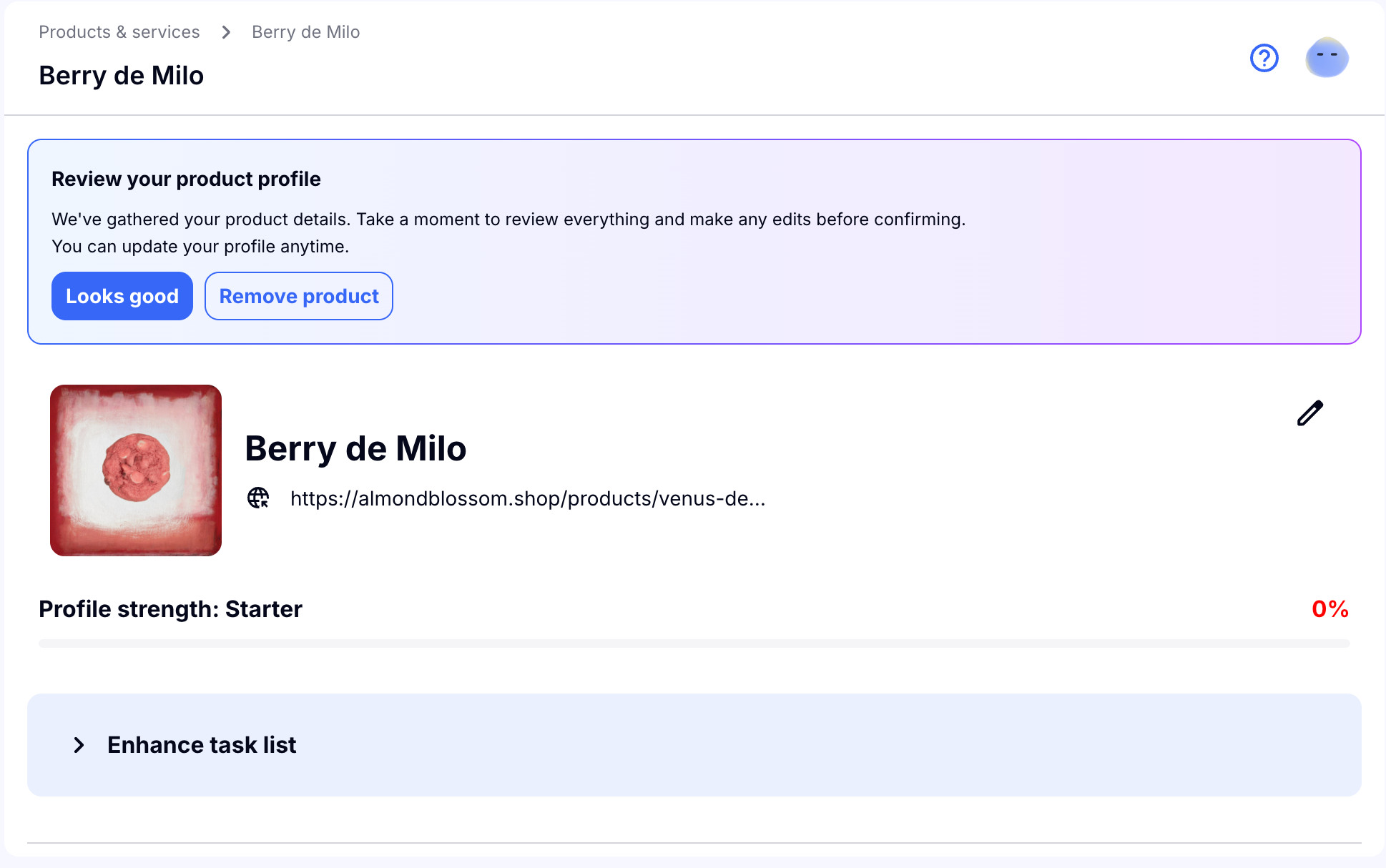
Craftify AI shows you a progress bar for how much information you have in your Product or Service. The higher the rating, the better your product or service craft will be. We give you a list of Enhancements that you can do to improve your craft.
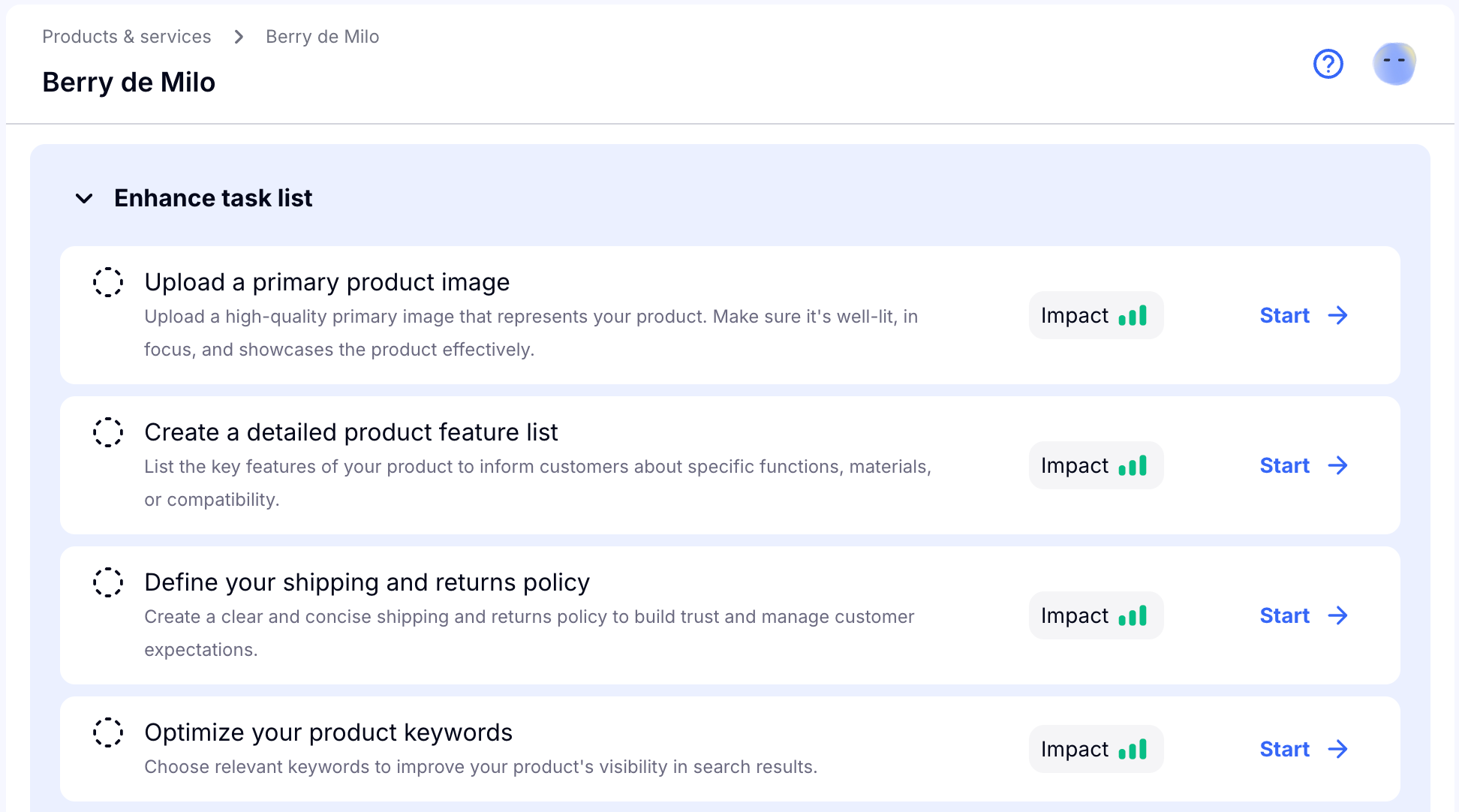
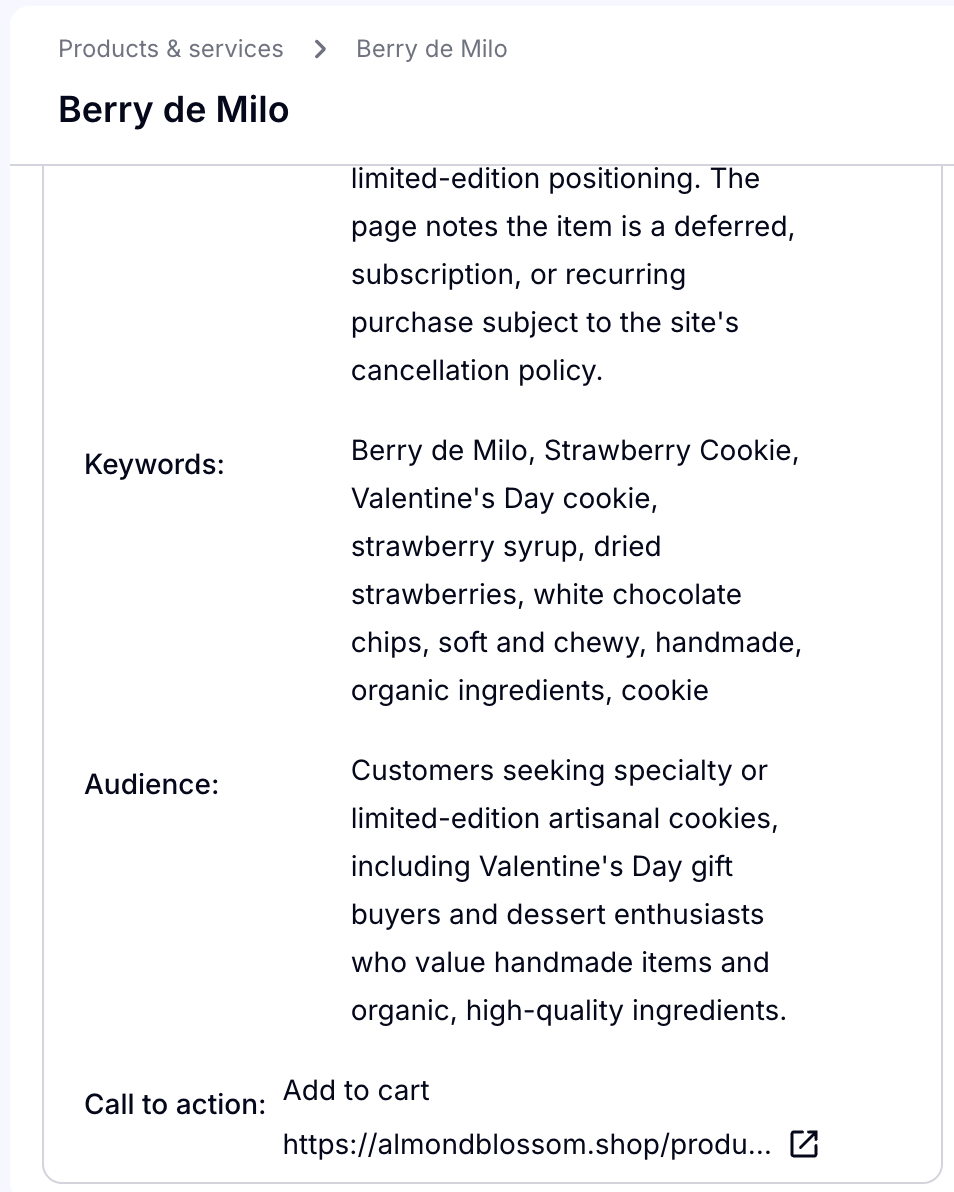
Scroll down and review all of the information that Craftify AI scraped and wrote about your product or service!
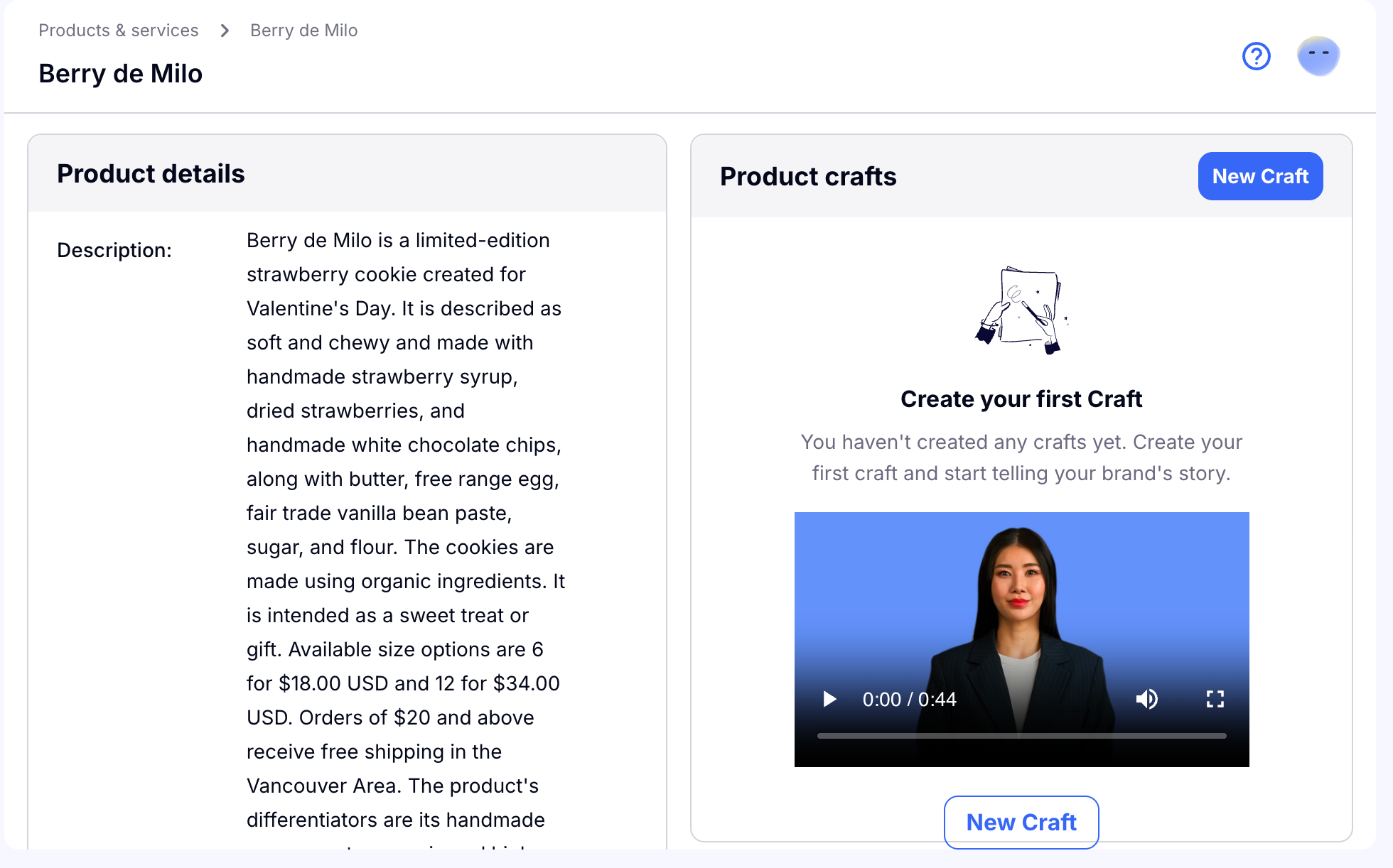
Even if you don't have this information on your link, Craftify AI is able to read into what you do have and find the best keywords for your SEO and creates a specific audience for your product or service.
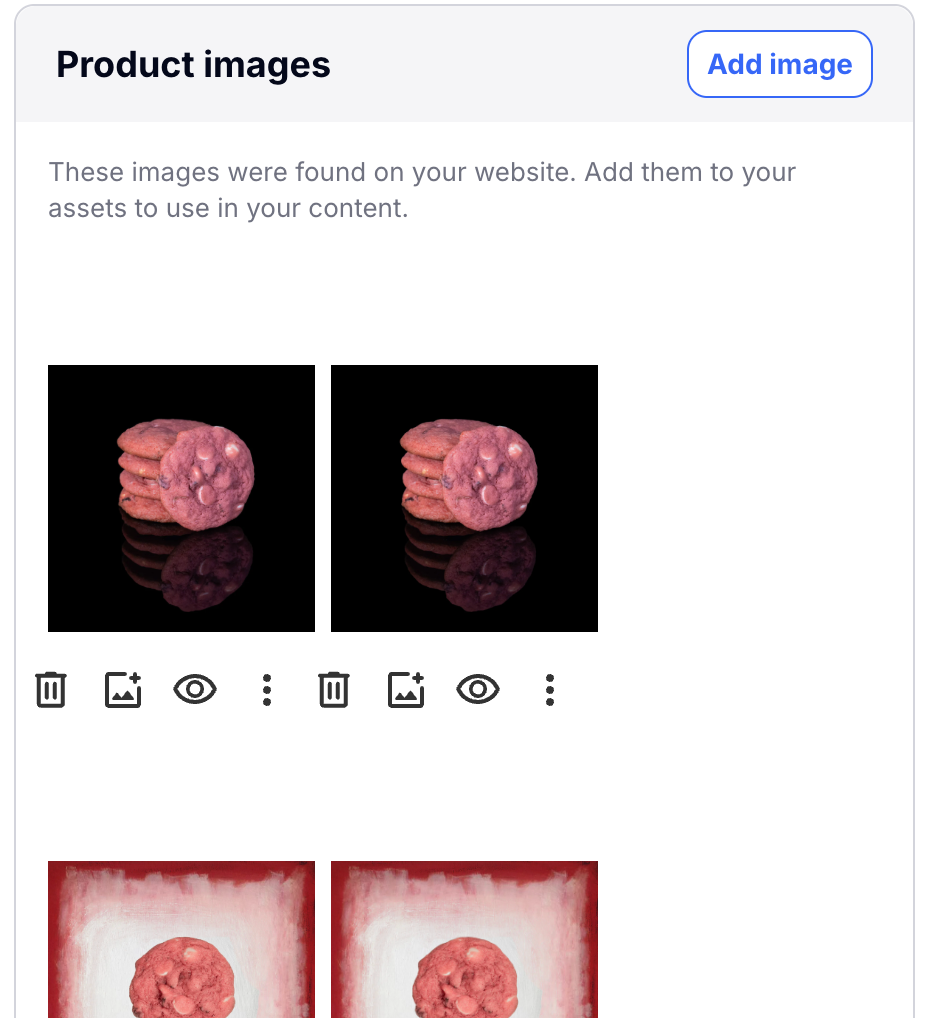
Scroll further and you can see the images that Craftify AI scraped off of your webpage. You can use these photos later for crafts like blogs and social media posts.
We recommend that you do as many of the tasks on the enhancement list that you can to create a dynamic and full profile for your product or service. Once it is ready, you have a great context to use for other marketing crafts. You also have great information to improve your webpage!
Step 2A: If you don't have a product/service link already start here!
If you don't already have a product or service page, don't worry! By creating this craft you will have the best info to use to make your webpage.
Start off by choosing if you're creating a Product or a Service for this craft.
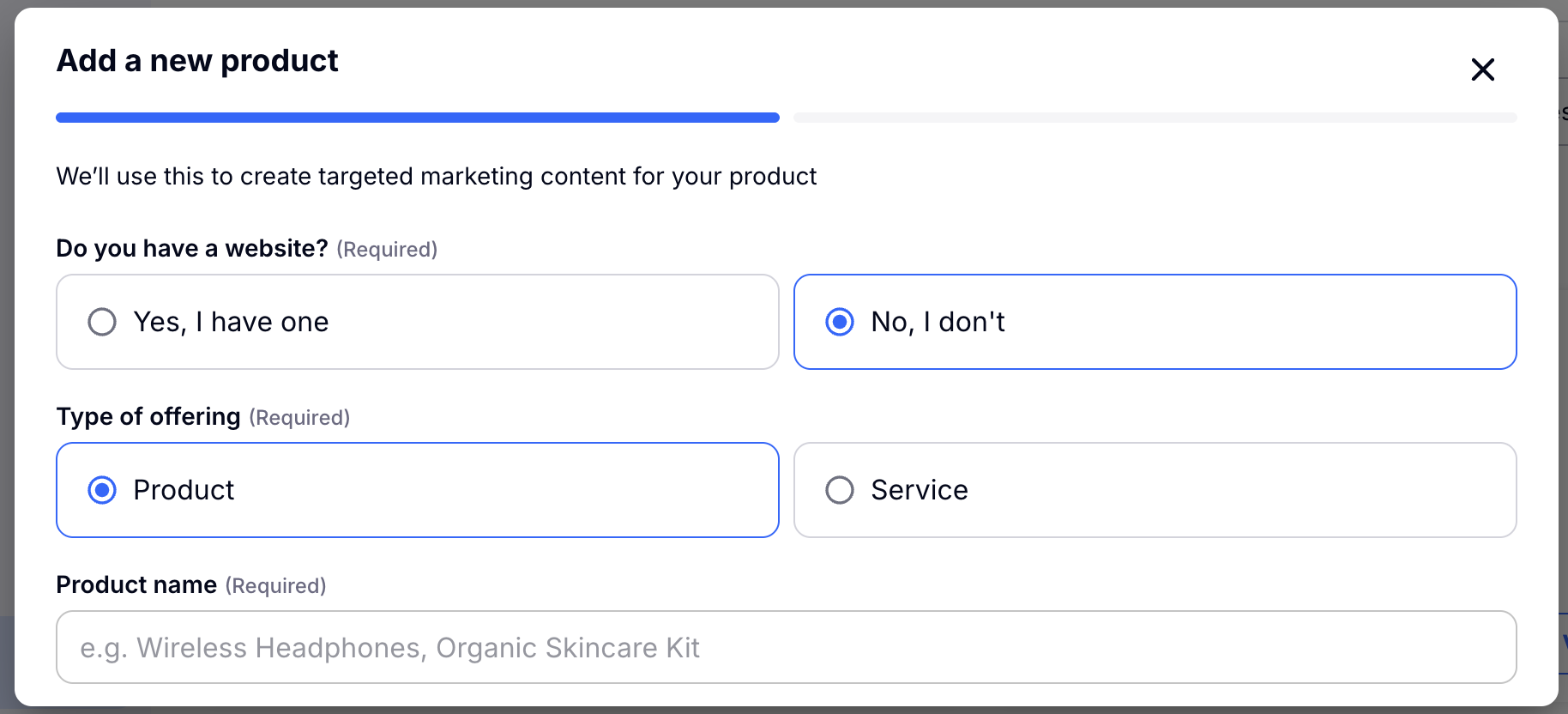
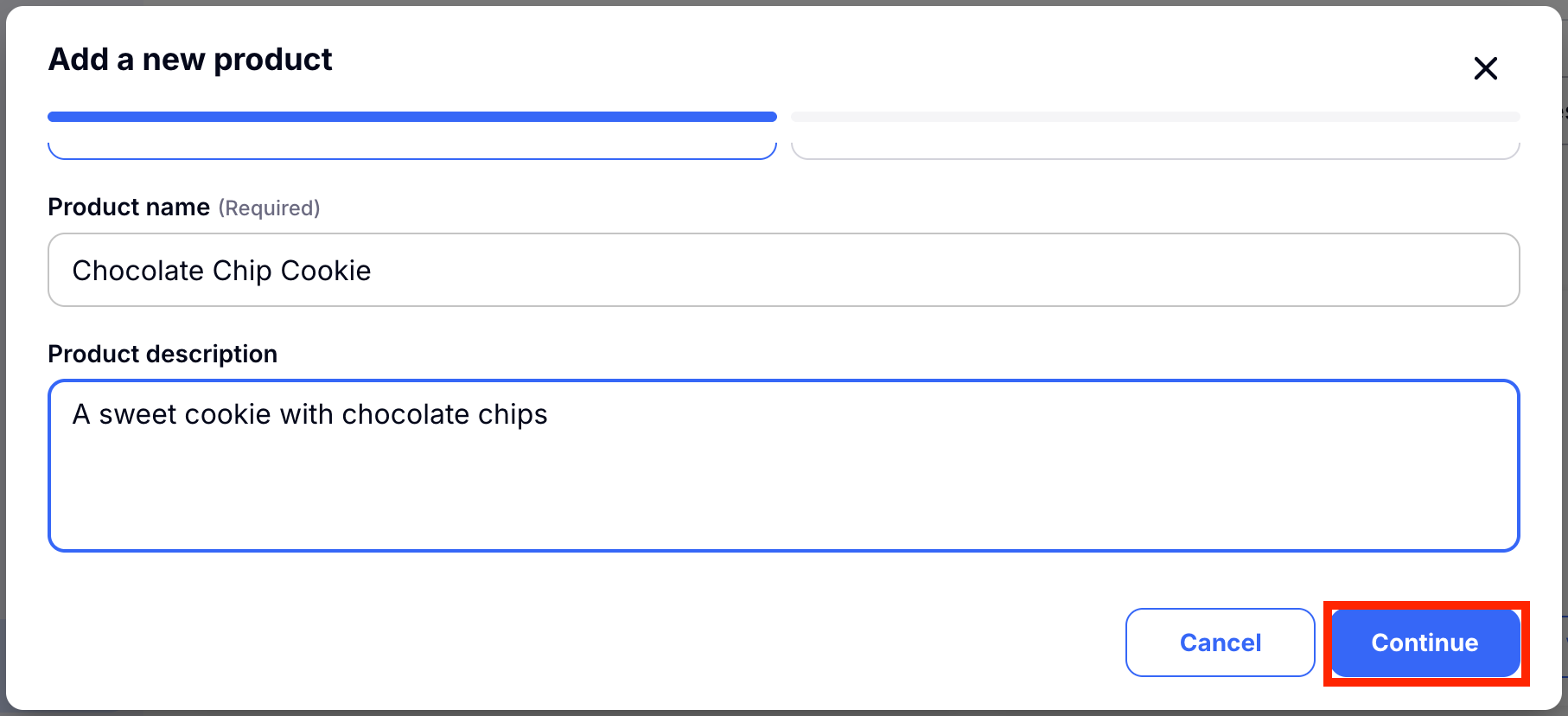
Then give your product or service a name and a description. Don't worry about writing full sentences or descriptions here. Give the gist, or your list of ideas and Craftify AI will craft a great description for you in the next step.
Click 'Continue' to make your product or service.
Step 3A: Open up the Product or Service created for you from the menu and review.
Choose the product or service that you just created.
Inside you will find a blank product or service ready to be crafted! You can use the enhancements task list to get going to fill your craft with all of the information necessary to build a great profile for your product or service.
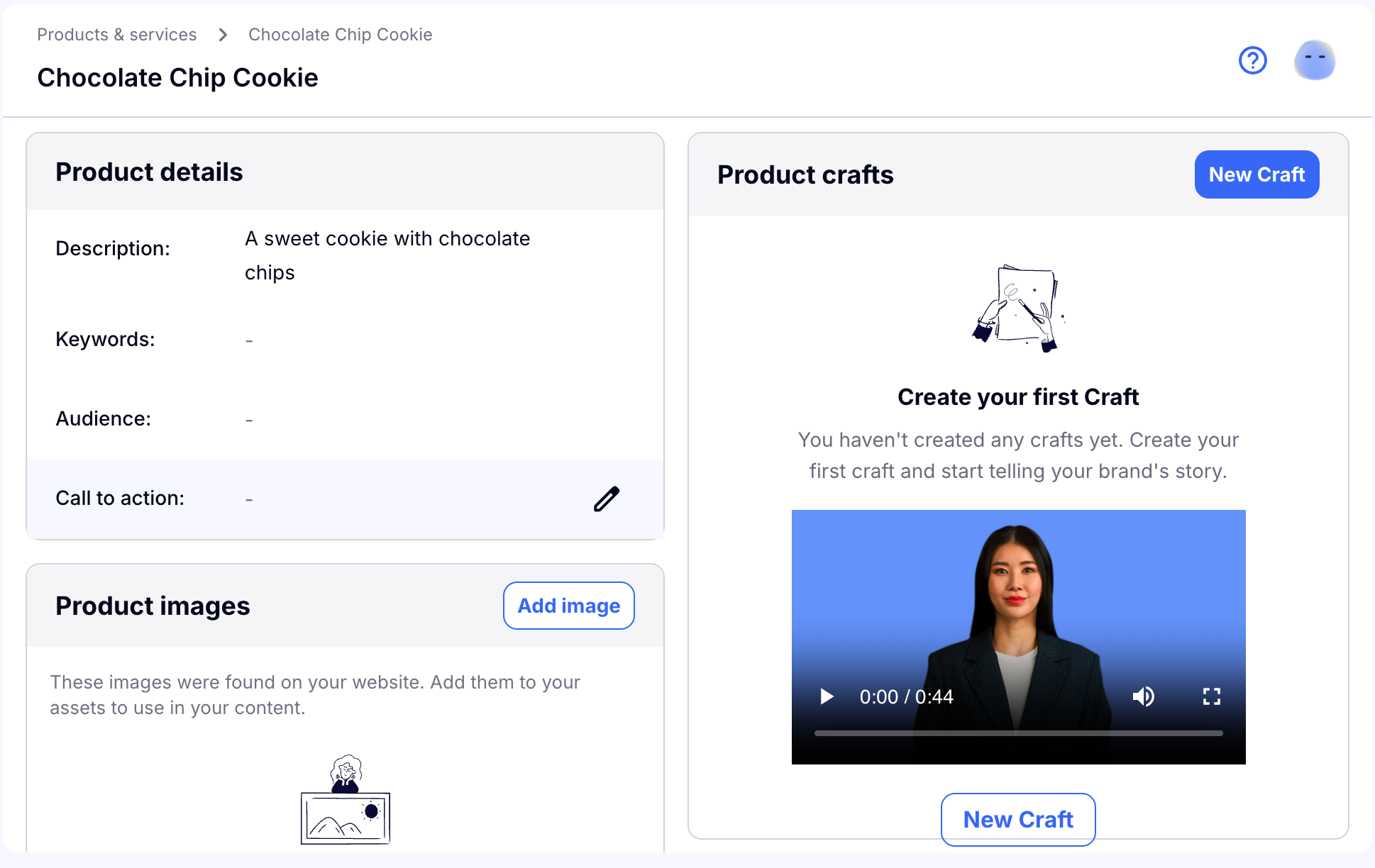
We recommend that you do as many of the tasks on the enhancement list that you can to create a dynamic and full profile for your product or service. Once it is ready, you have a great context to use for other marketing crafts. You also have great information to improve your webpage!
Step 4: Create a Craft based on your Product or Service
From inside of your product or service you can directly create a craft that uses your product or service as context.
To start, open your product or service and under the Product/Service Crafts section, choose 'New craft.'
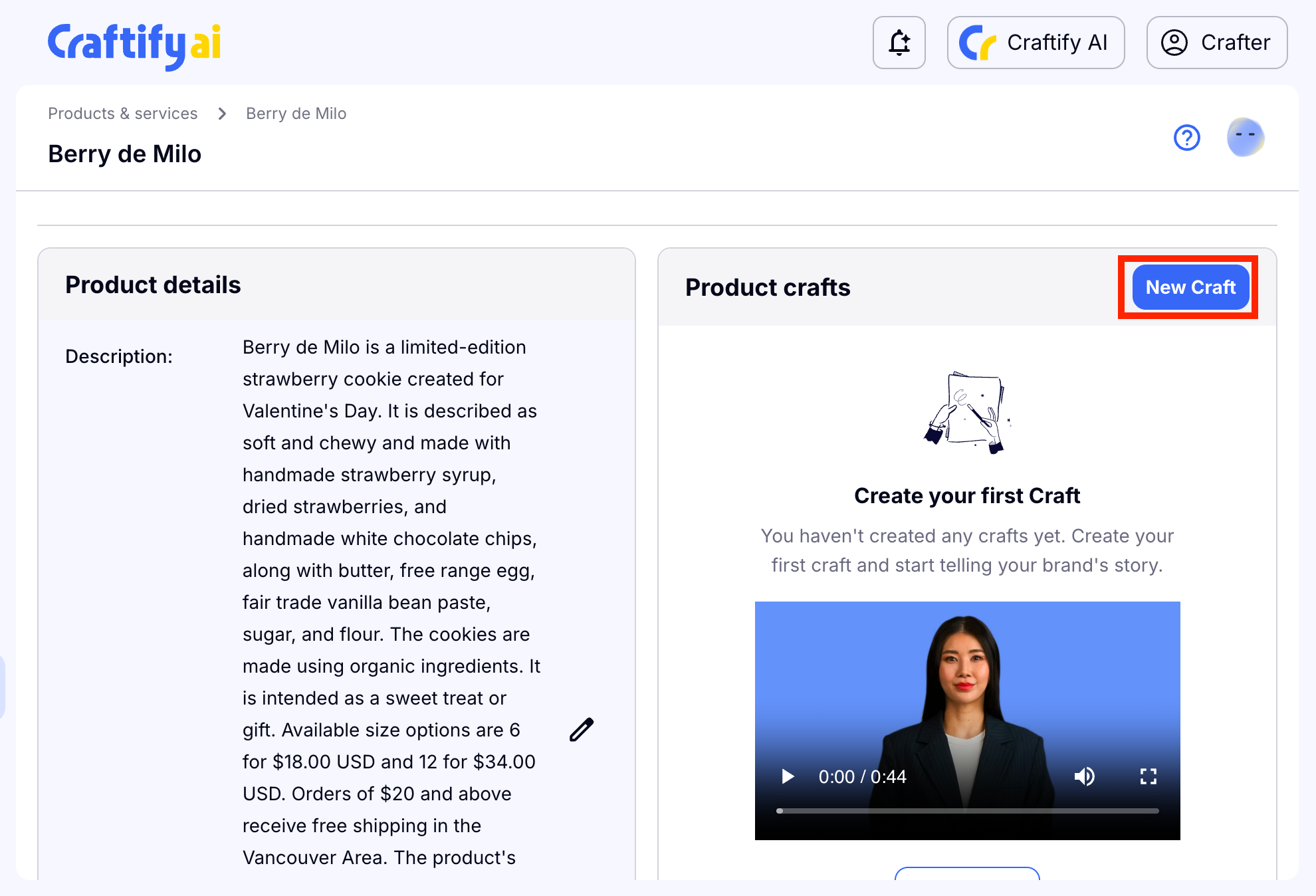
From there you can choose the craft you would like to use with the product or service as context.
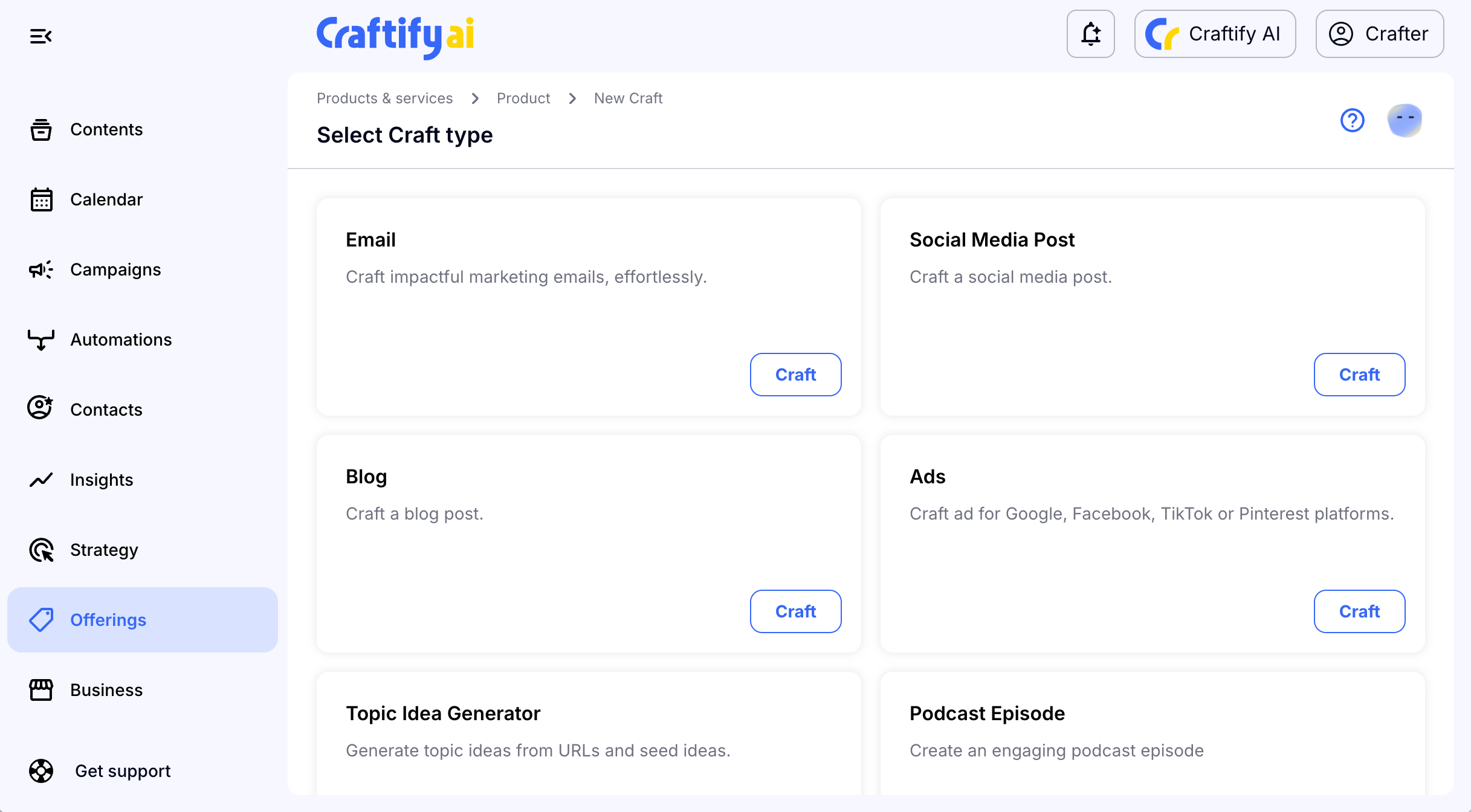
Visit Craftify AI Academy Tutorials to find all the relevant tutorials on how to use these crafts!

