Google Calendar Integration Tutorial
- Connect Google Calendar so leads can see your real availability
- Log in to Craftify AI and go to your Settings
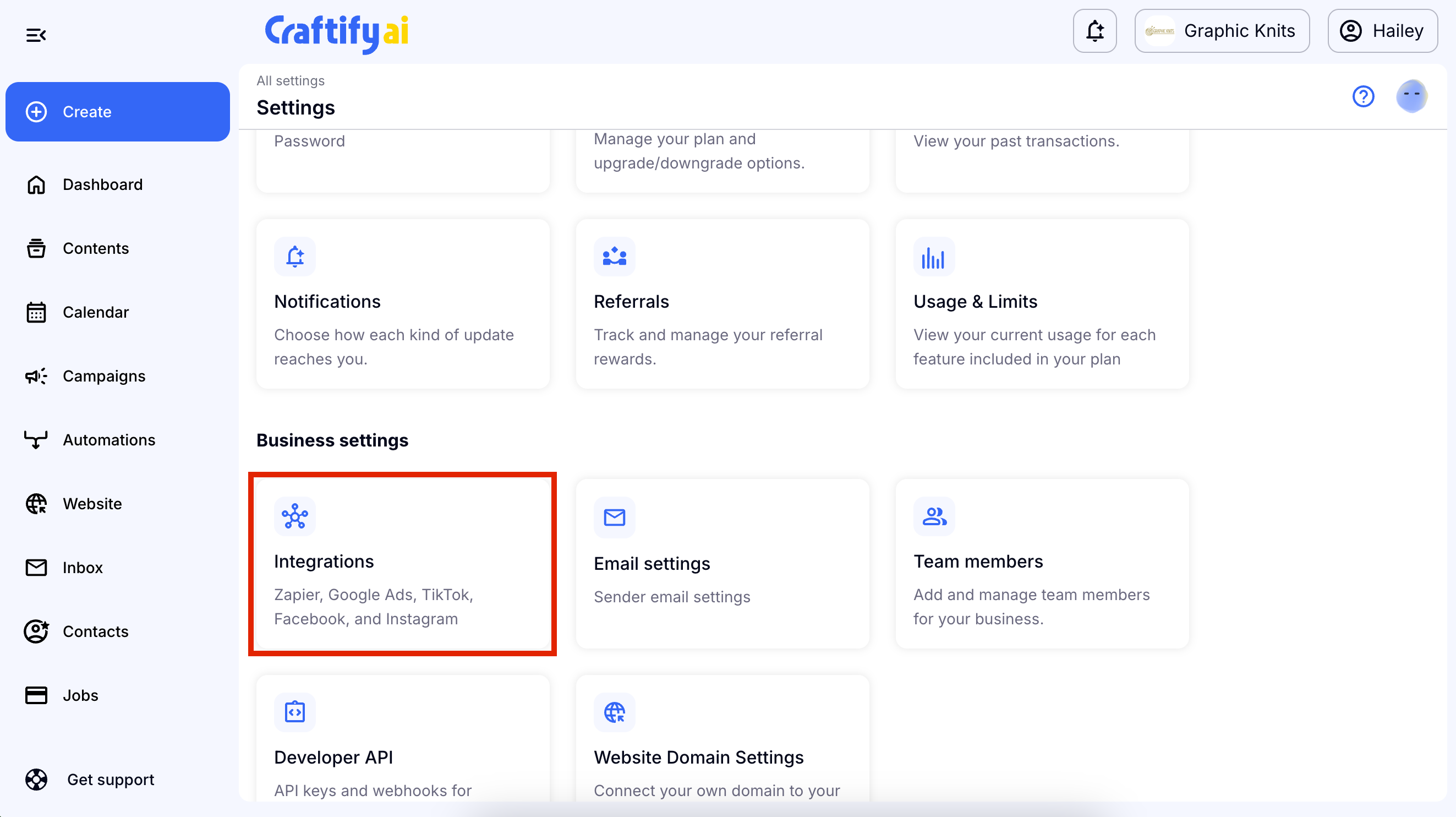
- Scroll down to Business Settings and choose Integrations
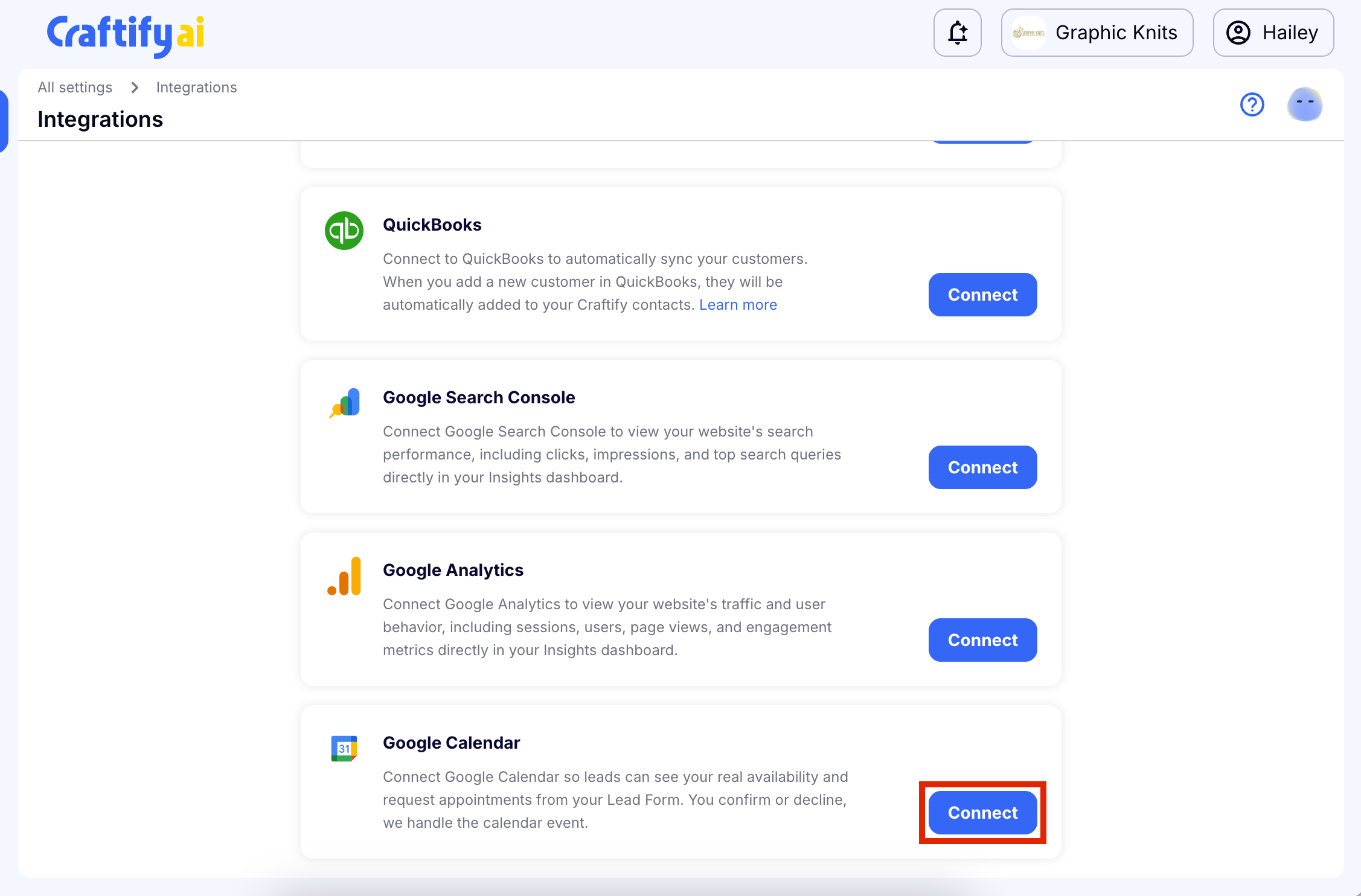
- Find the Google Calendar Integration and choose Connect
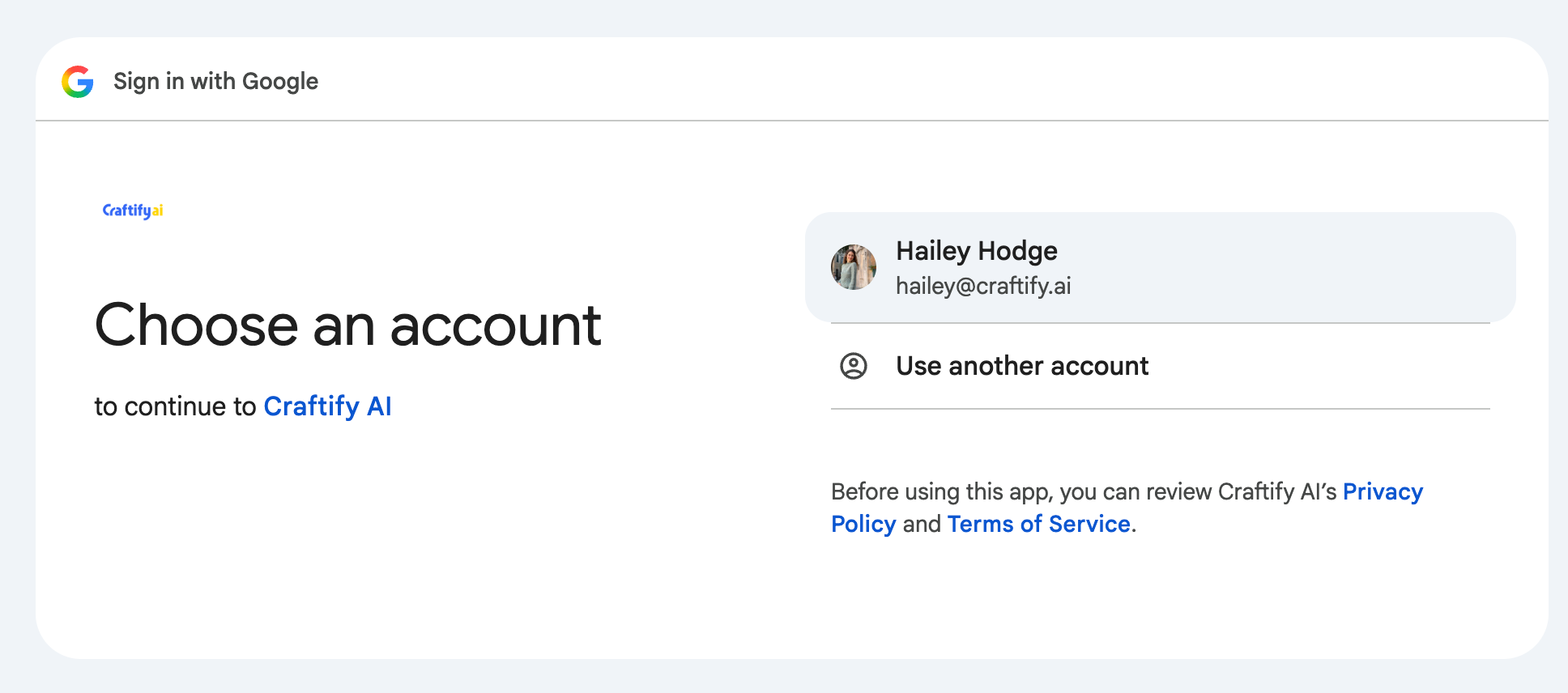
- Log in to your Google account that is associated with your Google Google Calendar.
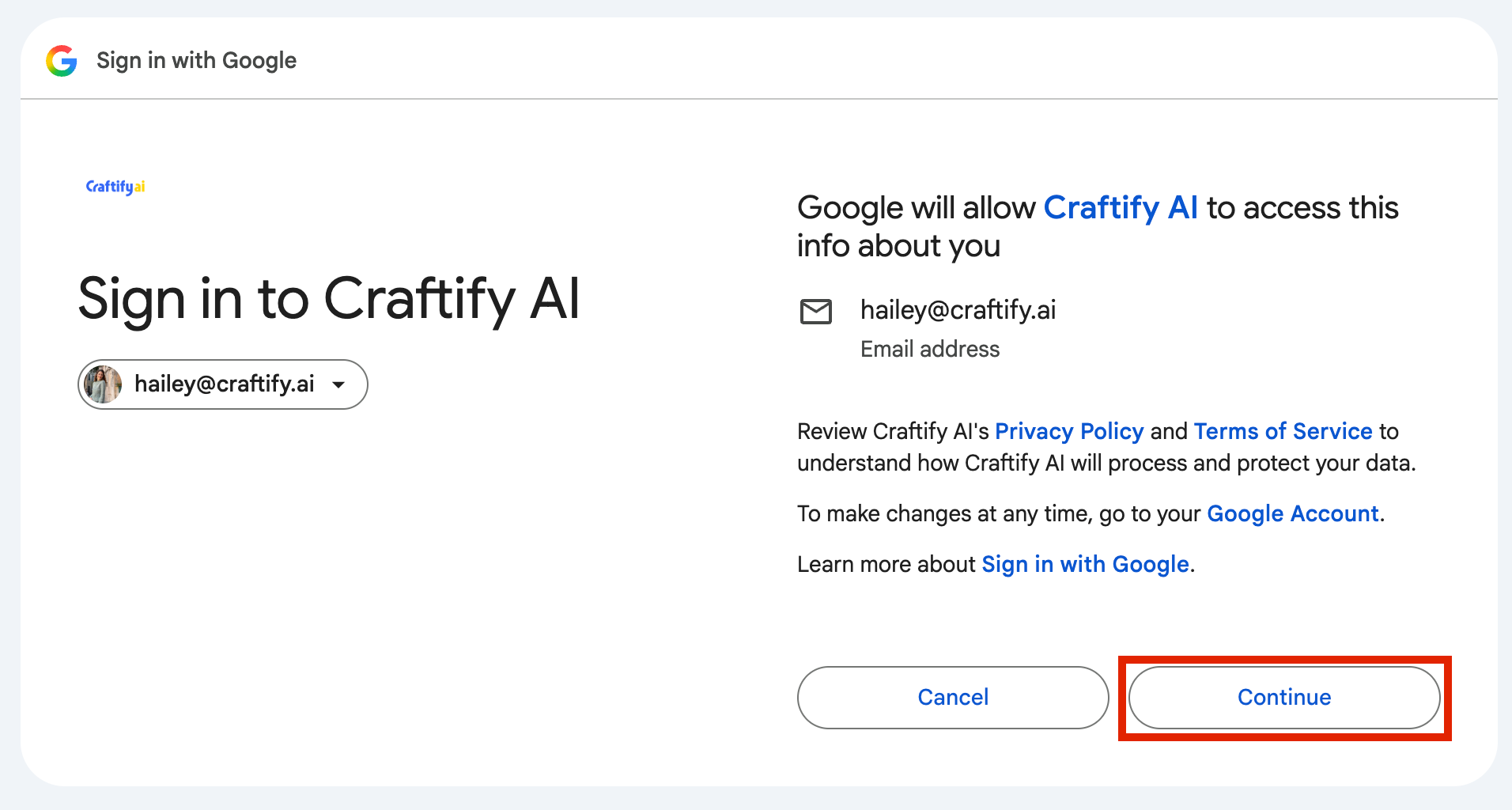
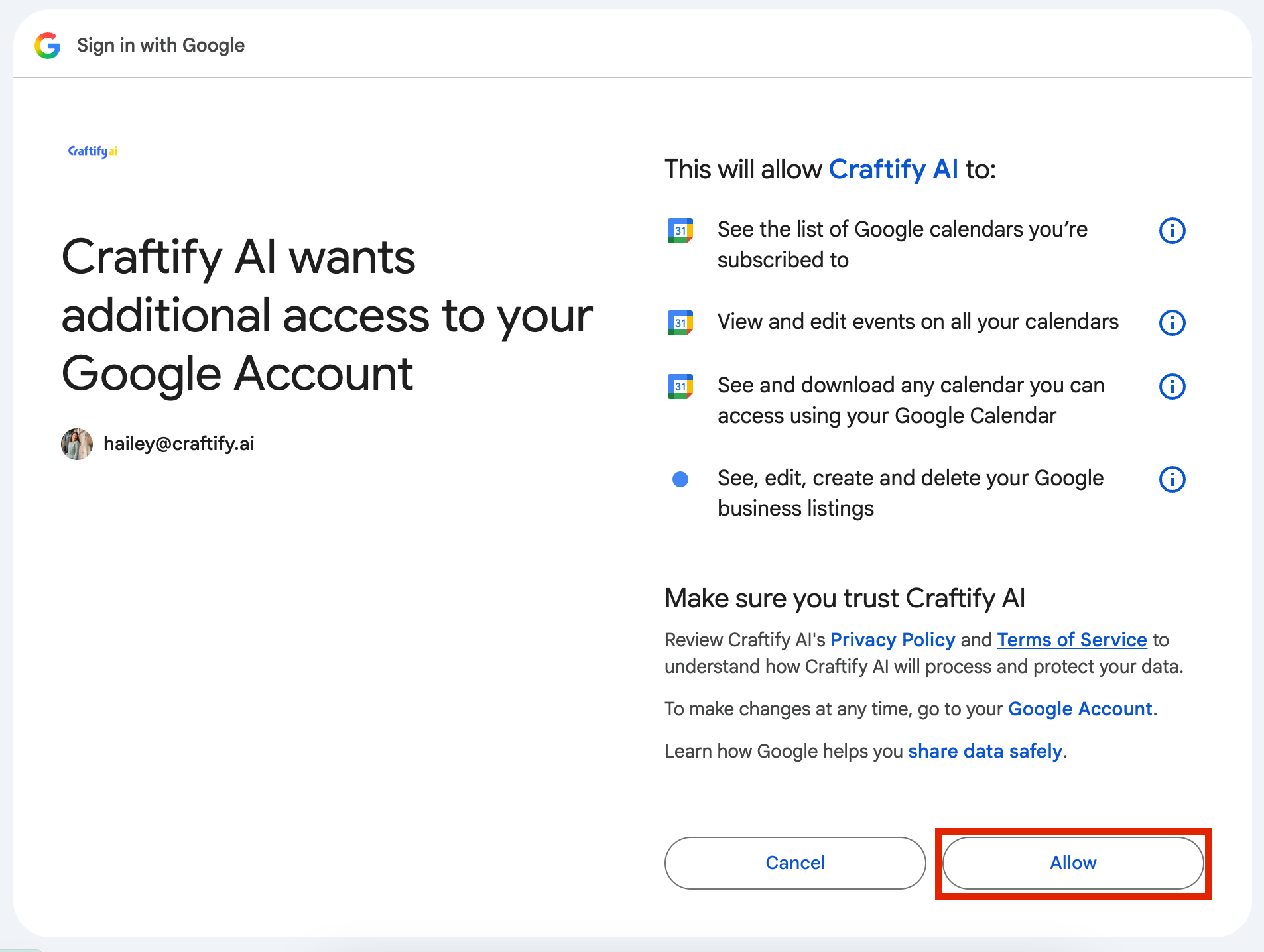
- Accept the Terms from Google to set up the Integration by choosing 'Continue' and then 'Allow.'
- All done! Your integration is set up in Craftify AI!
Connect Google Calendar so leads can see your real availability
Once connected your leads can also request appointments from your Lead Form! You confirm or decline, Craftify AI handles the calendar event.
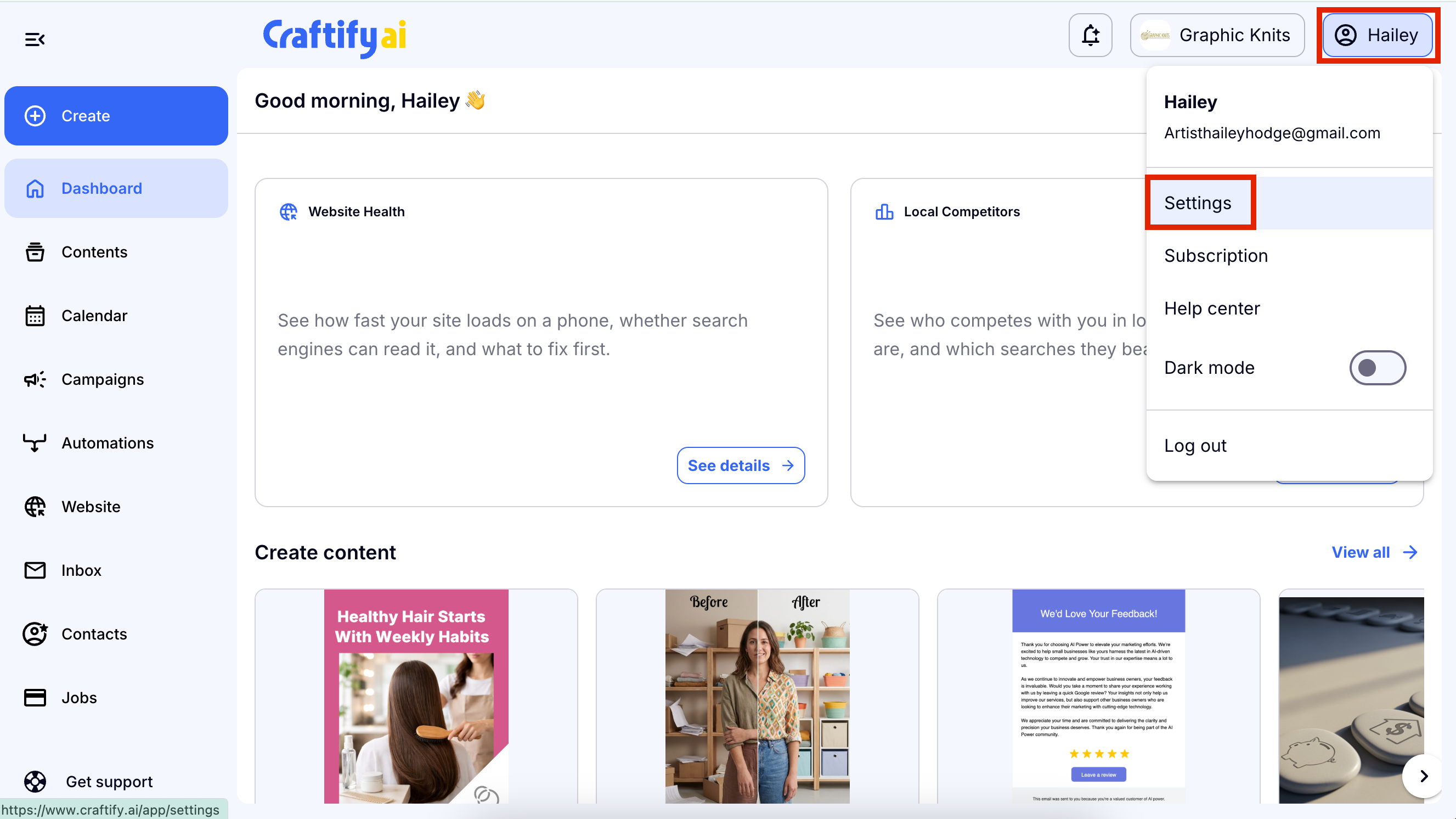
Log in to Craftify AI and go to your Settings
Scroll down to Business Settings and choose Integrations
Find the Google Calendar Integration and choose Connect
Log in to your Google account that is associated with your Google Google Calendar.
Accept the Terms from Google to set up the Integration by choosing 'Continue' and then 'Allow.'
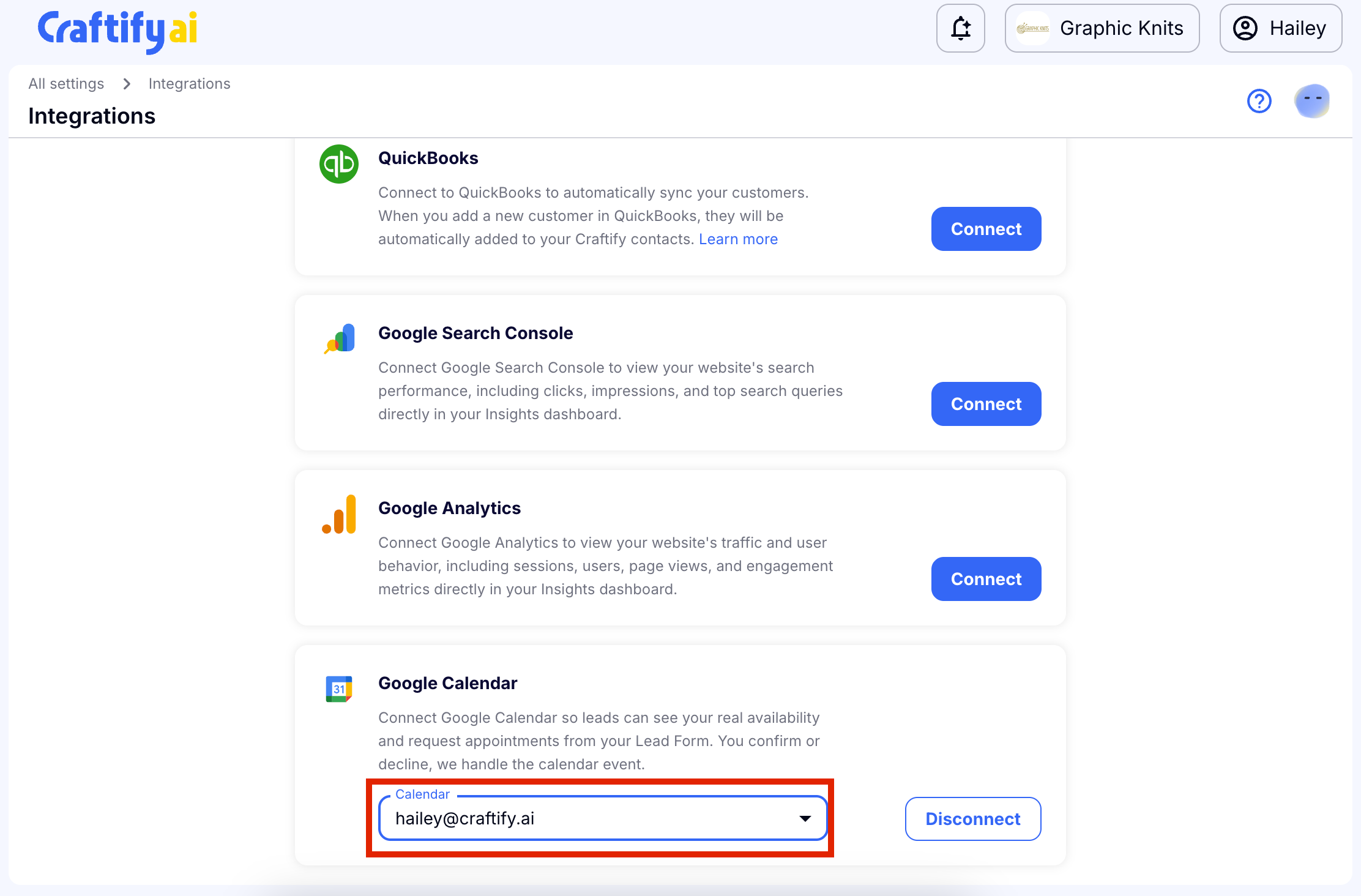
All done! Your integration is set up in Craftify AI!
If you have multiple Google Calendars under the same account you can toggle between which one you would like to use.