Boost Small Business ROI: How Heatmaps Reveal Customer Behavior
- Why Heatmaps Matter for Small Business Websites (and Your Marketing ROI)
- How Website Heatmaps Work: Clicks, Scrolls, and User Paths Explained
- Step‑by‑Step Heatmap Audit: Finding Friction, Dead Clicks, and Missed Opportunities
- Turning Heatmap Insights into Action: Smarter Content Creation and AI Marketing Wins
- Bringing It All Together: A Repeatable Heatmap Audit Routine for Small Business Growth
Why Heatmaps Matter for Small Business Websites (and Your Marketing ROI)
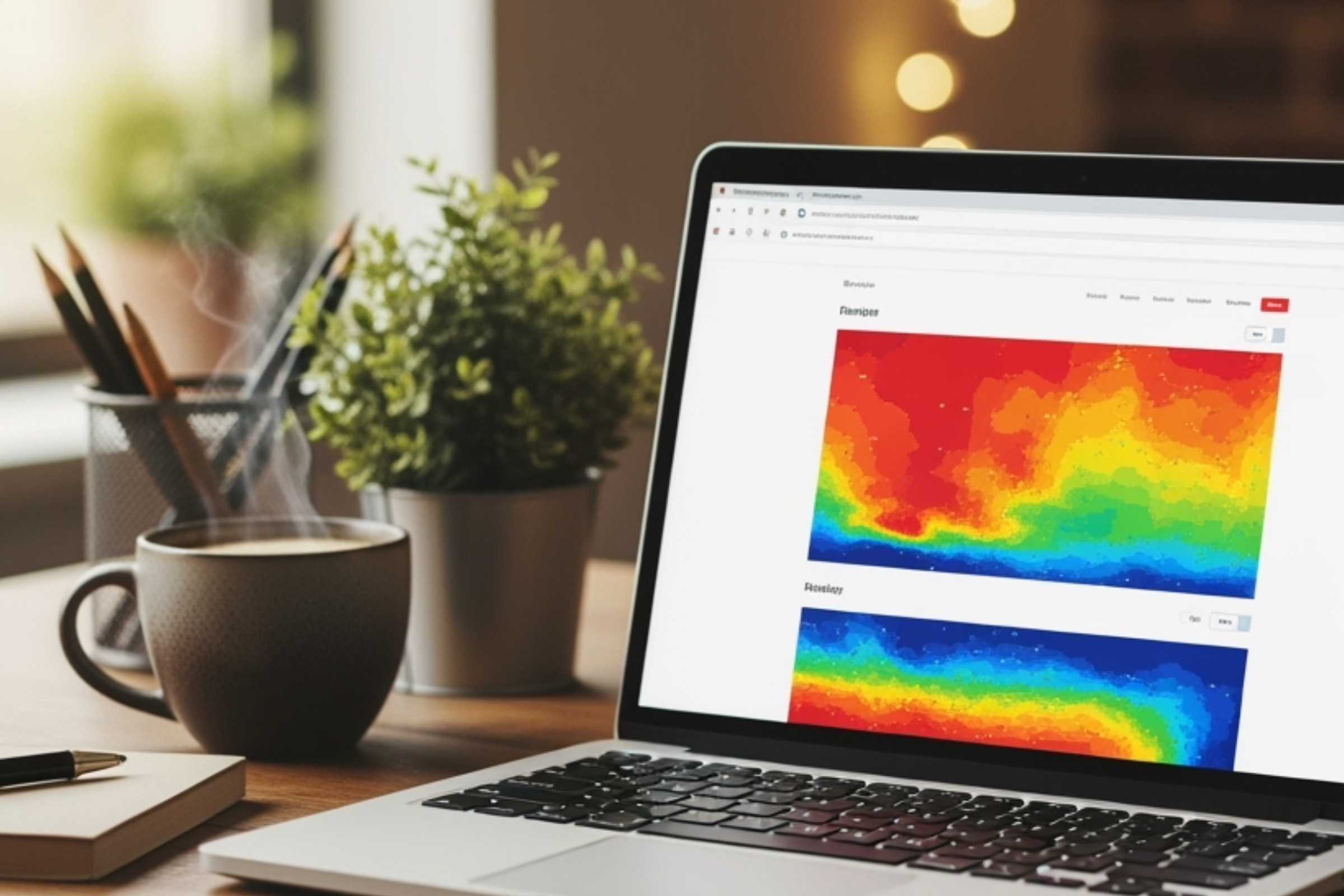
Understanding how visitors interact with your website is crucial, especially for small business owners aiming to maximize every marketing dollar. This is where heatmaps come in. Heatmaps are powerful visual tools that show precisely where users are clicking, scrolling, and lingering on your site—instantly highlighting which content grabs attention and which areas get overlooked.
For small businesses, where resources and time are at a premium, heatmaps provide an efficient, data-driven approach to website improvement. Instead of guessing what your audience wants or needs, you gain a clear picture of real customer behavior. This means you can quickly spot friction points—places where visitors get confused, hesitate, or abandon their journey—and address them before they impact your sales.
Even seemingly minor website changes, like repositioning a call-to-action button or clarifying a service description, can lead to measurable lifts in conversions when informed by heatmap data. By systematically identifying areas of high engagement and dead zones, small business owners can prioritize updates that make the biggest difference to their marketing ROI. Ultimately, heatmaps offer a straightforward yet impactful way to connect website performance directly to your bottom line, turning every site visit into a smarter business opportunity.
How Website Heatmaps Work: Clicks, Scrolls, and User Paths Explained
Website heatmaps are data-visualization tools that map how users engage with your site. They transform raw behavioral data into intuitive color-coded graphics, making it easy to understand at a glance where people focus their attention—and where they drop off.
There are several types of heatmaps, each offering a unique layer of insight:
- Click Heatmaps: These show where users click, tap, or press on your site. Hot colors (reds and yellows) indicate heavy interaction, while cooler tones (blues and greens) mark less frequently clicked areas. This type helps you see if your key buttons and links are getting the attention you expect.
- Scroll Heatmaps: These measure how far down visitors scroll on each page. If important content or calls to action sit below the “cold” zone, it might never be seen, signaling an opportunity to rearrange your layout.
- Movement and Attention Heatmaps: Some advanced tools track mouse movement or even estimate where users pause and focus. These heatmaps can reveal hesitation, confusion, or high engagement zones that aren’t captured by clicks alone.
By visualizing these behaviors, heatmaps let you move beyond assumptions about your user journey. You see the real paths people take, which features they’re drawn to, and where their progress stalls. This empowers you to make informed changes that boost engagement, whether you’re optimizing for lead capture, online sales, or content discovery.
Step‑by‑Step Heatmap Audit: Finding Friction, Dead Clicks, and Missed Opportunities
Ready to get hands-on with heatmaps? Running a heatmap audit is simpler than you might think, and it can quickly reveal where your website delights or frustrates visitors. Here’s how to get started:
1. Pick Your Heatmap Tool: First, choose a user-friendly heatmap tool that fits your needs and technical comfort. Many solutions offer easy installation, often just requiring you to add a snippet of code to your website.
2. Select Your Most Important Pages: Focus your audit on the pages that matter most to your business goals—think your homepage, service pages, contact forms, and top-performing landing pages. These are the places where engagement matters most.
3. Collect and Review Data: Allow the heatmap tool to gather data over a meaningful period, typically one to two weeks, depending on your traffic volumes. Once you have enough insights, dive into the visuals. Pay close attention to hot spots and cold zones.
4. Uncover “Dead Clicks” and Friction: Look for places where users are clicking but nothing happens—these “dead clicks” can indicate confusing design or unmet expectations. Also, note where users stop scrolling or seem to leave the page; this is often where friction is halting their journey.
5. Identify Missed Opportunities: Are high-value buttons or links being ignored? Is key content buried too far down? These discoveries point to opportunities for repositioning, redesign, or clearer calls to action.
A systematic heatmap audit doesn’t just highlight problems—it reveals opportunities to streamline your user experience, making it easier for visitors to connect, buy, or inquire. For small businesses, these insights can mean the difference between a bounce and a new loyal customer.
Turning Heatmap Insights into Action: Smarter Content Creation and AI Marketing Wins
Heatmap data is only valuable when it leads to real website improvements. Once you’ve uncovered where visitors engage, hesitate, or get lost, it’s time to act—transforming insights into tangible upgrades that drive business growth.
Start with your most actionable findings. If your heatmap reveals that a booking button is overlooked, consider moving it higher on the page or making it more visually prominent. If visitors aren’t scrolling to your testimonials or service details, bring that content closer to the top or break it into digestible sections. These targeted tweaks, grounded in real user behavior, can instantly boost engagement and conversions.
For content creation, heatmap insights help you focus your efforts. Are visitors spending time reading about certain services? Double down on those topics in your next blog post or video. If a specific product description or offer consistently draws clicks, use AI-powered tools—like a Smart Editor or an assistant such as Craft Buddy—to quickly spin up new content or refresh old copy, ensuring your messaging stays relevant and attention-grabbing.
Heatmaps can also inform your broader marketing strategy. By continuously learning which elements of your site resonate, you can personalize future campaigns, optimize landing pages, and even guide the direction of AI-driven content recommendations. For small businesses, this means less wasted effort and more targeted, effective marketing—all with the confidence that your changes are backed by real user data.
Bringing It All Together: A Repeatable Heatmap Audit Routine for Small Business Growth
Implementing a one-time heatmap audit is a great start, but the real magic happens when you make this process part of your ongoing business routine. By regularly reviewing how visitors interact with your site, you ensure your website keeps up with changing customer needs and digital trends.
Set a schedule—quarterly or after launching new campaigns—to run new heatmap audits. Pair this data with other key metrics like conversion rates, average session time, and bounce rates. This holistic view gives you even deeper insight into what’s working and where to focus your next round of improvements.
Invite your team, partners, or even trusted customers to help review findings. Different perspectives often uncover overlooked opportunities. Keep a simple log of each change you make, along with the heatmap data that inspired it and any shifts in key performance indicators. This turns every update into a learning opportunity, building a stronger, more effective site over time.
Most importantly, foster a mindset of experimentation and growth. The small business landscape is always evolving, and so are your visitors’ expectations. By embracing a repeatable, data-driven audit routine, you’re not just fixing problems—you’re empowering your business to adapt, innovate, and thrive in an AI-driven marketing world.

